Teachers mold the future. Isn’t it nice to show them how important they are? Learn how to create custom teacher appreciation certificates and download free templates as well.
Making Teacher Appreciation Certificates
If you have Microsoft Word or Publisher, it is quite easy to make your own certificates for teacher appreciation. You can make use of the free certificate templates available within either Word or Publisher and tailor it to suit your needs.
You can also create one from scratch. Start with a blank page in landscape orientation. Add a decorative page border to make the page look fancier. Type in the reason for the certificate, the teacher’s name and the date. Include a signature line so that you can show from whom the teacher is receiving the certificate. Add graphics such as clip art to make the document even more eye-catching.
Print the completed certificate onto heavy paper such as card stock, or use light colored paper such as pale blue or parchment paper.
Another option is to utilize one of the following free teacher appreciation certificate templates. There are templates for Publisher as well as Word, and you can customize them to make them your own.
Click on any image to enlarge it.
Simple Teacher Appreciation Certificate for Word
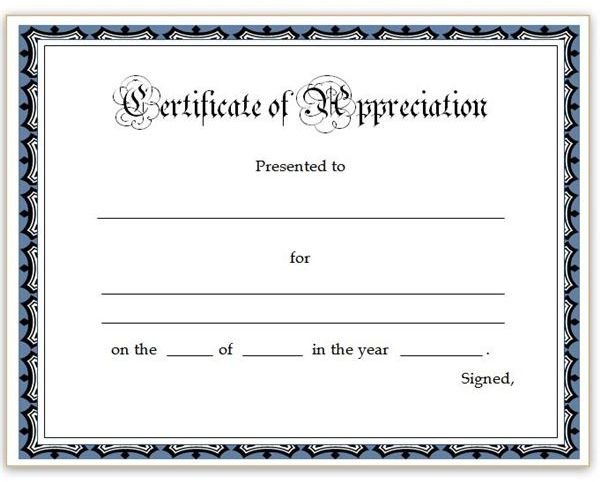
If you are looking for a basic certificate that looks polished and professional, this might be the template for you. This certificate has a decorative blue and white border and the words “Certificate of Appreciation” across the top in a calligraphy font . There are lines onto which you can type the teacher’s name, the purpose of the certificate, the date and your signature. You can also print the certificate and hand-write this information, if you prefer.
Download Page: Simple Teacher Appreciation Certificate for Word
Teacher’s Desk Certificate for Word
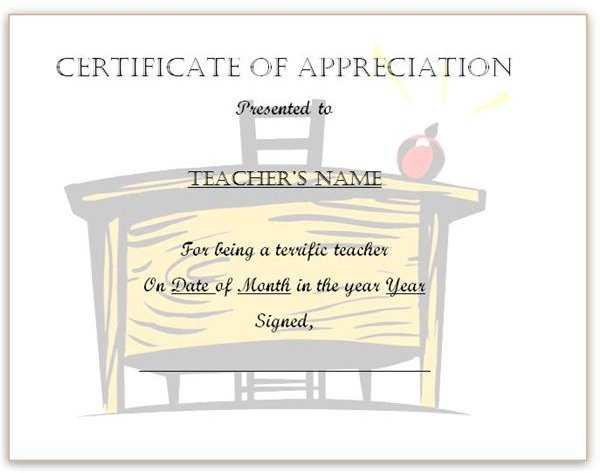
This certificate, also for Microsoft Word, is a bit more fun and colorful. It features the image of a desk with a shiny red apple on it in the background, while the foreground includes the words “Certificate of Appreciation” in a striking all-caps font. The rest of the certificate reads, “Presented to (Teacher’s Name) for being a terrific teacher. On (Date) of (Month) in the year (Year). Signed, (Your Name).”
Replace the sample text with your teacher’s name, the date of the award and your name. You can also leave the signature line blank to sign by hand for a more personal touch.
Download Page: Teacher’s Desk Certificate for Word
Apple Border Appreciation Certificate
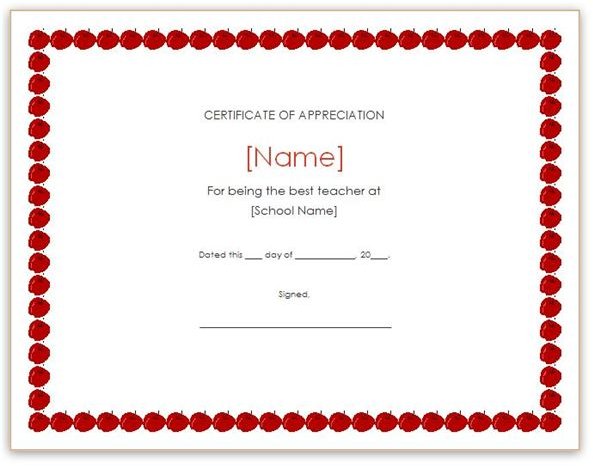
The third Microsoft Word template offered is another simple one. It features lines of bright, red apples bordering all four sides of the page. The main section of the document reads, “CERTIFICATE OF APPRECIATION” across the top with a field for the teacher’s name in the same bold red hue as the apples. The rest of the document states, “For being the best teacher at [School Name]. Dated this ____ day of ______________, 20____. Signed, ______.”
You can modify or remove the apple border of this certificate from the Borders and Shading dialog box.
Download Page: Apple Border Appreciation Certificate
Stars Teacher’s Certificate for Publisher
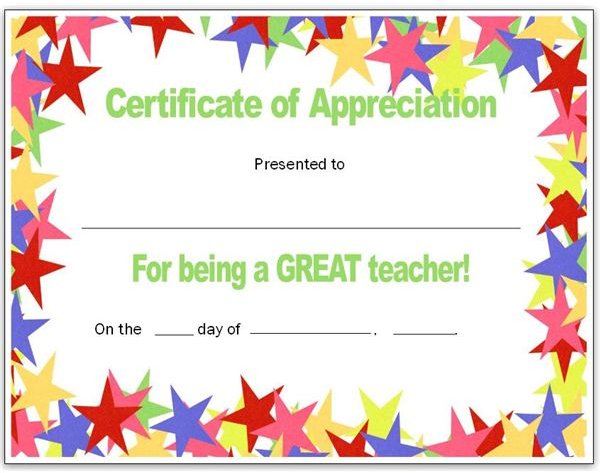
Let your favorite teacher know that you think he or she is a star. The bright stars around this Microsoft Publisher teacher appreciation certificate’s border is sure to bring a smile to your teacher’s face. Fill in the teacher’s name along with the date. The words “Certificate of Appreciation” and “For being a great teacher” are in the same cheery green as one of the stars surrounding the text.
Download Page: Stars Teacher’s Certificate for Publisher
Books and Apples Publisher Certificate Template
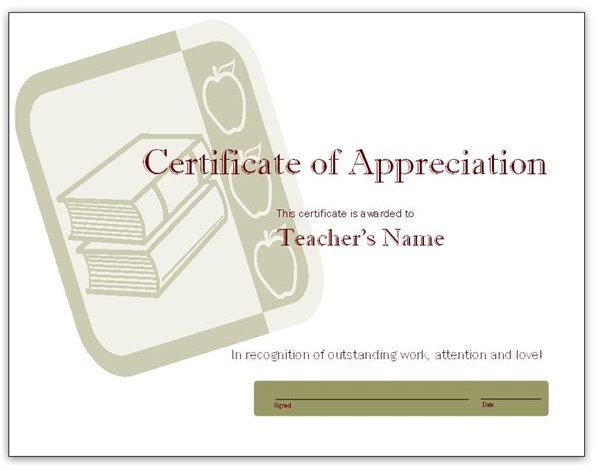
The next template offered for use in Microsoft Publisher is created in more subtle tones but still gets the message across that you think your teacher is the best. A simple graphic featuring a small stacks of books and an apple border in taupe and gray provides the background of this certificate. The text, in a complementary shade of maroon, stands out boldly over and slightly to the right of the image. It reads, “Certificate of Appreciation. This certificate is awarded to [Teacher’s Name] in recognition of outstanding work, attention and love!” An oblong box near the bottom of the page contains the signature and date line.
You can quickly change the appearance of this certificate by choosing another color scheme .
Download Page: Books and Apples Publisher Certificate Template
Red Apple Teacher Appreciation Certificate
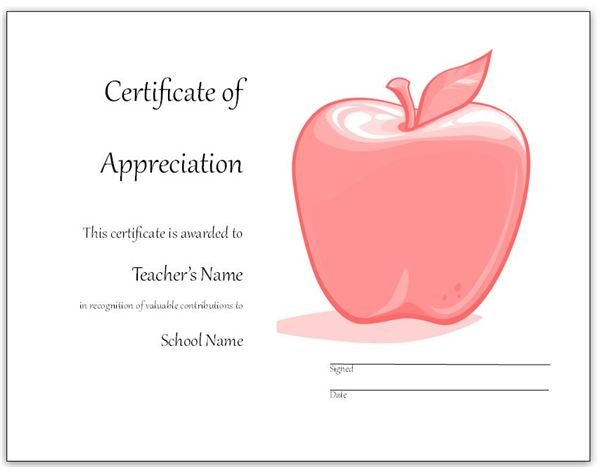
Give your favorite teacher a shiny red apple to treasure forever with this final Microsoft Publisher certificate. A large, red apple comprises most of the right side of this certificate. On the left, the template reads, “Certificate of Appreciation. This certificate is awarded to [Teacher’s Name] in recognition of valuable contributions to [School Name].” Of course, you can replace the text with your own wording on this or any of the above templates.
Download Page: Red Apple Teacher Appreciation Certificate
References
PTA: Teacher Appreciation Week
Images
Teacher with School Project: sxc.hu/Loretta Humble
Screenshots provided by writer


