InDesign scripts extend the power of Adobe InDesign by adding custom functions and actions that make creating powerful documents easier. Here you will find the top five useful InDesign scripts that can assist you during your daily routine.
Flux Eyedropper Plug-in
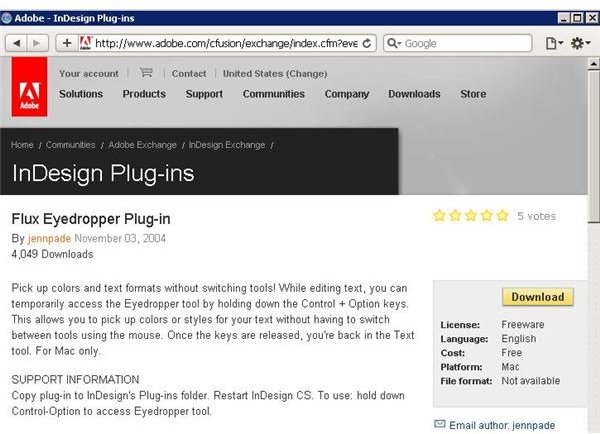
One of the InDesign scripts you will probably use often is the Flux Eyedropper Plug-in . This installs in Adobe InDesign on MacIntosh and
lets you switch to the eyedropper tool while working by holding down
Add a Page While Typing
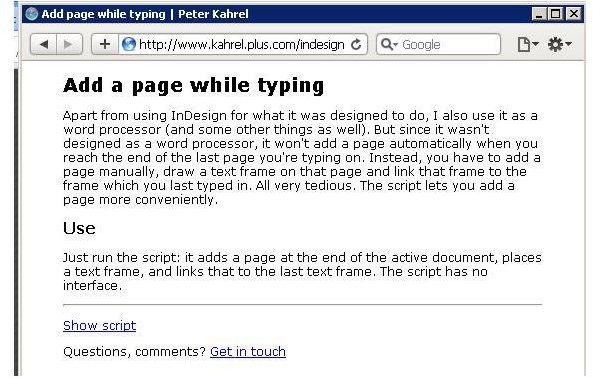
Add a Page While Typing is one of a number of useful InDesign scripts published by InDesign Scripts by Peter Kahrel . This particular script adds a page to the end of your document as you type, similar to the way a word processor works. This speeds the entry of text and the completion of your job. The script doesn’t have any user interaction: it simply adds a page creates a text frame, and then links to the previous page automatically.
Resize Images
Resize images is one of several InDesign scripts by Kasyan. This particular script will adjust the size of all the images in the active InDesign layout, setting them all to 100%. As the script works, it will update any links that have been changed. Any missing links are ignored.
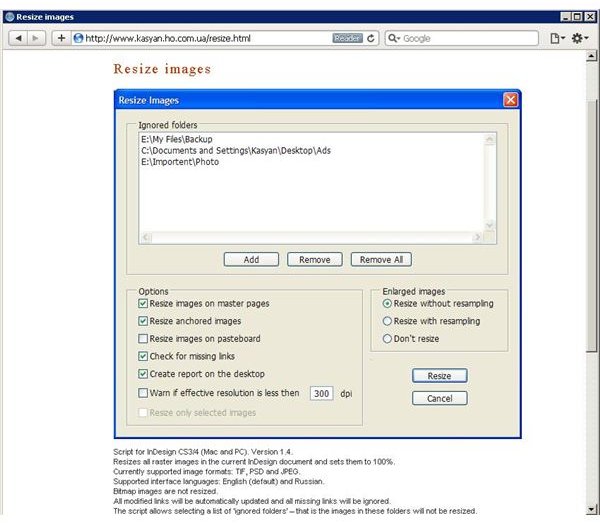
This plugin works with Macintosh and Windows versions of Adobe InDesign. It works with raster images, but not bitmaps, so keep that in mind as you work.
Justification Adjuster
Justification Adjuster will keep track of how many lines a paragraph has and then adjust the justification settings for it. The net effect is paragraphs that are free from widows and short lines, giving your work a professional appearance.
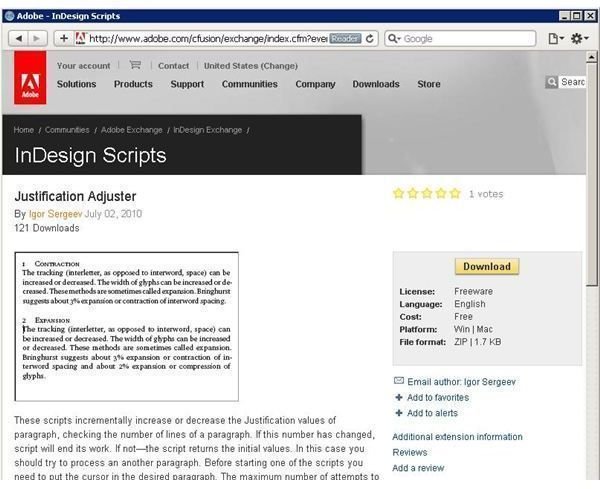
To use the script, place the cursor in the paragraph you wish to adjust. The script works by adjusting tracking and the width of glyphs. By expanding or contracting the spaces in between words by 3% and adjusting glyphs by 2%, the script finds a way to optimize text for a particular paragraph.
Compare Two Documents
Another one of the fabulous scripts from Kasyan is Compare Two Documents . This script will find even the most minute differences between two Adobe InDesign documents.
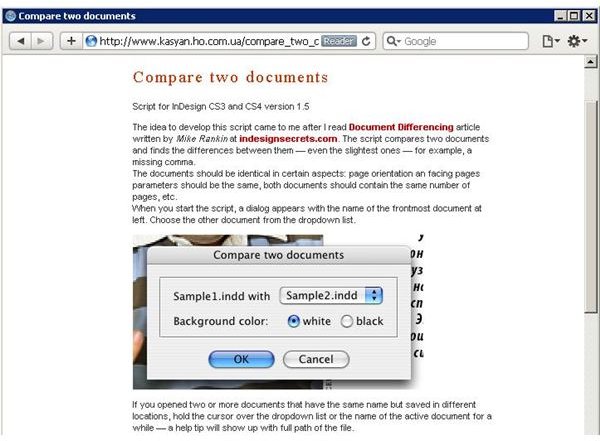
The intent of this script seems to be the discovery of differences between two revisions of a document because of it to work, many settings of the two documents should be similar. When the script runs, the user is prompted to enter the names of the two documents that are to be compared. The areas that differ between the documents will be easily distinguishable in a third document the script creates.
The description might seem a little confusing, but there are a couple demonstration documents at the author’s Web site that can help you understand how it works.It is good to learn all you can about InDesign scripts because doing so will help you in the long run with your desktop publishing needs.
Image Credits: Screenshots taken by Bruce Tyson


