Keeping the Windows Registry clean and running smoothly without errors is critically important for you to maintain a safe and secure PC environment on which to run applications and tasks. Here we mention some of the best Windows Registry Editor Utilities and PC Performance enhancing tools.
Common Windows Registry Problems
With the Windows Registry controlling every aspect of the Windows operating system experience it is crucial to have a registry that delivers clean instructions. However such is the dynamic and flexible nature of today’s PC’s, that everything from solitaire to monitoring satellites can be done from one workstation. As such it is no surprise that the modern day PC has serious issues with damaged and fragmented data, untidy hardware setups, halfway house application uninstalls and conflicting user preferences. This is a problem because any of the above can impact greatly on a PC’s performance. Creating a system that lacks speed, resilience, stability or worst of all crashes completely.
It is therefore beneficial to have a good windows registry housekeeping tool, and fortunately there are an abundance of software packages on the market that eliminate those problems we so often see;
- Runtime Errors… Problems executing a program.
- ActiveX Errors… Mis-configured system files and browser settings.
- System32 Error… Corrupt or missing system files.
- DLL Errors… Missing or corrupt dll files caused by untidy program removals.
- .exe Errors… Unnecessary files being launched at an inappropriate time.
- Access Violations… Access/Privileges denied to a specific program or function.
- Security Violations… Programs on launching that violate hardware rules.
- System crash… Failure to recover system operability.
So we are fully versed in the need for a clean and tidy windows registry. To aid you in this endeavor listed below are five paid for, and five freeware, windows registry cleaners. All are excellent system cleanup tools that manage the windows registry as it inevitably grows, so that the PC delivers optimized performance and stability.
The Best Windows Registry Editor Utilities - That Cost
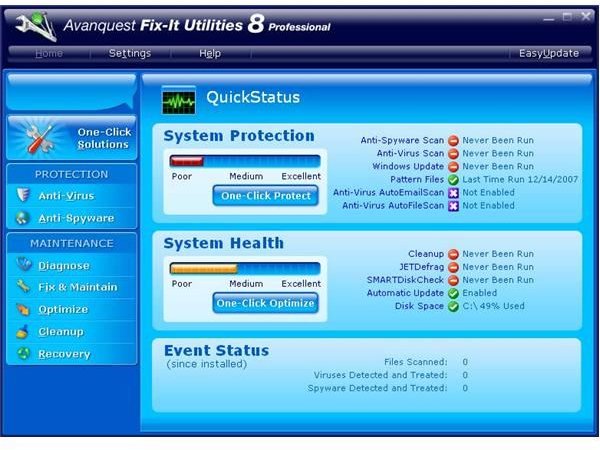
Fix-It Utilities ($49.95)
A top class Windows registry cleanup tool with excellent on screen presence. Slick GUI, intuitive and clean with an abundance of Fix-It utilities and diagnostic tools.
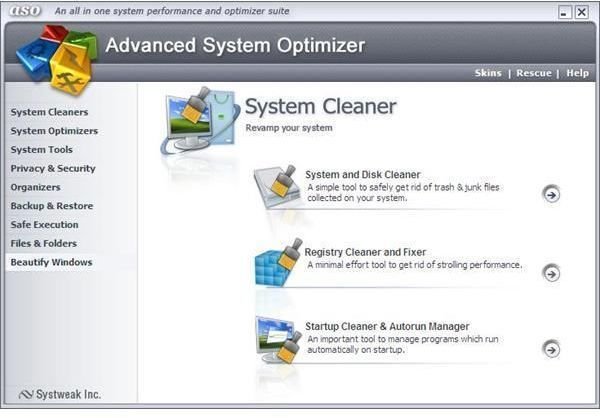
Advanced System Optimizer 2.2 ($29.95)
Multi faceted system optimization suite with excellent cleanup utilities and diagnostic tools. GUI is user friendly and tools deliver great cleanup results.
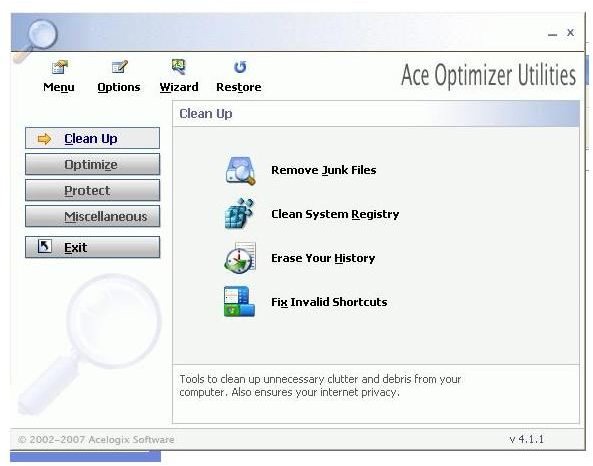
Ace Utilities 4.1 ($29.95)
Multiple system scanning options with added customizability. Severity rankings provide an excellent second level of information diagnosis.
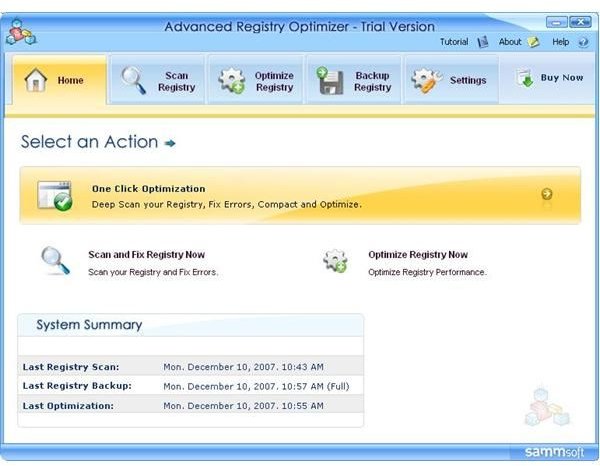
Advanced Registry Optimizer 5.1 ($29.95)
Clean and efficient windows registry repair utility. Thorough scanning toolset and a futuristic GUI. Lacks severity rankings.
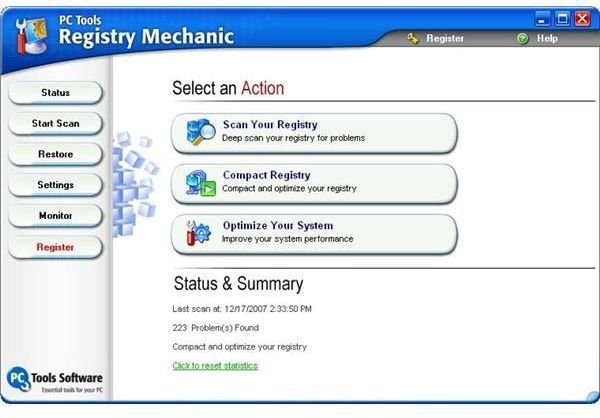
Registry Mechanic 7 ($29.95)
A registry utility for the novice user. Clean and easy to navigate. With a solid core set of functionality tools, i.e. click and search scanning, backup, categorized cleanup.
The Best FREE Windows Registry Editor Utilities
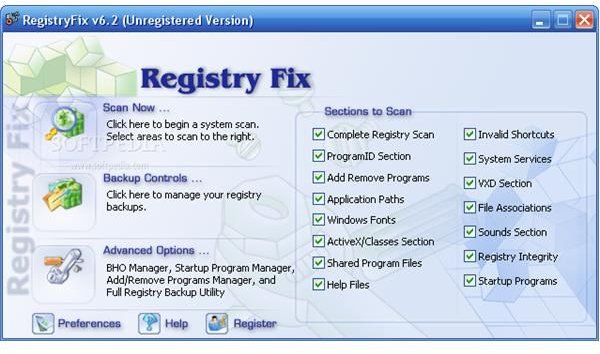
RegistryFix (free)
An outstanding registry cleaner, considering it is free. Great interface, supreme speed of scanning and catches all registry components.
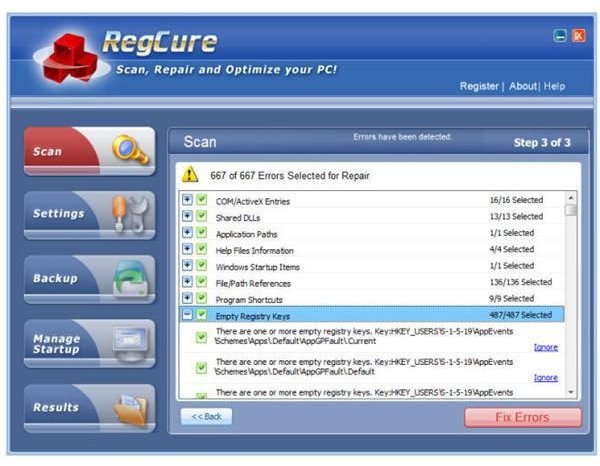
RegCure (free)
Clean GUI and robust ‘point and click’ functionality. Excellent for novice users.
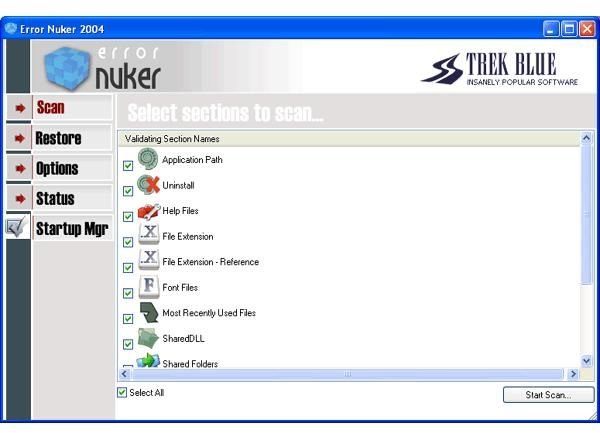
ErrorNuker (free)
Thorough registry cleaner with no nonsense user interface and scanning tools. Good entry level solution but doesn’t capture all errors.
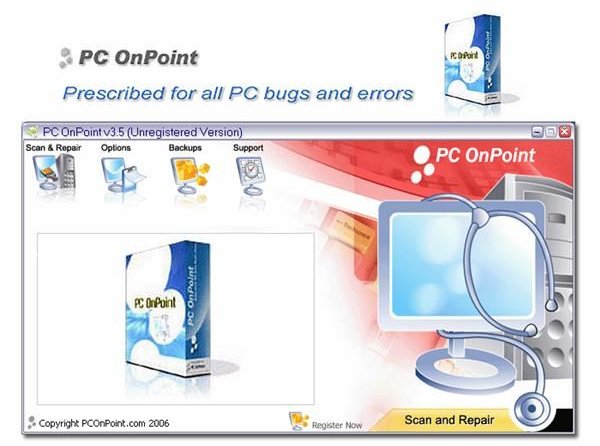
PC On Point (free)
Slick, professional looking interface and performs most registry cleanup tasks. Not the all en-compassing solution of others but a solid entry level utility.
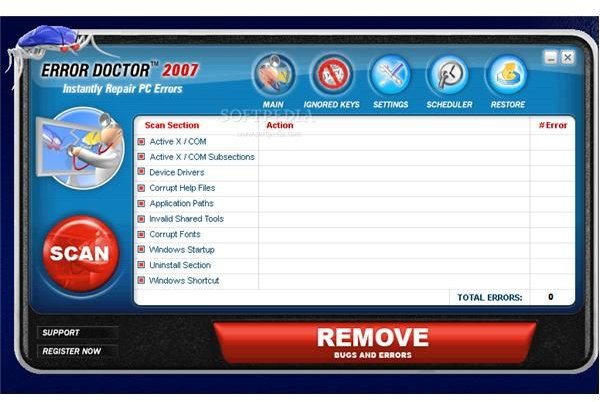
Error Doctor (free)
Slick interface, brilliant messaging and above average scanning coverage. Found many errors but not all.
So there you have it. The Windows Registry in all its glory. I hope you are now informed, enlightened and thoroughly knowledgeable in the art of ‘tweaking’ your windows registry. I’m sure you are, and now can begin the journey towards having optimized PC performance and a confidence to customize your Windows Operating System to best fit your individual needs.
This post is part of the series: Windows Registry User Guide
An Introduction to the Windows Registry, looking at the structure of the registry, how it can be tweaked and changed to optimize PC performance and what is the best software for cleaning the Windows Registry.
- An Introduction To The Windows Registry
- The Windows Registry Editor Hierarchical Structure - Hives, Keys & Values
- What is the Windows Registry? Tweaking the Registry Editor
- Optimizing the Windows Registry - Good Practice & Top Registry Edits
- Optimizing the Windows Registry - The Best Windows PC Cleaning Software for the Registry Editor


