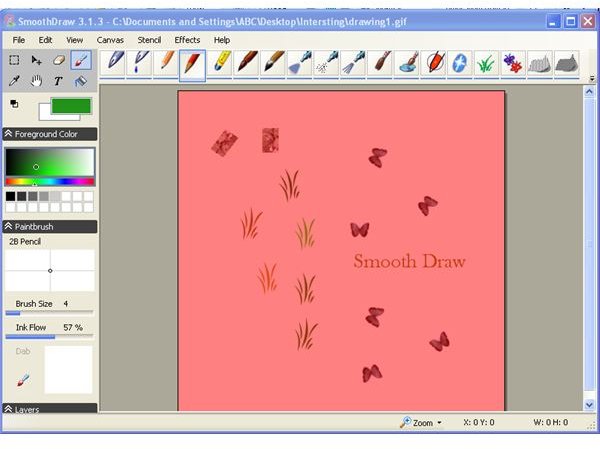
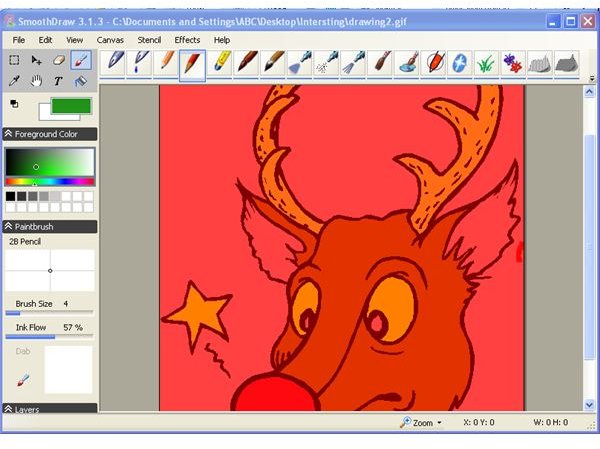
With SmoothDraw you can produce quality drawings in seconds. If you’re a desktop publisher who needs to create professional-looking images on the fly, check out this easy-to-use drawing tool. SmoothDraw also draws down less memory from your system, making the creative process quick and easy.
Overview
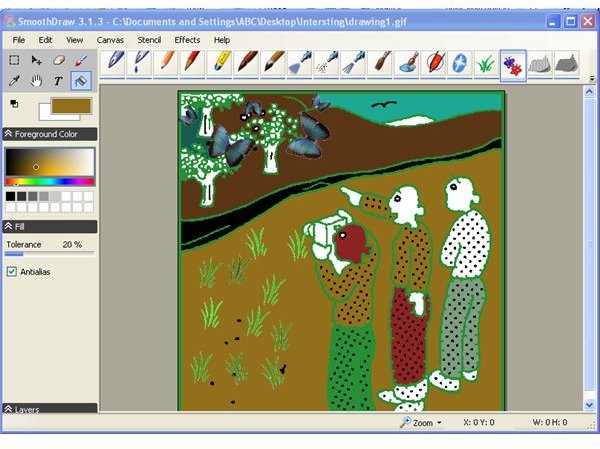
SmoothDraw is a simple freeware drawing tool you can use to create professional-looking images. The commands and tools in SmoothDraw are similar to those primitive tools bundled in operating systems. But the application of SmoothDraw’s tools creates better quality images. You can use the many options available in SmoothDraw to change the behavior of the tools you use to create a drawing. Images can be converted to all of the typical formats supported by Windows or for use on the Web.
Screenshot-1
Installation & Setup (5 out of 5)
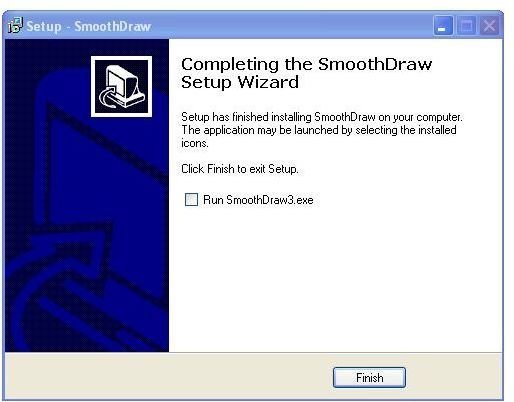
SmoothDraw is freeware that can be quickly and easily downloaded from the Web. The installation file is only 2.5MB. The one-click installation process finishes in seconds. You will need to have .NET installed on your computer, a free download as well.
Screenshot-2
User Interface (5 out of 5)
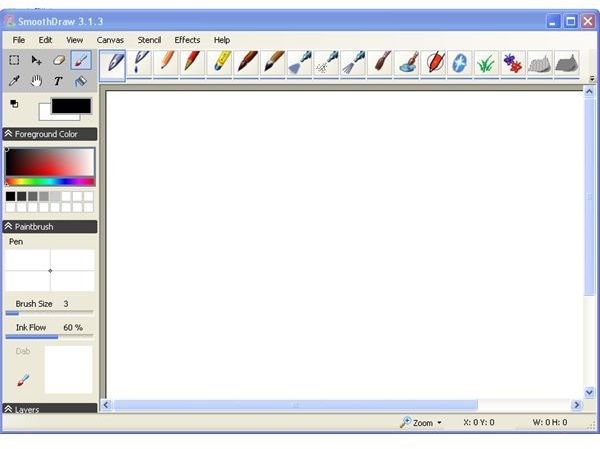
SmoothDraw’s user interface is simpler to use than the primitive drawing software available with most operating systems. The drawing tools and brushes are easily accessible from the tool bar. All additional commands for modifying your drawing are found in the main menu in an organized manner. The size of the brushes, pens, and pencils can be changed by simple clicks and drags.
Screenshot-3
Features (4 out of 5)
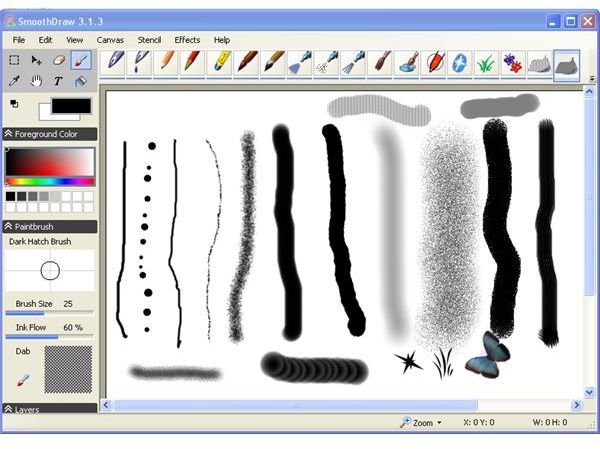
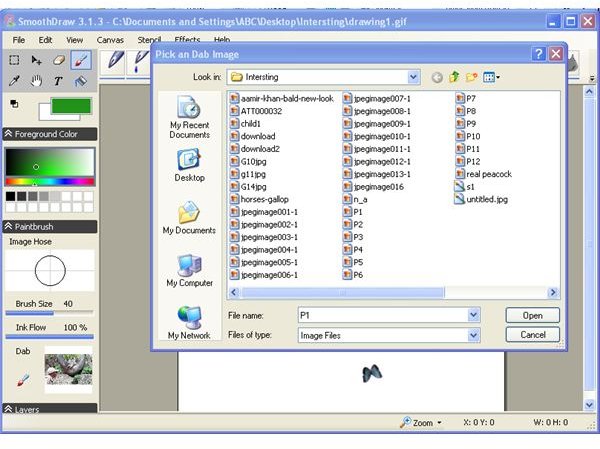
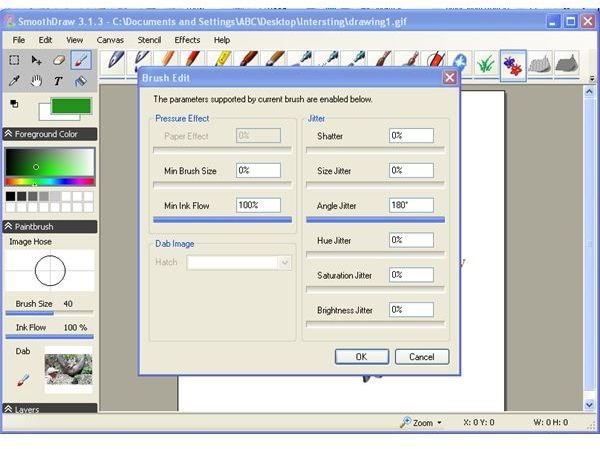
SmoothDraw lets you draw freehand images on the software’s canvas. The brushes, pens, and pencils are sufficient for creating professional-looking drawings. Many options for creating special effects are in the first level menu. A stencil is also provided for generating stencil sketches.
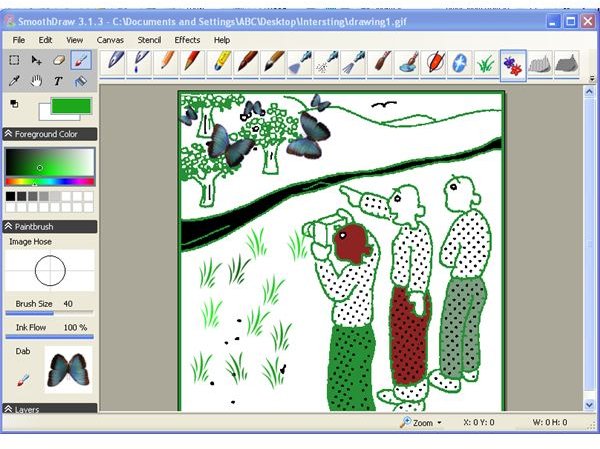
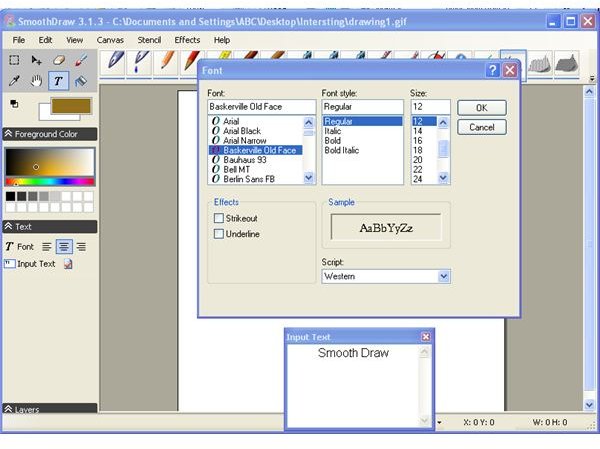
SmoothDraw’s Fill facility is useful for drawing the outlines and then coloring it. Text can be added to your drawing using the text box. The select tool and move tool helps to reproduce parts of an image. For freeware, this program is quite feature-rich.
Screenshot-4
Screenshot-5
Screenshot-6
Screenshot-7
Screenshot-8
Screenshot-9
Screenshot-10
Price to Value (5 out of 5)
SmoothDraw is freeware.
Final Tag
Smooth Draw is a simple-to-use tool for quickly creating freehand drawings for all of your desktop publishing projects.
Screenshots