
Create that to-die-for guest book for your own wedding! Here are ten great wedding guest book ideas you can make on your own and use for your special day.
It’s always great to have a personalized guest book on your wedding day, where your guests can write their messages and wishes. Naturally, it would be lovely to have it customized according to the motif and theme, with the couple’s various pictures. In this way, it becomes very attractive, and leaves that desired impact on those present. It also serves as a nice keepsake which you can go back to even after years of being married.
Now there is no need to spend so much just to have that gorgeous guest book. It is quite simple to design your own! Read on to find out ten wonderful wedding guest book ideas you can create yourself.
1. Borders and Corners
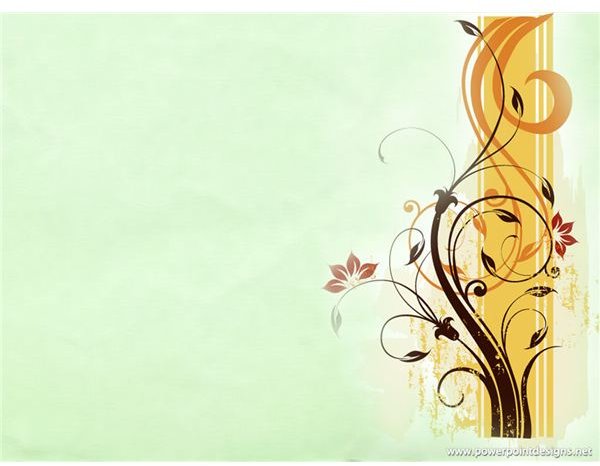
There are many different ideas for wedding guest books. But if you want something simple yet elegant, you can just choose a design template from MS Powerpoint, or download a themed Powerpoint background from the Internet for the pages of your book. If you wish, you may even add some graphics on the corners, such as tiny hearts and lacy ribbons. Then all you have to do is go to the Format tab to pick how you want the picture to be framed. It’s all just a click away!
Image sources: https://www.free-power-point-templates.com/green-chain-frame-powerpoint/ and https://www.powerpointdesigns.net/page/9
2. Full-Fledged Design

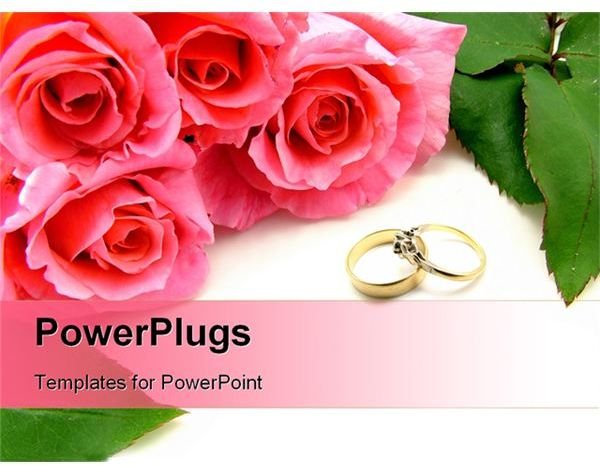
Perhaps you want a more appealing and powerful design that matches your motif and goes with your invitations and other printed materials. You can go for a full-fledged design, which you can also easily accomplish with the use of MS Powerpoint. Just download a free design or template from the Internet and paste it onto a Powerpoint slide.
Drag the sides to match the size of the slide, but make sure you have chosen a picture large enough that will not pixelize if stretched. To further highlight the design, you can even add thin and colored rectangular boxes on all sides of the slide to form a plain border.
Image sources: https://www.weddingbycolor.com/cincybride09 and https://www.crystalgraphics.com/PowerPoint/Templates.Search.Details.asp?plugin=n&product=Wedding _0904&refPage=search&favorite=
3. Picture-Perfect
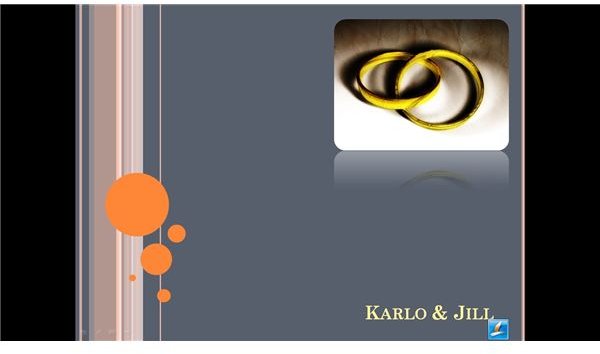
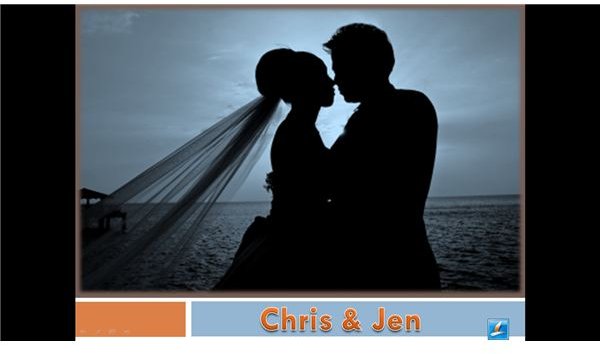
One way of personalizing a guest book is adding your own pictures. You can also do this easily in MS Powerpoint by choosing a design template first, then inserting your photo and adjusting it to your own liking.
You may also incorporate photos with the use of Adobe Photoshop, wherein you just need to adjust the size so that it will match that of your guest book pages. In Photoshop, you can even edit the photos first – adjust the lighting, create a collage, crop the sides, add paintbrush designs, and much more.
Image sources: Author’s own
4. Flyer Format
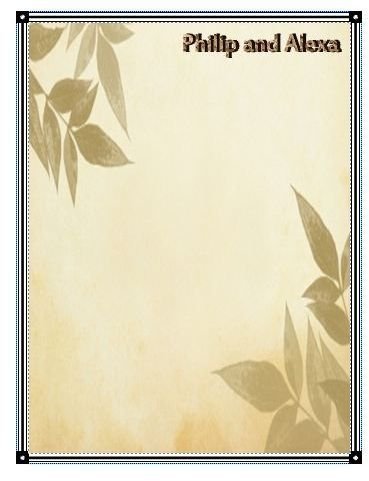
Of all the different ideas for wedding guest books that you will come across, another easy method of creating a simple page is through the use of MS Publisher. Just choose from the different flyer templates, and then you can edit it by removing some sections and also adding other parts such as a border from the Design Gallery Object options. Afterward, you can insert a photo to make it more striking.
Image source: Author’s own
5. Newsletter Format
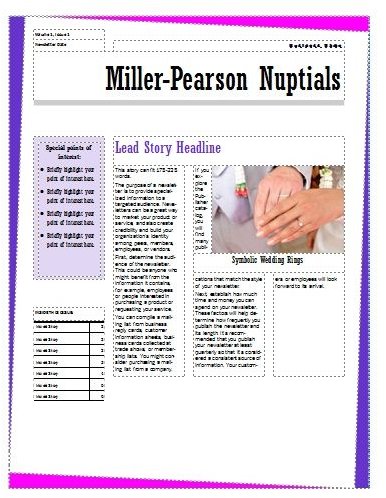
One creative style you can adopt for your wedding guest book is to use a newsletter format such as those available in MS Publisher. Pick a design and edit it by inputting news about your love story or special moments as a couple. It may also contain written snippets that are related to your wedding theme. Of course, you should also add a lot of graphics as well as objects from the built-in Design Gallery. And most importantly, make sure you leave spaces for guests to write on.
If you plan to fill the entire page, though, just be sure the words, graphics, and pictures are in watermark format. One other option for you is to insert some pages with this newsletter style and use the same border for the other pages, with only small pictures and little text on the corners so as to have a lot of space for guests to write on.
Source: Author’s own
6. Digital Paintbrush Magic
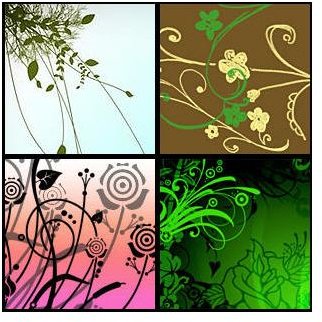
Contemporary designs are now being utilized often for various wedding materials. Swirls, stamps, and other patterns are quite popular at present. Did you know that you can actually make your own page with these designs through Adobe Photoshop? Try surfing the net for free downloads of brush designs that you can install in your Photoshop software. Stamp them onto your file in different sizes and in diverse combinations, creating layers of them in varying colors or hues. Have fun experimenting with the brush feature of Photoshop!
Source: https://www.veign.com/blog/2007/10/26/100-awesome-high-resolution-photoshop-brushes/
7. Sketch It Yourself
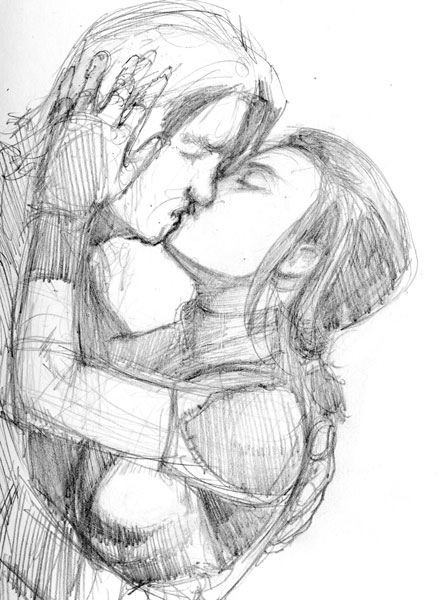
Wedding guest book ideas may be all around you at the moment! But maybe you might have to look less and start using your own talent instead. If you are good at drawing or sketching, you can doodle those cute little lovebirds and swans, or sketch a special memory you have as a couple.
Have your sketches scanned, and incorporate them into your wedding guest book to make it more personal. You can opt to color it by using a computer software such as Adobe Illustrator, or you can keep it as it is. It would be nice too to have it in just black and white, printed on pastel-colored paper. The good news is – it’s all up to you!
Image source: https://www.waysoftheworld.net/fanart _swkotor.htm
8. Scan, Scan, Scan
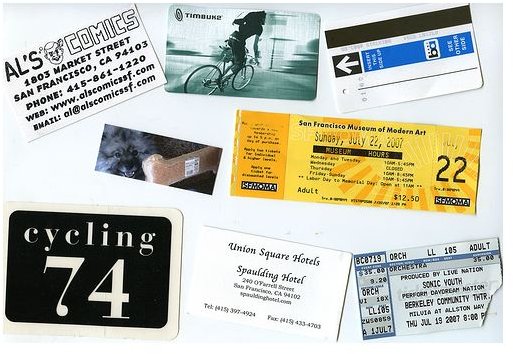
Why don’t you try scanning those long-kept mementos that tell the story of your love— concert tickets, messages written on tissue paper, ID pictures, cut-out articles from old magazines, love letters, and a lot more! You can fuse these with pictures from way before up to the present, depicting your adventures and sweet moments as a couple. Your guests will feel like they are going through a secret journal/scrapbook that you have kept for a long time as a couple. It will be very interesting and fun, and will certainly inspire them to write those messages and wishes for your married life.
Image source: https://www.flickr.com/photos/fynes/1082095748/
9. Comic Relief
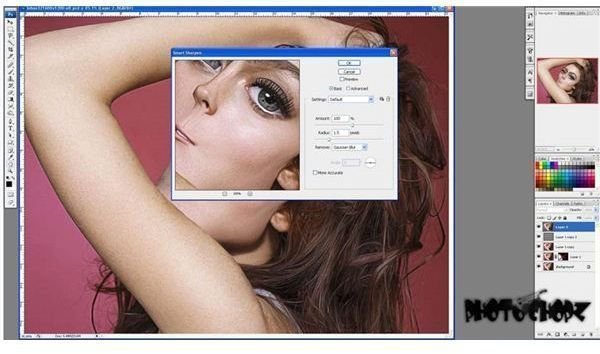
Want to have a funny and unique wedding guest book? Try turning it into a comic book and watch your guests laugh and be amused! Think of your storyline and use your pictures to turn them into comic strip figures/characters with the use of computer programs like Comic Life and Comic Book Creator. Also try browsing through the Internet to find websites that offer such a service. If you wish, you may also view tutorials online to see how the comic strip effect can be done in Adobe Photoshop. Some, you can even download and install for free.
Image source: https://www.photochopz.com/forum/member-photoshop-tutorials/30627-dont-mess-lohan-turn-picture-into-caricature-photoshop.html
10. Digiscrapped
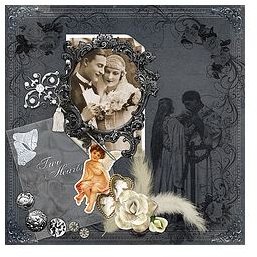
You have probably heard of or read about digiscrapping already. It’s the new way of scrapbooking, done in digital form! If you have not tried it, no worries. You only need to download free digiscrap kits of your choice, or perhaps try mixing and matching backgrounds and realistic-looking items such as ribbons, laces, and buttons together with pictures. You can do this through Adobe Photoshop by simple layering. Use the magic wand tool to cut out pictures and other objects , then as you paste them, adjust the size and position of each element. Good luck!
Image source: https://www.stampintogether.com/digital-scrapbooking-wedding-kit/


