If you’re getting ready to design a yearbook and you need a little bit of inspiration, this article is packed full of page layouts for yearbooks. Learn how to fit in student class pictures of dances, sports clubs, and even pictures of the staff.
Designing a yearbook layout takes more work than most people would assume. After all, there’s the batches and batches of photos to sort through, things that need organized, names and events that need to be written down, and of course setting up the layout of all the individual pages.
How do you fit all your pictures in while still presenting a clean, organized layout? While I might not be able you sort through those couple hundred photos on that thumbdrive, I can offer a bit of help with some sample page layouts for yearbooks.
Related Article: Designing Great Graduation Scrapbooking Layouts - Includes some useful fonts!
Photo Credit: Jordan Doneskey
Standard Row Layout
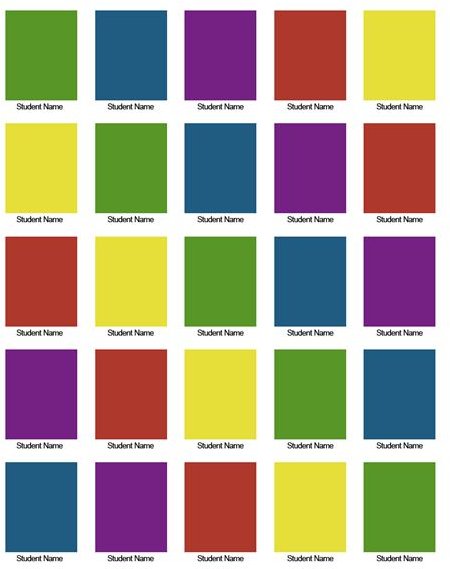
Standard Grid layouts for yearbooks are commonly used to showcase the class pictures of each student within a grade. This layout has stood the test of time as it allows you to fit a large amount of photos on a single page. Traditionally, students pictures are listed in several rows across a page with their names listed either to the left or right of the rows. Alternatively, if you have the space, you can list the name of the student below the picture, which makes it far easier to look up people. It is also traditional for the students to be listed in alphabetical order, which makes it easier to both list them when creating the yearbook as well as make it easier to look them up later.
Activity Layout #1
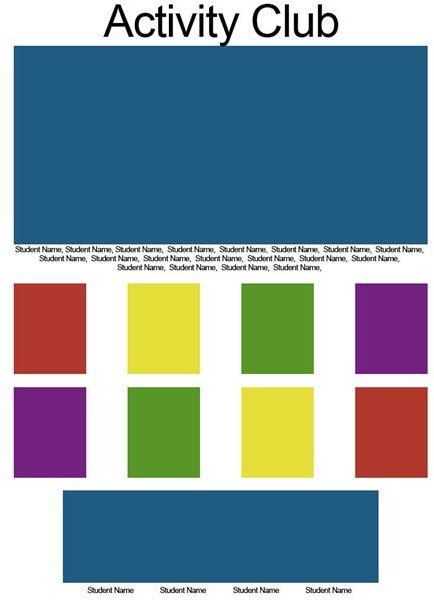
Be it sports, clubs, or events, creating an activity layout is a great way to showcase both an entire group of people, as well as individuals. This layout is a bit flexible, but it mostly hinges on a large center picture (traditionally this is a group photo, such as a sports team or an ECA club) surrounded by smaller photos. In the example below, you can see that the photo at the bottom is elongated, perhaps to show officers of the activity club.
Activity Layout #2
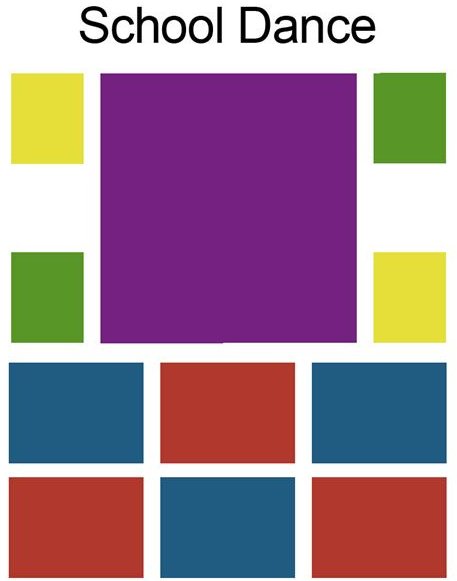
Another layout that is great for showcasing sports, clubs, or events, this activity layout offers the ability to fit more pictures on the page. The best example for this page would be a school dance, such as prom or homecoming, where you would like to showcase pictures of the court, as well as the king and queen, and lots of pictures of people enjoying themselves! In the example below, two larger photos are bordered above and below by a few different pictures, but you could easliy decrease the size of the two larger photos and add more photos to the left and right.
Staff Layout
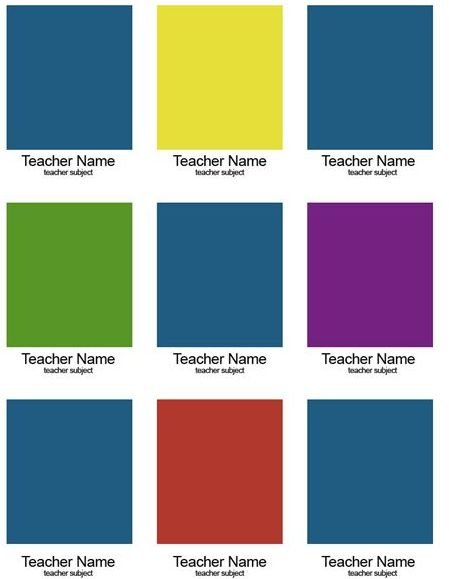
Let us not forget that teachers and faculty get their pages as well! One of the easiest things to do is take a standard row layout as above and simply increase the space between rows, allowing you to include a brief list of the subject or profession of the individual to be listed below their picture. In the example below, you can clearly see that each picture has room for a small amount of text below it.
Biography Layout
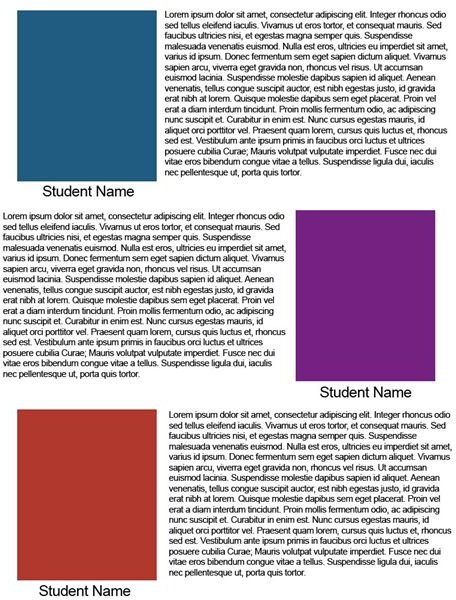
Depending on the size of your classes, you may opt for your seniors to have a brief biography listed to the left or right of their photographs. The example below shows alternating left and right photographs, which help make the layout feel a bit more balanced, as well as easier to read.