Here we give you five of the best apps that lets you turn your iPhone into a USB storage device. These applications let you drag and drop files from and to your computer or iPhone.
File Magic
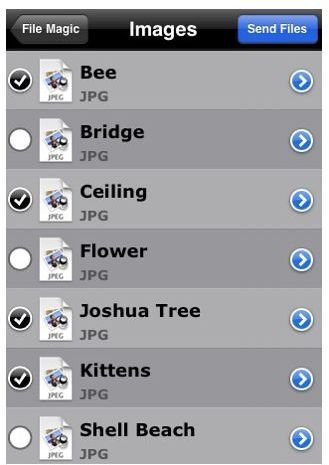
File Magic is a useful file transfer utility that lets you store any file file on your iPhone and then read it anytime, anywhere or transfer it to another PC or Mac later on. In other words, this app transforms your iPhone into an ordinary thumb drive or briefcase that you can bring along anywhere you go. In addition, this file storage app also lets you import your address book to a text file then back it up on your desktop as well as create emails on the desktop and sync it with your iPhone so that you can send it through your iPhone. FIle Magic supports various documents including .doc and .dock, htm and html, PDF, txt, pp., els and xlsx. music files, video files and images. (Price: $2.99)
Discover
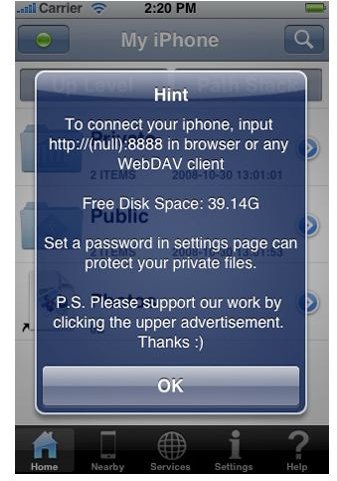
Discover is good mobile file manager that lets you manage, store, view and transfer files from your iPhone to a computer within the same network. The app provides you with an IP address where you can upload or download files between your computer and iPhone. With your iPhone serving as wireless flash drive, you can bring your files anywhere with you.
(Price: $0.00)
mbDrive Free
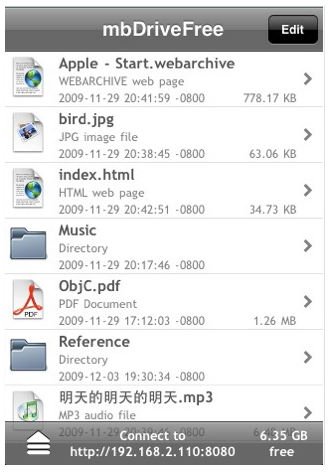
This app lets you transfer files to and from your iPhone easily by transforming it into a wireless flash disk to store your documents and files. It features a WebDav server that maps your iPhone as a remote folder. It lets you view or play document as well as media and supports various file formats including PDF files, Safari web archives, text files, images and more. What’s good about this app is that it supports file/folder transfer operations such as creating new folder, deleting/renaming and dragging/dropping of files and folders. (Price: $0.00)
Files2
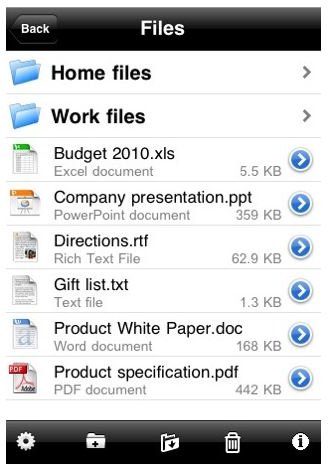
Files2 is a multi-function file management app for your iPhone. It serves as a file viewer for your Google Docs and iDisk files. It also lets you store and view files on your iPhone and lets you use your iPhone as a USB stick replacement to transfer files from one computer to another. Files2 supports iWork docs, Microsoft Office docs, .rtf and .rt. documents, and more. (Price: $0.99)
Air Sharing
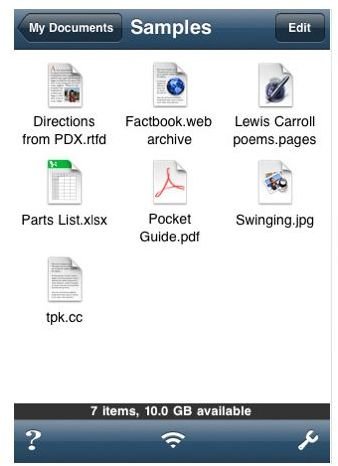
Air Sharing is perhaps one of the most praised file sharing apps for the iPhone. It’s understandable since it is a full featured app that lets you mount your iPhone as a Wi-Fi drive on your computer. or connect from your computer’s web browser. It also lets you drag-drop files, view and email documents in various formats as well as send email attachments. The app also has a zip and unzip feature, something which is quite unique to itself. Air Sharing supports various file formats including HTML, PDF, Adobe Illustrator, RTF and more. (Price: $4.99)


