Before you go to the library, find out if they have the books and other resources you need by doing an online library book search. An online search will help you know what books are available and which library has them, taking the guesswork out of your research and leisure reading.
Accessing Your Library Online
Before you can do your public library book search, you will have to know how to access the Web site for your library. You can usually find this information either by searching Google or by calling your local library branch to get the URL.
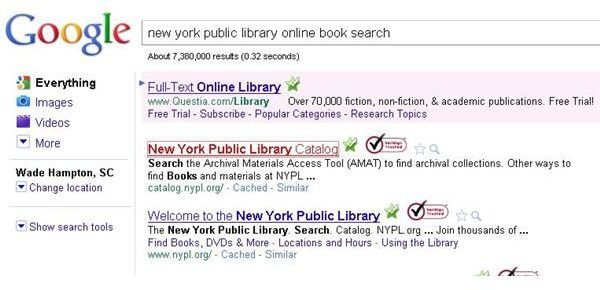
Although every online library book search will look different as you go from one library to another, each one works according to the same general principles. To illustrate how to perform an online book search, we will use the New York Public library system as an example. If you wanted to find the library Web site for your library (in this case, the New York Public Library) you can type something like this into Google, “new york public library online book search,” and this is what you will get something like the results shown in the image below.
Since the catalog for the library came up in the search, you can click it to go straight to your book search. When you get there, you see a page that looks like a search engine as shown below.
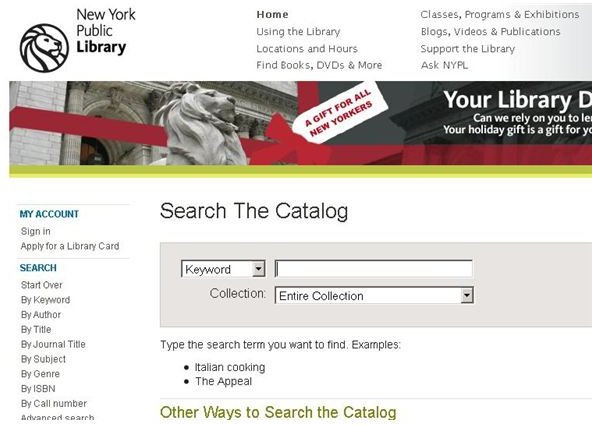
You are now ready to start your search for library books.
Executing a Library Book Search
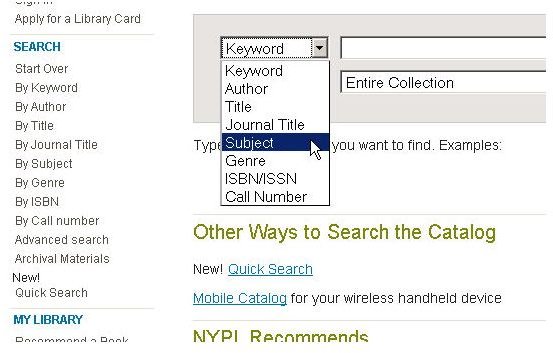
Now that you have arrived at the catalog search page for your library, you can get started by choosing the type of search you want to perform. You can search by genre, author, title, subject, keyword, ISBN/ISSN, or by call number from the primary search window. Additionally, other advanced search options are available.
If you were looking for information about Roman history , for example, you would probably want to do a subject search, so you would choose that in the selection box as shown below.
Next, you would type your subject into the search field that is immediately to the right of your search selection box and then click the “Submit” button. You now will see a list of the books on hand that deal with the subject of “Roman history.”
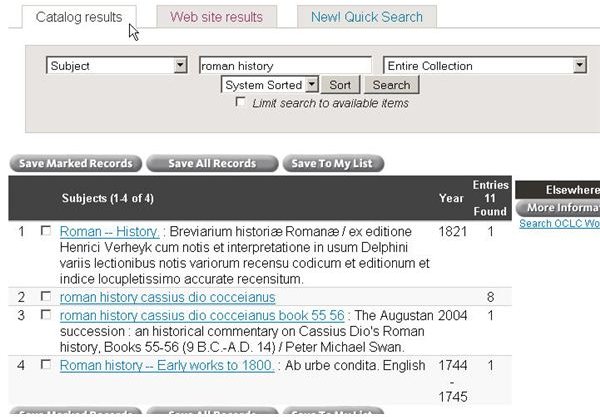
Since this is an online book search, you have the privilege of blending resources that are from the library and from the Web.
NetLibrary and Wrap Up
Many libraries subscribe to online book services such as NetLibrary , making full electronic editions of books, periodicals, and even
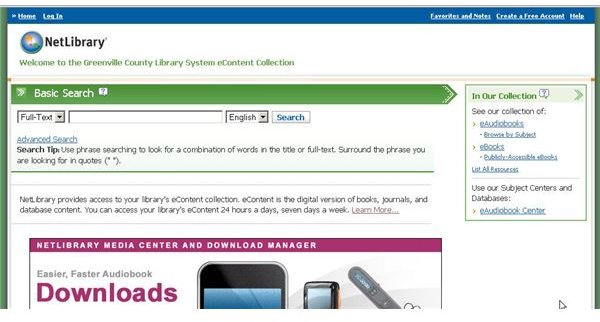
audio books available to those who hold a library card. This type of service has its own search functions that operate a lot like a standard online library book search. Some configurations even have established checkout periods after which the books are returned to the virtual shelf for others to use.
Almost every library book search engine online works similar to that of Google or other search engines. Just think about your library as a specialized search engine that has a portal into all of its holdings, and you can understand the powerful role it has in modern life.
Image Credits: Screen shots taken by Bruce Tyson


