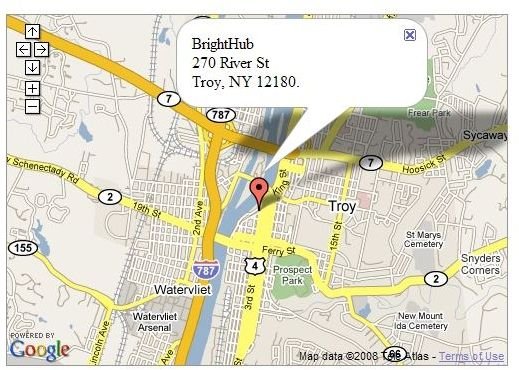
Google Maps is a very easy to use service. Many people use them on a daily basis to get from point A to point B. With the release of Google Maps API (application programming interface), we can now use same Google Maps within our websites or any software we develop.
Using Google Map API – Basic
Using Google Map API – Basic
Most of the mapping applications / software are not free; however, Google offers free maps and allows anyone to use their API. Of course there are other mapping services, such as Yahoo Maps and MapQuest. There are also several costly products, such as MapInfo, But, Google Maps API seems to work for everyone in just about every situation. I’m the developer for ILOVENY’s Summer site (see the attached screen shot) and I used Google Maps for all the maps used on on ILoveNY.com.
For a good example of using color symbols in a website map, look at the Rail Station map I created for the website.
In this article I will show you how to use Google Map API within any HTML page.
Step 1. Create a HTML or .Net page, let’s call it Sample_1
Step 2. Within the HEAD section, enter the below JavaScript line.