Many modern software applications can use open type fonts and true type fonts interchangeably. For times when you need to convert an open type font to true type, you may be able to find a conversion program that will help.
FontForge
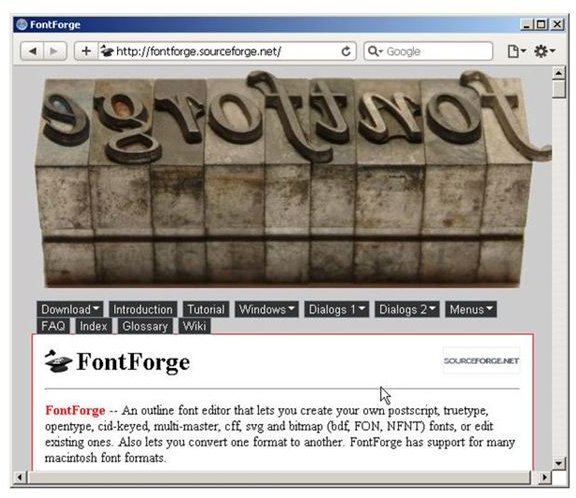
The first tool we will look at in effort to convert an open type font to true type is FontForge. This is a versatile open source application that enables users to create their own fonts in a variety of formats and to convert existing fonts to different formats.
If you do not have FontForge already installed on your computer, visit the FontForge Web site and download the program that matches your operating system. If you have Linux, or a Linux virtual machine available to run FontForge, you’re in luck. If you want to run FontForge in Windows, the process is rather complex and is documented on the FontForge Web site.
Once you install the program, you can follow a handy font conversion guide that will tell you all you need to know (and then some) about converting fonts with Font Forge.
CrossFont
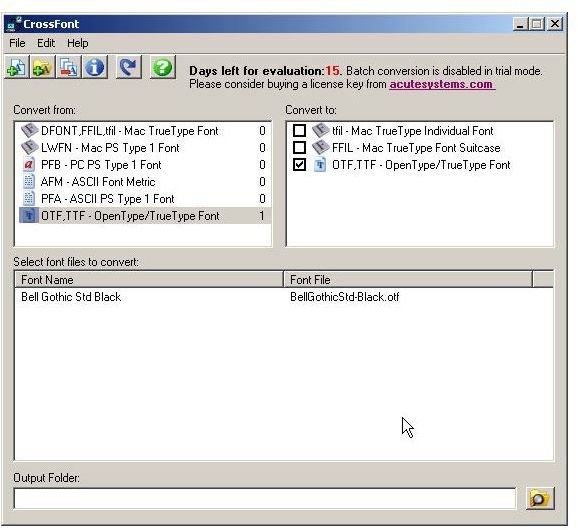
CrossFont sounds like it will allow users to convert Open Type fonts to True Type fonts. Unfortunately, when you install the program, you learn that CrossFont treats both font types the same, so if you have an .otf to covert to a .ttf, you are out of luck if you use CrossFont. The program does convert other types of fonts fairly well.
TransType
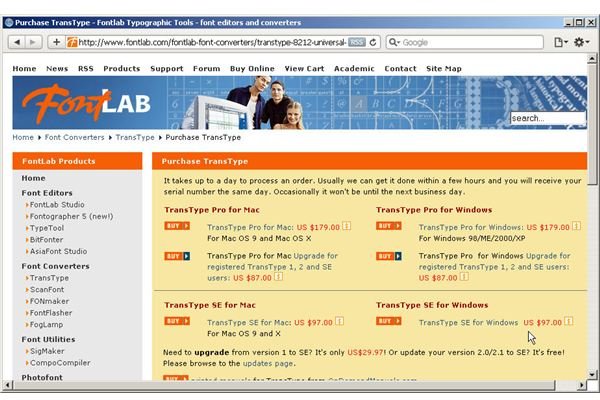
TransType from Font Lab is a program known for its ability to convert Open Type fonts to True Type. Unfortunately, if you want to make the conversion, you will have to purchase TransType Pro. (The free version of TransType will not do the job.) This will cost you about $179.
Monotype Imaging
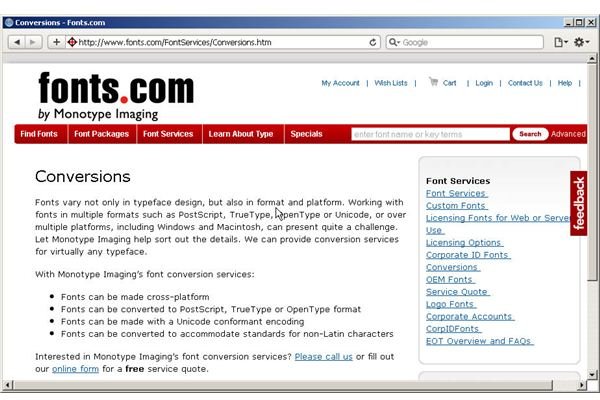
Monotype Imaging is a professional font creation firm that supplies fonts to developers and operates several online stores for consumers. Monotype will convert your Open Type font to a True Type for you for a fee. To get a quote for your font conversion, you can phone them or you can request a quote via an online form on the company Web site.
Renaming the File
Some people find that the easiest method to convert Open Type fonts to True Type format is to simply rename the file. To do this, browse to the font file in question using Windows Explorer. When you find the file, right click on it and choose the “Rename” option. Change the “.otf” part of the name to “.ttf.” In many cases the font will install normally, allowing applications and even Windows to recognize the Open Type font as a True Type font.
Replacing the Font
If converting your Open Type font to True Type doesn’t work (or if you just don’t want to spend the time and the money converting it), you can always purchase a new True Type font to replace it (or download a free one ). A lot of font sources are available online, so keep looking until you find an adequate substitute.
Image Credits: Screenshots taken by Bruce Tyson.


