Gone are the days when only designers and Photoshop experts could create special effects. Hundreds of free Photoshop plugins are available for the gifted amateur or those wanting to take their images to the next level. This list of Photoshop plugins is only a small sampling of what is available.
Photoshop Plugins
Adobe Photoshop is the most powerful image editing program on the market. Many photographers and imagers have spent years learning the ins and outs of Photoshop; plugins are time saving devices that can expand the features of Photoshop and other image editing applications. Many of these plugins are used for image editing, correcting enhancing and adding special effects to images. A large number of quality plugins are available free for download. Others can be purchased in graphics packages or as special effects extras. Some plugins are grouped together into sets that work together. An example of one type of plugin bundle would be software such as Portrait Professional. This software uses plugins to enhance skin tones and color automatically.
Photoshop plugins can be grouped into categories depending on the use and type of effect.
- Special Effects - These plugins create effects that take an image and either distorts the image to something completely different or effects that enhance sections of the image according to a particular value. (Highlights, colors or tonal ranges)
- Image Editing - Plugins to speed up the editing process. Some of the more common of these would be contrast enhancers, color correctors, black and white conversion plugins, contrast enhancers and many other plugins that can be used to reduce the time in image correction.
- Sets - Bundled plugins that work together to enhance images for a specific purpose. Portrait enhancing packages and architectural packages fall into this category.
- Unusual/Scientific - These plugins are used for converting arrays algorhythms into 3D images.
Before downloading be sure to read the specifications and information on what system the plugin was designed for and the different applications that will be compatible with the plugin device.
Special Effects Plugins
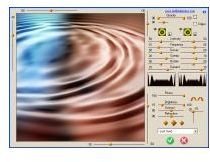
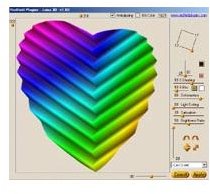
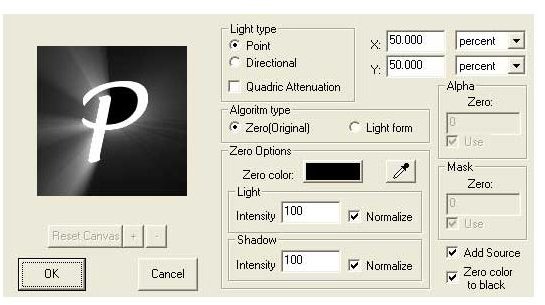
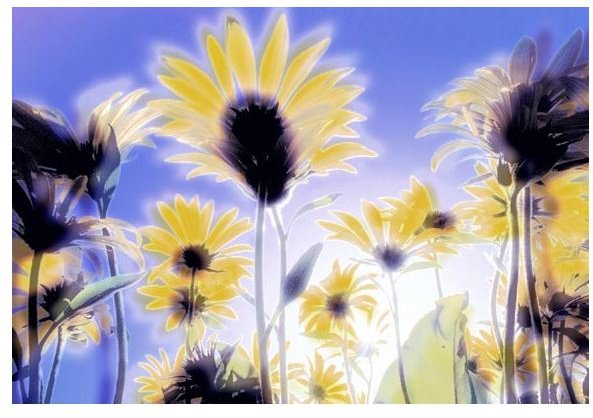
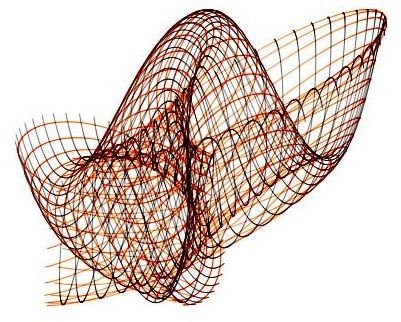
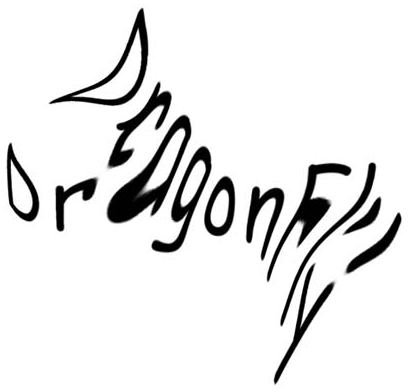
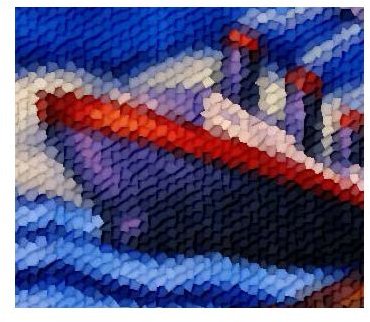
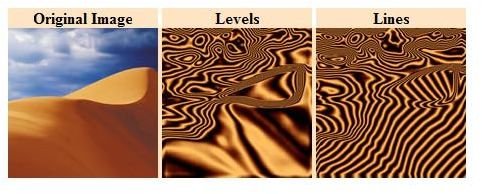
Many special effects plugins are available that create surreal or pattern designs and effects. Many of these special effect plugins can be used on the entire image or just a section to create unique images.
[
](https://www.redfieldplugins.com/filterJama3d.htm)[
](https://amicoperry.altervista.org/luce/index.html)[
](https://www.autofx.com/freeplugins/dreamyphoto.asp?id=4)[
](https://www.philipp-spoeth.de/photoshop/sinedots2.php)[
](https://www.philipp-spoeth.de/photoshop/shear.php)[
](https://www.mehdiplugins.com/english/kaleidoscope.htm)[
](https://www.autofx.com/freeplugins/mosaic.asp?id=20)[
](https://www.mehdiplugins.com/english/vibrations.htm )
Image Editing Plugins
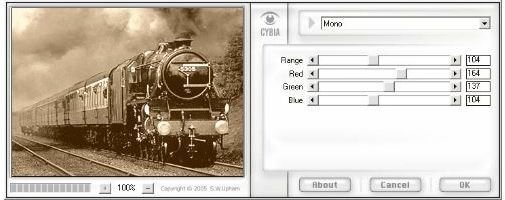
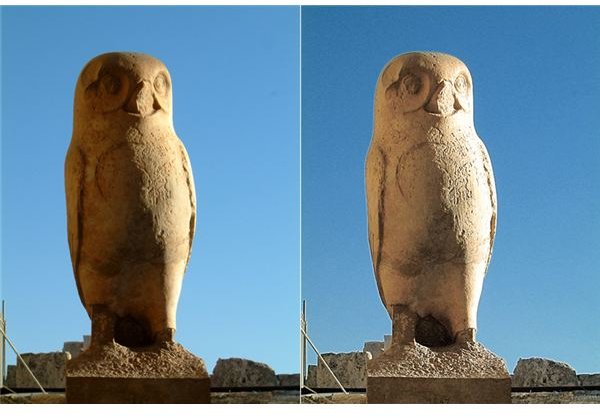
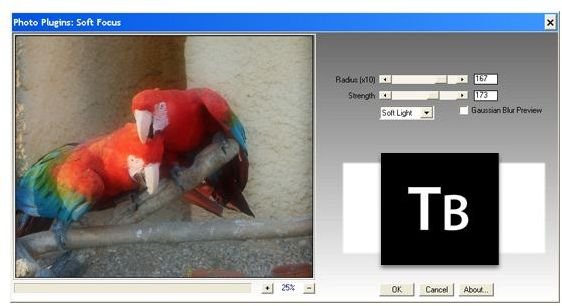
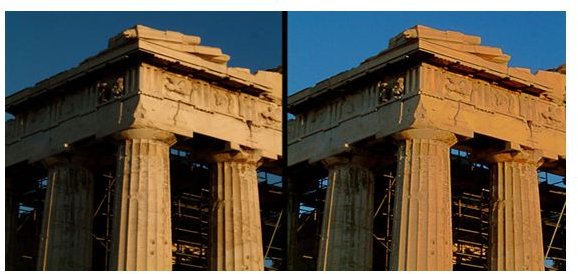
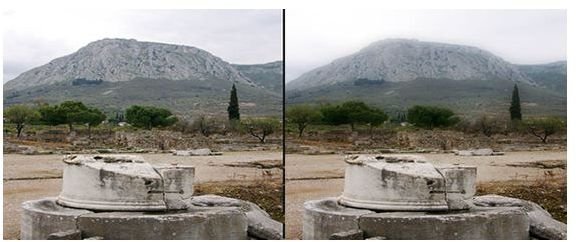
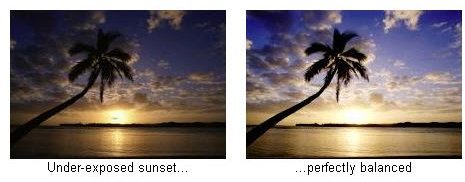
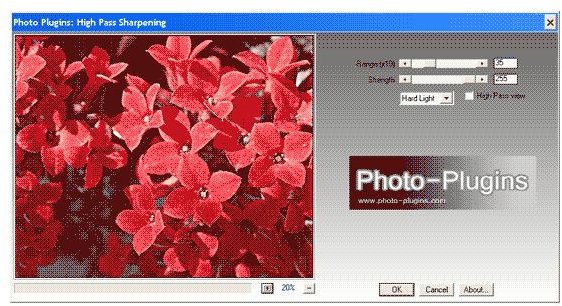
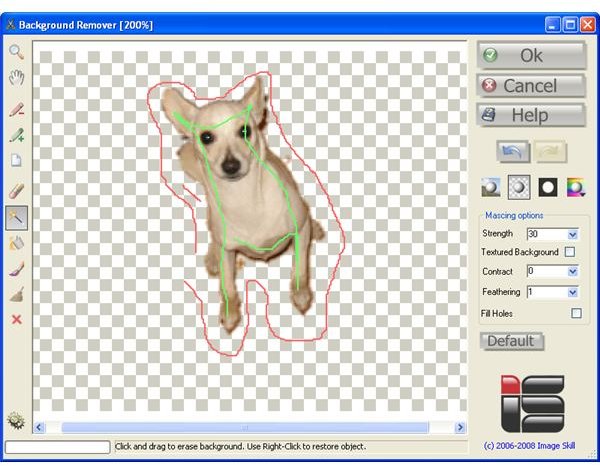
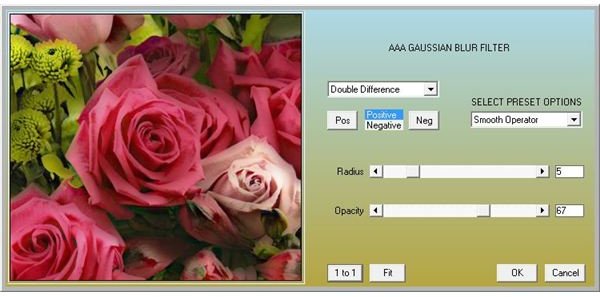
Plugins can be very useful in image editing. These editing plugins convert to black and white, sharpen, color correct and correct images so the photographer can spend time creating and not correcting. Many of these can be used over other effects to create unique images.
[
](https://www.photo-plugins.com/Plugins/Plugins/Local-Contrast-Enhancement-2.html)[

](https://www.photo-plugins.com/Plugins/Plugins/B-W-Conversion.html)[
](https://www.photo-plugins.com/Plugins/Plugins/Soft-Focus-2.html)[
](https://www.photo-plugins.com/Plugins/Plugins/Contrast-Mask-2.html)[
](https://www.photo-plugins.com/Plugins/Plugins/Gradient-Blur-2.html)[
](https://www.littleinkpot.co.uk/FreePlugins.htm)[
](https://www.photo-plugins.com/Plugins/Plugins/High-Pass-Sharpening.html)[
](https://www.imageskill.com/backgroundremover/backgroundremover.html)[
](https://8bf.net/ )
Links to Free Plugins
Some of these plugins are complex algorhythms that create amazing images while others are just amazingly simple. The following links have many unusual and grouped plugins. Some plugin packages are free and others are commercial products for sale.
Free Plugins
- Pixel Bender Exchange - This is on the Adobe website and these are free. There are some unusual plugins here.
- All Graphic Design - Free plugins here along with many other interesting tutorials and information.
- Top 10 Photoshop Plugins - Free plugins.
- Filter Forge - Free plugins and filters.
- Smashing Magazine - Free plugins, some of these are sets for portraiture. Most are freeware, but some are commercial products.
- The Works - These are filter packs in sets and they are freeware.
Commercial Products
- Sharpener Pro - Commercial product designed for Professional Image Sharpening.
- Plugin Collections - High quality commercial packs designed for advanced photographers and imagers.
- Auto FX Software - Professional special effects products.
- The Plugin Site - List of Commercial Photoshop Compatible Plugins.
- Special Effects Plugins - Commercial package products.
More Photoshop Plugins…
Make sure you check out the following Bright Hub articles for more free and great value Photoshop plugins:
Top 5 Photo Editing Plug-Ins: Best Value for the Money
Best Free Paint Shop Pro Plugins (These work for Photoshop too!)


