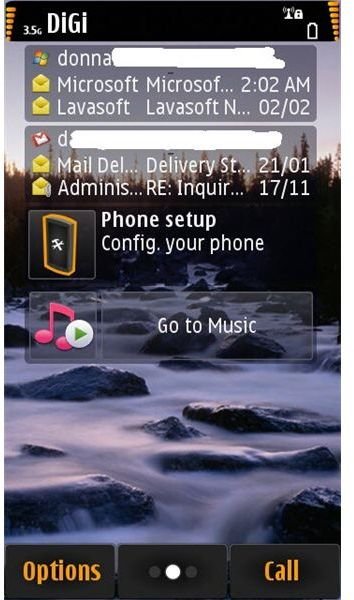
The Nokia N8 features its own e-mail client. Learn about the new messaging options on the Nokia N8. Find out how you can set up Nokia N8 e-mail.
What E-mail Client Does the Nokia N8 Have?
If you have been a Nokia user for years or have used a Nokia smartphone, you are familiar with sending and receiving e-mails, which is easily done via the Messaging option in the phone. SMS, MMS, E-mails and Service Messages are accessible only via the Messaging option. Not any more with the Nokia N8 mobile phone! One of the features of the Nokia N8 is an integrated e-mail client. E-mail and Messaging options are separate programs in the Nokia N8.
Features of Nokia E-mail Program:
- 250 messages supported in Inbox and 50 messages in other folders.
- HTML support.
- 10 IMAP folders support.
- Integration of multiple e-mail accounts to the home screen - let’s say you have set up web-based Yahoo, Gmail, Hotmail, Nokia OVI and ISP provided e-mail accounts. You can see these accounts in the home screen.
- Synchronize to Nokia e-mail client when e-mail was read using computer or from the server. You can even schedule when to sync and retrieve.
- Option to look-up contacts’ e-mail addresses for Gmail and Hotmail.
- Improved reliability with simple UI and settings.
- Options: download full e-mail or headers only, download images in the e-mail message, sorting and warn before deleting a message.
Setting Up Nokia N8 Email
It’s quite easy to start setting up a Nokia N8 e-mail account(s). Go to Phone setup option and then select
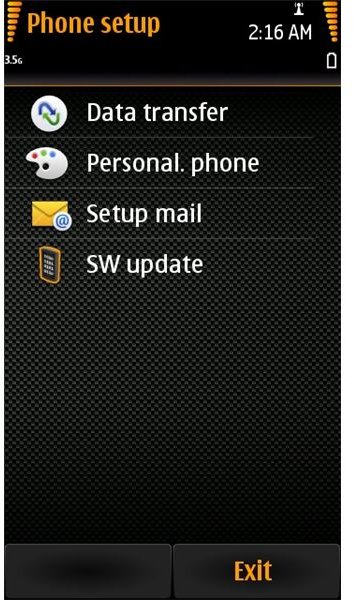
. The
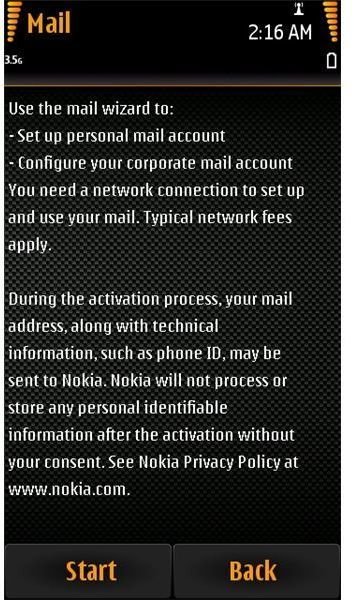
will be displayed, click Start. Choose which e-mail account you want to set up. Note that the Nokia e-mail client includes popular e-mail providers already so you don’t have to manually enter the server settings.
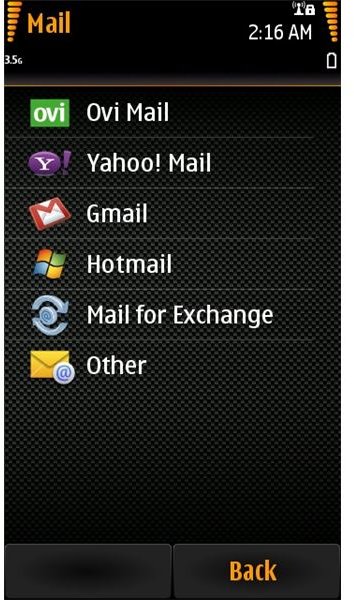
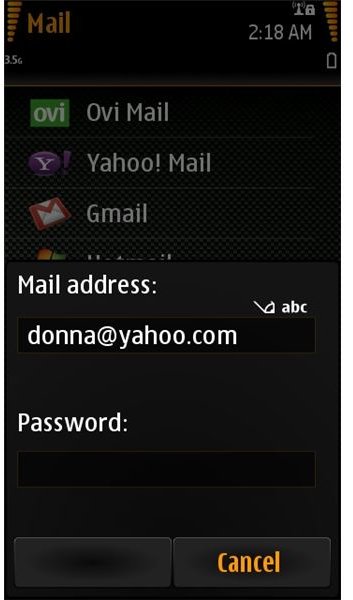
Start entering the e-mail address and password for your selected provider e.g. Yahoo! Mail or Hotmail :
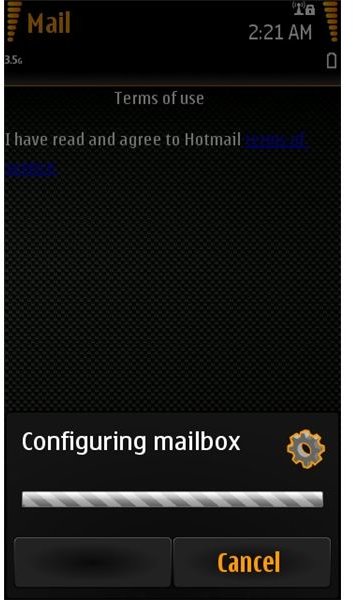
Accept the Terms of Service by the provider and let Nokia N8 do the job for you in configuring the server settings.
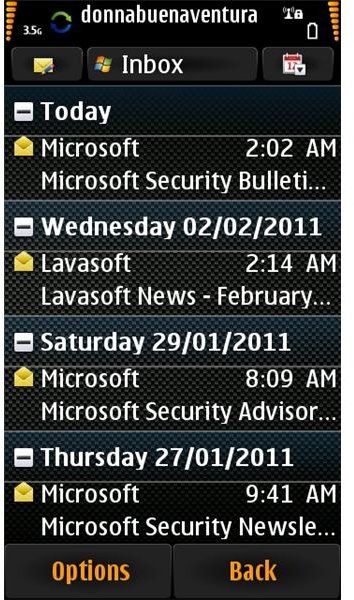
The fast performance of the Nokia N8 e-mail client is impressive, in just a few seconds, I have access to my Hotmail account in my Nokia N8 mobile phone:
Final Words
Overall the e-mail functionality of the Nokia N8 is great. It has support for Mail for Exchange which means not only personal e-mail accounts are accessible on your Nokia N8 phone but enterprise accounts are too. The ability of the Nokia N8 to sync the status of the messages from the server or another e-mail client in a desktop or laptop means smooth sailing. There is no lag as long as the e-mail server or provider is not having issues.
If you are like me and you don’t like to see image advertisements in an e-mail, you’ll find the Nokia N8 appealing for it has an option to not to display images in e-mails. This option will also save time and bandwidth in downloading full e-mails.
Anyone with an e-mail account will no longer miss reading or sending e-mails using any provider. Users of the Nokia N8 without an e-mail account can easily set one up using the Nokia OVI e-mail service which is free, and you don’t need a PC to set up an @ovi.com e-mail account.


