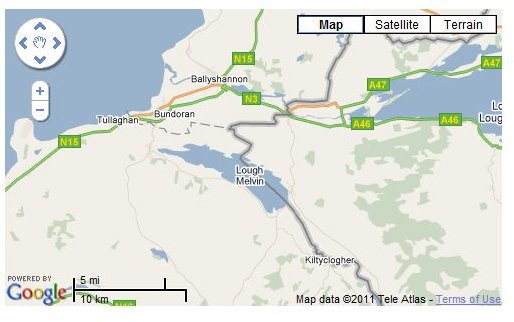
If you’re developing a site with Google Maps you can take advantage of various useful features in the API, such as compass point rotation and overlays…
Google Maps API - Flexible and Easy to Use
Google’s popular Google Maps service makes use of billions of satellite images collected together in a database and then made available to users based on location, search requests and many other criteria.
In order to make this accessible for purposes other than “looking at your house”, Google provide a Google Maps API (application programming interface) which means that you can configure Google Maps to behave in a specific way when you embed it on your web page.
The learning curve with this API is gradual – beginners can get to grips with it straightaway while advanced users can take advantage of the functionality to deliver impressive results. To demonstrate what is possible, take a look at these Google Maps API examples.
Basic Google Maps API Example
The key when developing a website with a Google Maps element is to start small. The following code segment comes from the Google Maps API page:
<!DOCTYPE html “-//W3C//DTD XHTML 1.0 Strict//EN”
“https://www.w3.org/TR/xhtml1/DTD/xhtml1-strict.dtd">
<script src=“https://maps.google.com/maps?file=api&v=2&key=abcdefg&sensor=true _or_false”
type=“text/javascript”>