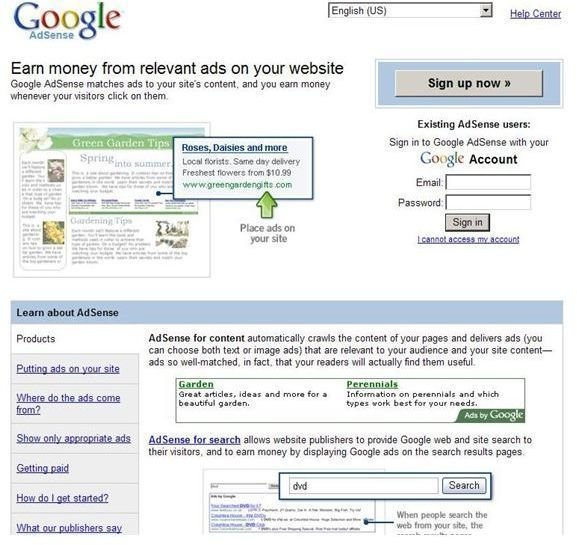
It’s easy to make some extra money with Google’s AdSense. But, you first need to create your ad. Learn how to create your first AdSense Ad here.
Setting Up Your Ad
Most everyone who has a Web site wants to make money somehow. But, some ways are better than others. And, Google’s AdSense is one of those ways. Yet, before you can start collecting that extra paycheck, you need to work through a few simple steps.
First of all, you need to set up a Google account . All Google accounts are free so you don’t need to pay anything for their service. Once you’ve set up a Google account and logged into it, you need to create an AdSense unit.
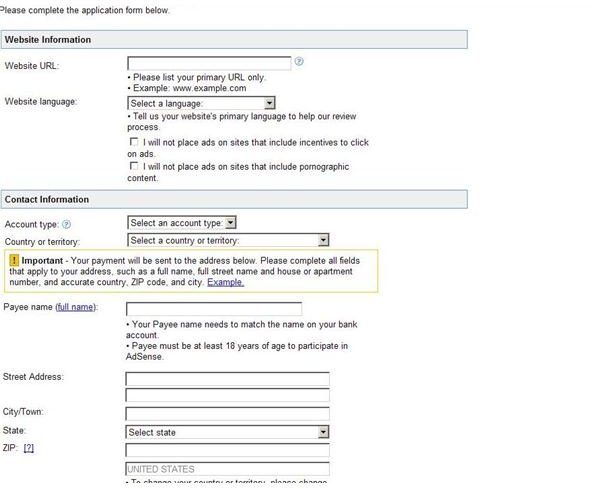
You may have to search for AdSense on the Google site. Sometimes it’s easy to find; sometimes you have to look a little deeper. Once you found it, you will need to provide Google with some additional information: where the ads are going to be placed, your contact information and additional information about your Web site.
You will need to fill out this form and submit back to Google. Since Google receives an enormous number of applications, it may take several days to a week to process your application. Once your application is approved, you may still want to review your information to ensure that it is correct.
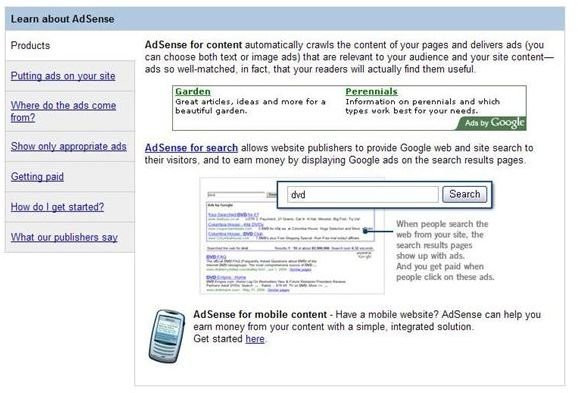
Now, you can start creating your ad unit. There are five different types of ads that you can create. You can create AdSense ads for the following purposes:
- Content
- Search Terms
- RSS Feed
- Ads that Displaying Videos
- Mobile Devices
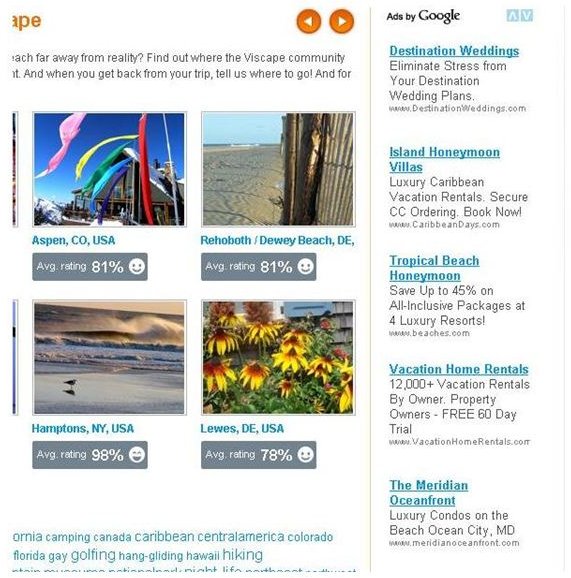
When you decide which type of ad to use, you will have a choice for whether to use an Ad Unit or a Link Unit. The first displays both text and links, the second only links. Once you’ve decided on the type of ad that you want, click continue.
The next step in the process is to determine what the dimensions and colors will be. It would be best to try to make it fit in with your site design. Once you’ve decided on these two things, you’ll need to decide what types of corners you will use. The three types are as follows: squared, rounded or very rounded. You can see how each of these will look by clicking Preview this AdSense Unit.
Google also gives you the option of having certain types of ads displayed if they cannot find content relevant to your site. You can see your choices for this below:
- Public Service Advertisement
- Non-Google Ads for Another Site
- Fill Space with a Particular Color
Next, you will have to “define your channel”. All this means is that you have to create a category for the ad. And, then you have to give
your ad a name.
Finally, you need to submit your request, and get the code for your ad. This will send your request to Google and provide you with the code that you need to allow the ads to be added your Web site or blog.
This post is part of the series: Making Money with Google Adsense
A series of articles to help beginners and advanced users get the most out of Google Adsense.


