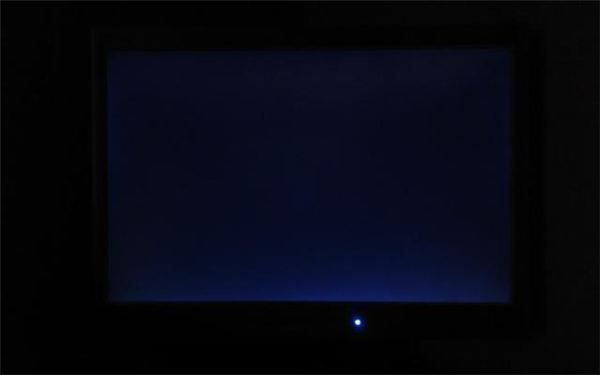
If you experience problems with the output from your LCD monitor or if it stops working completely, there are several ways to fix these issues rather than go out and buy a new display.
What is a Backlight?
LCD backlights create the image that you see on the screen. They are a row of lamps or bulbs situated inside your monitor or TV behind the LCD.
When an image is created on your monitor, it is generated by the LCD segment of the screen device, and made visible by the brightly lit backlight.
Issues with LCD backlights aren’t uncommon, but usually affect older devices. If you have a new monitor with display issues, consulting your device documentation for warranty information should be your first step.
Alter Your Backlight Settings
A damaged or faulty backlight can cause an unpleasant image. If you’re watching TV or a DVD these will appear as a possible bleeding of light through dark patches of the screen (those perhaps showing shadows or space).
You’ll usually find these in the corner of the screen, and the first thing you should try in this situation is alter your brightness settings.
The layer of your display that houses the LCD (the layer of electronics and chemical that generates the image) should be able to create a black image that is sufficient to block out bleeding, but wear and tear or even a poorly constructed TV or monitor can allow “backlight bleeding”.
Replace the Backlight
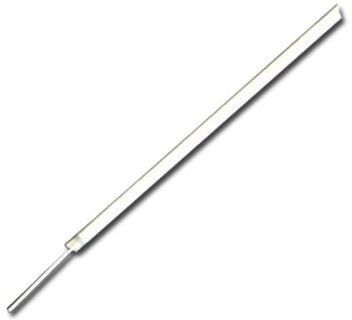
Older LCD monitors and TVs that are out of warranty may still be saved but you’ll need to get your screwdriver out and search the web for a few clues as to how the inside of your display works.
Searching eBay.com (use “LCD backlight” as your search term) or a spares website for the right parts can pay dividends, and get you the right hardware in a matter of days. Getting a specification document detailing how the internal components of your monitor are arranged is also a very good idea.
As long as you are confident with how the monitor backlight fits and connects into your monitor chassis and you have suitable screws (and possibly a thin but sturdy plastic blade for levering certain components out of the way, depending on your monitor) then you should be able to effect a home repair job on an LCD monitor without a problem!


