Enlarge Digital Photos with Minimal Loss of Quality – Review of AKVIS Magnifier
Overview of AKVIS Magnifier v2.0
If you’ve ever tried to enlarge a digital photograph by more than just 5-10%, then you’re probably quite familiar with just how miserable the results can be. Even the sophisticated resizing algorithms found in major photo editing applications such as Paint Shop Pro and Photoshop can leave the enlarged image blurry and full of artifacts.
AKVIS Magnifier is an application that focuses on one particular type of photo editing: image enlargement. The software uses special spline algorithms that enable it to resize a digital photograph to up to 2,000% or more of its original size with minimal loss of quality. Magnifier can either operate as a standalone application or as a plugin for Photoshop or Photoshop Elements.
How well does it work? Before getting down to specifics of the software, let’s take a look at a quick example of a digital photograph that was enlarged using Magnifier. The original photograph we’ll be using is shown below. (Click any image for a larger view.)
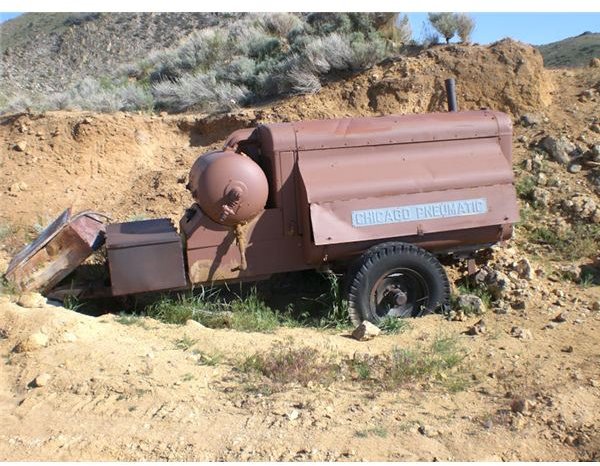
In testing the software, I concentrated on the portion of the image shown below because of the variety of detail involved.

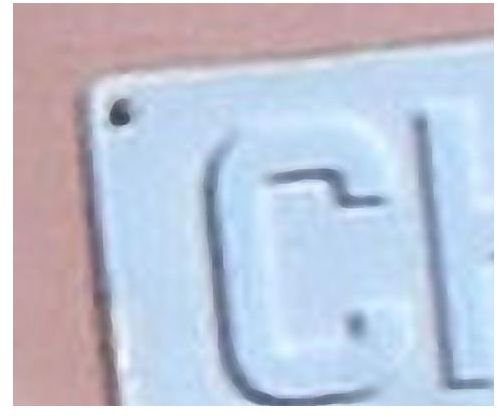
I then enlarged the photo 500% in Magnifier. Here are two sets of close-ups of areas of the enlarged photo before and after Magnifier algorithms were applied. Note that only the default settings (no tweaking yet) of Magnifier were used in this example.
First, we have the area around the lettering.

Next, we have the area around the outer edges of the tire.
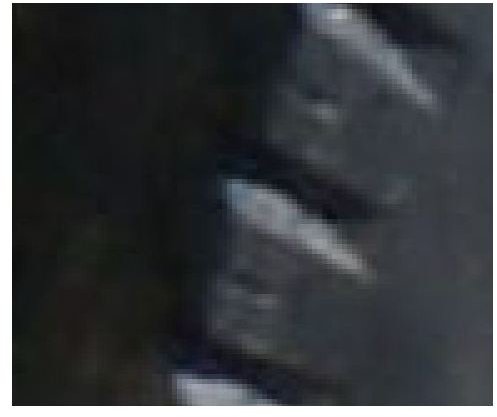
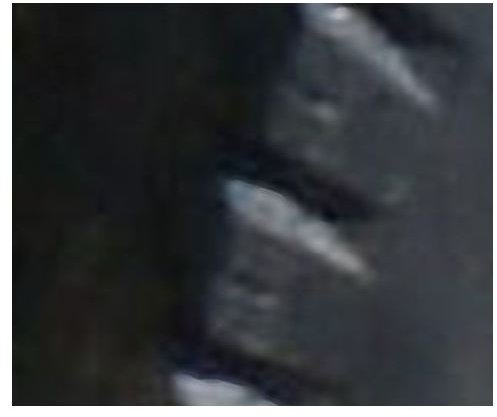
The results here are pretty decent considering they were achieved with just one click of the mouse.
Installation and Specifications (4 out of 5)
Everything went as expected with the download and installation of Magnifier. Users should have no problem here as long as their system meets the recommended specifications listed below. The software does theoretically run on the minimums, but it does not run well, in my opinion. The types of algorithms used in Magnifier are very resource intensive, especially if you’re working with large image files.
For Windows Systems:
- Windows 2000/2003/XP/Vista
- Pentium III Processor (Core Duo recommended)
- 512 MB RAM (2 GB RAM recommended)
- 8 GB HDD (10 GB HDD recommended)
- Screen resolution of 1024 x 768 (1280 x 1024 recommended)
- Video Card: Direct X8 compatible, 32MB, 32 bit color depth (64 bit color depth recommended)
For Mac Systems:
- Mac OS X 10.3.9 – 10.5 (10.5 recommended)
- 512 MB RAM (2 GB RAM recommended)
- 8 GB HDD (10 GB HDD recommended)
- Screen resolution of 1024 x 768 (1280 x 1024 recommended)
The only reason I’m rating this segment a 4 instead of a 5 is that I would definitely not want to try to run this application on Vista with only 512 MB of RAM, despite that option being implied as a minimum requirement. (Then again, I wouldn’t want to run anything on Vista with only 512 MB of RAM.)
Ease of Use (5 out of 5)
The user interface of AKVIS Magnifier is very well designed. All the necessary tools of the application are presented out in the open so you don’t have to look around trying to find what you need. At the same time, there’s no sense of clutter or invasion of work area.
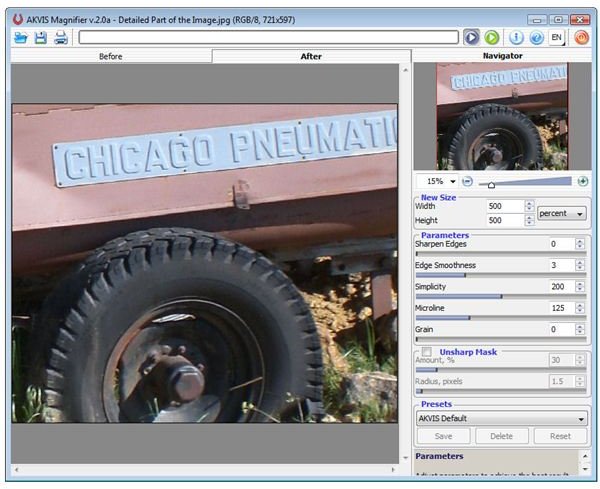
When enlarging an image, the AKVIS default parameters are applied, and many times you won’t need to make any other changes. That is, a lot of the time, the only thing you have to decide is how much you want to enlarge the original photo.
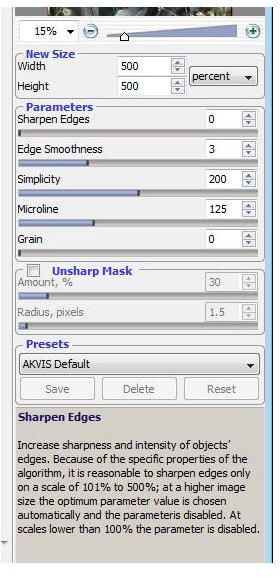
Magnifier sports an extremely nice feature for those times when you do want to make custom parameter adjustments. If you’re unsure of what a particular parameter might do, just hover your mouse pointer over its name or slide bar. Doing so will bring up help information on the tool that not only gives you a general idea of its purpose, but also describes how different settings will change the image.
Next up: Continue to page 2 of this review to find out more about the performance and price to value of AKVIS Magnifier. We’ll also talk about a nice little surprise we found when playing around with the application.
Performance (5 out of 5)
In their help manual that comes packaged with Magnifier, AKVIS states, “The photo enlarger works great if a modest 1.1x, 2x or 4x enlargement is needed, but it truly shines if used to blow up a photo to 10x or 20x the original size.” I most certainly have to concur here. Just to test it out, I tried enlarging the same photograph I used in the introduction of this article to 20x (2,000%) of its original size. Below are some screenshots of the results.
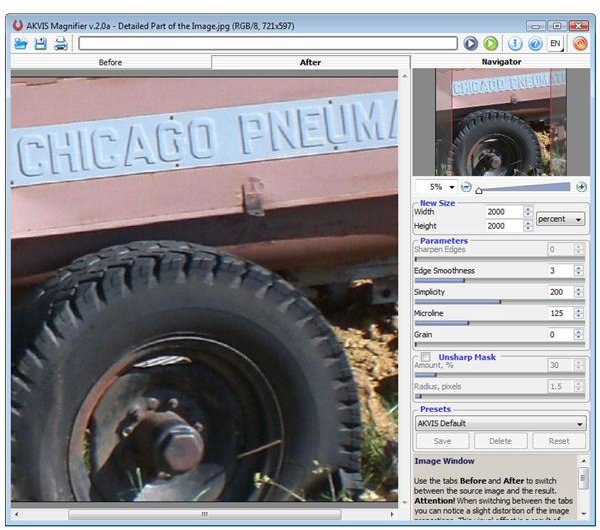
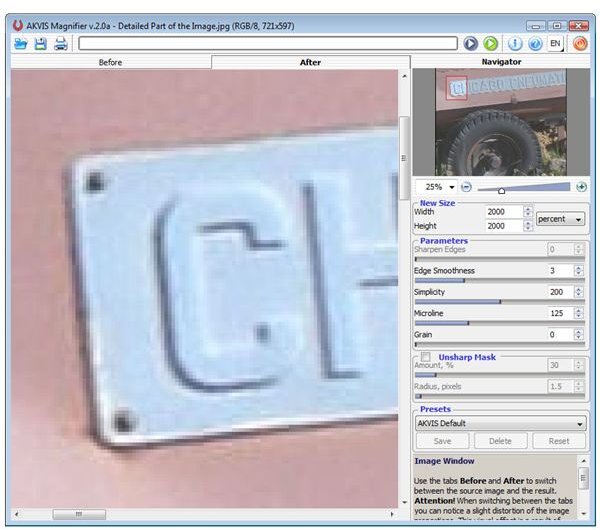
As you start to move in to take a closer look at the features of the resized photo, you will start to see some blurriness. There’s actually more in this photo than there would be normally because I didn’t spend a lot of extra time tweaking to improve the quality of the default settings. But, to be fair here, I took an 8 x 10 inch photo and enlarged it to a 13.33 x 16.67 foot photo.
If you try to repeat this experiment on your own, be prepared for Magnifier to take a little bit of time to process. I’m running a 64-bit version of Vista with 4 GB of RAM, and the enlargement took a solid two minutes to complete. However, I did have several other applications open at the time and was able to let the process run in the background while I did some work in other windows.
Surprise Features (5 out of 5)
Magnifier doesn’t make any claims of being anything other than image enlargement utility so, normally, that’s the only thing I would comment on my review. However, when experimenting with the application, I found out that some very interesting artistic effects could also be created with the software such as this aged rustic look in the screenshot below.
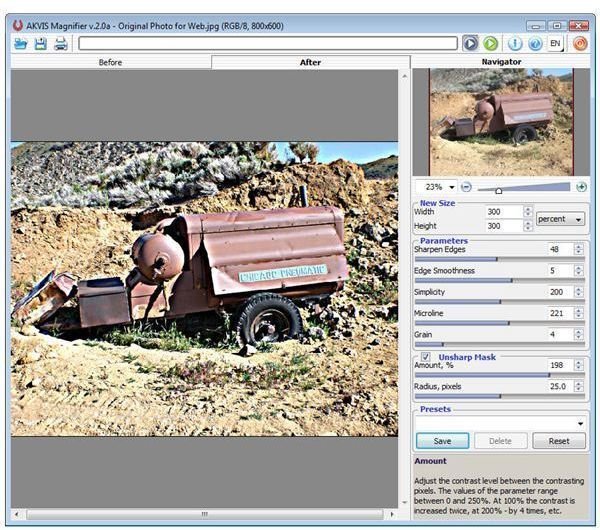
This feature may not be enough on its own to make you want to purchase the software, but it sure is a nice added bonus to Magnifier’s true function.
Price to Value (4 out of 5)
There is some variation in price for AKVIS Magnifier, depending on which license you’re interested in. As far as plugins or complementary photo editing programs go, the $129 base figure does seem a little steep at first and is a huge deterrent to casual users.
However, true hobbyists can mitigate the cost a bit by investing in the Alchemy bundle which includes Magnifier along with 12 other AKVIS image editing products. We’ll be taking a look at those other tools in upcoming reviews.
AKVIS does offer a 10-day free trial of Magnifier for those who want to test the software and its capabilities. If you’re still shopping for an image enlargement application, then it’s well worth the time to take advantage of this offer and compare it with the other items on your short list.
Be sure to browse through the items in Bright Hub’s library of Paint Shop Pro tutorials and plugin reviews to find other tips and tricks for getting the most of out of your photo editing projects.