
Performing an iPod hard reset can fix several common problems with iPods. For example, if your iPod is frozen or won’t power on, performing a hard reset will likely fix it. The actual process of doing a hard reset varies by iPod model.
What Happens When You Do a Hard Reset
A hard reset basically resets certain parameters of your iPod back to default. You will not lose your music or other files. However, some of your settings may reset. The time and date on the iPod will be preserved, unless your iPod has been completely drained of all battery and then reconnected to power. In that case, you may lose time and date settings. Your other settings, such as bookmarks, playlists , timers, etc. will be preserved from the last time you used your iPod.
iPods with Click Wheels - iPod Nano, iPod Classic, iPod 5th Gen, iPod Color, iPod Mini
To perform an iPod hard reset for the above models, start by toggling the hold switch from off to hold, then back off again. Press and hold down the Center button (middle of click wheel) and the Menu button. Continue to hold these buttons down until you see the Apple logo on the iPod screen (approximately 6-8 seconds).
If the hard reset doesn’t work the first time, try it again a couple more times. Sometimes it works the second or third time around.
If the iPod hard reset is still not working, try connecting your iPod to a power source, or computer, and then doing the hard reset.
*For older iPod models, you may need to hold down the Play/Pause button and menu button, rather than the Center button and Menu button.
iPod Shuffle
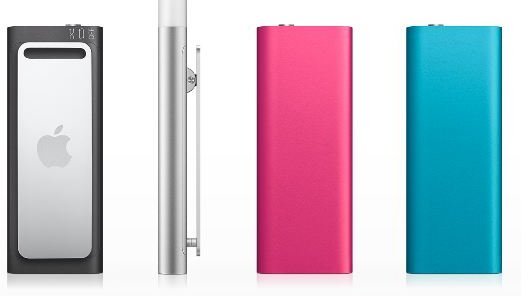
To perform an iPod Shuffle hard reset, first disconnect the iPod from the charger (if connected). Move the power switch to the Off position. Wait 5-10 seconds for the iPod to fully power off. Move the switch to the play in order, or shuffle position. For iPod Shuffle 2nd generation, move the power switch back to the On position.
*No matter what version of iPod Shuffle you are using, when you move the shuffle/play in order/on switch you should see a green stripe.*
iPod Touch
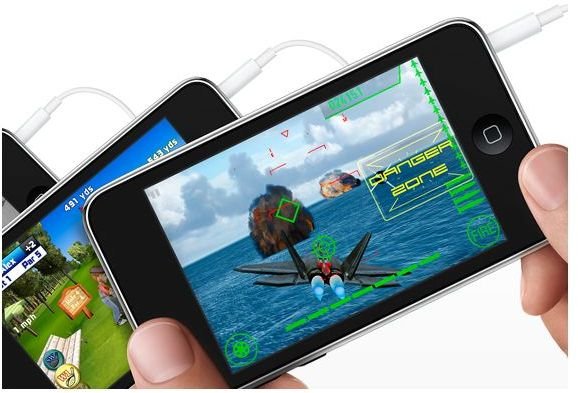
To perform an iPod Touch hard reset, start by turning the iPod Touch on. Press and hold down the sleep/wake button until you see the Apple logo on the screen. Next, you need to turn the iPod Touch completely off. Press and hold down the sleep/wake button until you see the red slider. Slide the slider to turn off the iPod Touch. This should fix any potential problems you are having with your iPod Touch.
If you are unable to turn off iPod Touch, you can try doing a manual reset. To do so, hold down the sleep/wake button and home button at the same time. Continue to hold them for at least 10-15 seconds. Wait for the Apple logo to appear.
Additional Help
iPod hard resets don’t always fix problems with iPods. However, you can get additional help from Apple support. You can contact Apple Support using this page . If you have purchased the extended Apple Care warranty for your iPod, chances are, Apple will replace your iPod if the problem cannot be resolved.
How to Connect an iPod to a Windows Computer


