Folder Lock fills a gap in Windows operating systems: Password protecting objects such as files, folders and drives for example. On top of that is Folder Lock a viable alternative to Windows built-in EFS File encryption. Here’s all you want to know about Folder Lock encryption and locking.
What is Folder Lock?
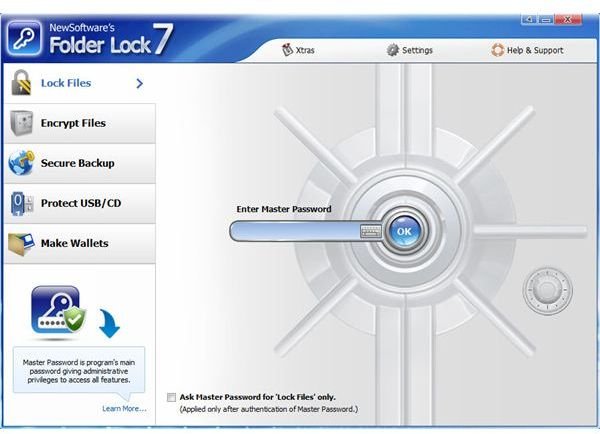
Folder Lock is a Windows program to encrypt or password protect files, folders, removable drives, partitions, USB sticks etc. In encryption mode it uses the strong 256-bit AES encryption algorithm (*) to encrypt objects on the fly. In lock mode files, folders and drives are not encrypted but protected with a password.
(*) For more information about AES please see Bright Hub’s article What is AES Encryption?
System Requirements (5 out of 5)
Folder Lock is compatible with 32-bit and 64 bit editions of Windows 2000, XP, Vista as well as Windows 7 and 8! The software works on FAT16, FAT32 and NTFS (current Windows default) file systems.
Installation & Setup (5 out of 5)
The installation of Folder Lock is easy. The wizard initializes, and the next window displays the EULA. You are then given the opportunity to change the install path and Start Menu folder.
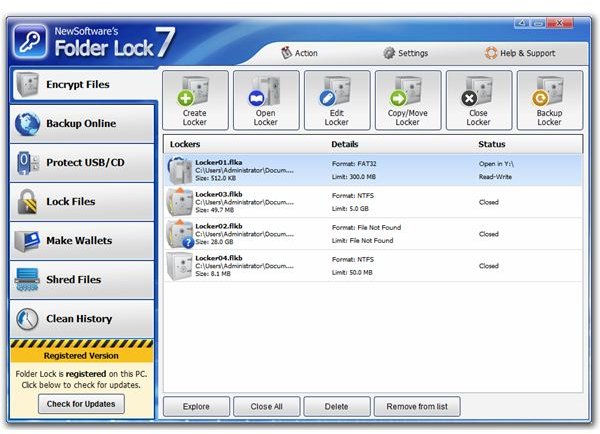
Folder Lock stores your encrypted file objects in containers called lockers. These lockers are portable, so they can be stored on USB drives for example along with a tiny piece of software that allows to access Folder Lock secured data on any PC where the USB stick is inserted.
Similarly can a locker containing encrypted data be written to DVD or CD drives as a means of safe backup for example. After the install you should setup a locker by clicking the New tab and choosing a locker path.
Interface (5 out of 5)
The Interface is cool and intuitive, in the form of a locker. On the lockers left side you will find a virtual keyboard to counter keyloggers, whereas on the right side you can expand FAQs.
Features (5 out of 5)
To make use of Folder Lock’s encryption features unlock the locker with your password. Then select the folder, file, USB or external drive you would like to secure and drag & drop it into the open Locker. Select Encrypt Now. The Transfer default method is Move Data, but you can change that on the fly, or under Options, to Leave a Copy or Shred after Moving.
If you just want to protect an object with a password only open the locker, and change the focus from Encrypt to Lock. As opposed to encryption does locking not move the password protected object. To unprotect the file or folder hit the open padlock symbol.
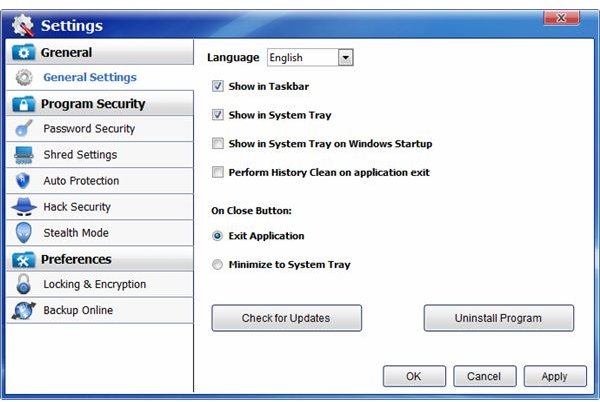
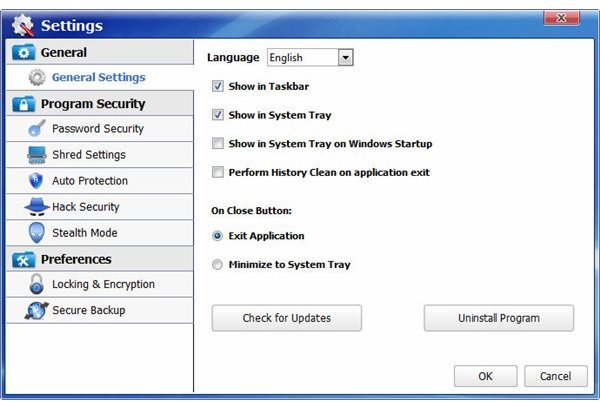
What’s more is that Folder Lock can be run invisible in stealth mode so that others don’t know that you use Folder Lock. Additionally, the program can be set to shutdown or lock the computer if it detects Folder Lock hacking attempts.
On top of that can you clean your files’ histories and set Folder Lock to lock itself after a certain time of mouse inactivity.
Performance (5 out of 5)
I was really amazed at the speed of the program’s encryption. To extend the locker file size from 20 MB, move and encrypt a file sized 372 the software needed approximately ten seconds. Besides: Folder Lock encryption is easier than Windows EFS encryption for the fact that you don’t have to backup the encryption key.
Folder Lock password protects objects in the wink of an eye.
Help & Support (4 out of 5)
The help file does a fairly good job. In addition, the vendor’s website contain an animation explaining the use of Folder Lock. If you buy the software you are eligible to life-time priority customer support.
Price to Value (3 out of 5)
A single user license of Folder Lock carries a price tag of $39.95, which is a fair price for that great piece of software. Volume, site license and academic licenses are available. You can try Folder Lock it before buying, the shareware license permits you to launch the software approximately 25 times.
The Bottom Line
Folder Lock is a very nice piece of software, but you may also want to check out whether File & Folder Protector perhaps better suits your needs. If you want to move files and folders etc you have to make use of encryption as Folder Lock passwords cannot travel.
Reference
Folder Lock - https://www.newsoftwares.net/folderlock/
File & Folder Protector - https://www.brighthub.com/computing/smb-security/reviews/58868.aspx


