Cad Kas Dividers and Ruler is a potentially useful tool for desktop publishers who may be required to draw perfect lines and curves in their projects. It’s a fast, simple tool designed for engineering or architectural projects, but it has useful applications in DTP.
Cad Kas Dividers and Ruler Overview
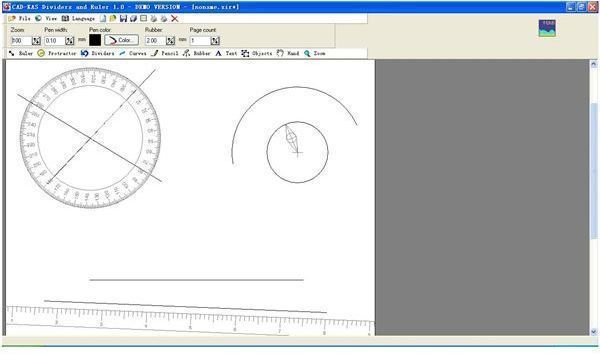
Cad Kas Dividers and Ruler is your one stop solution to all your instrumental drawing needs. Whether it’s for math, engineering, or architectural projects , this easy to use software helps you draw perfect lines and curves. With the three main instrumental tools; ruler, protractor, and divider, this software delivers.
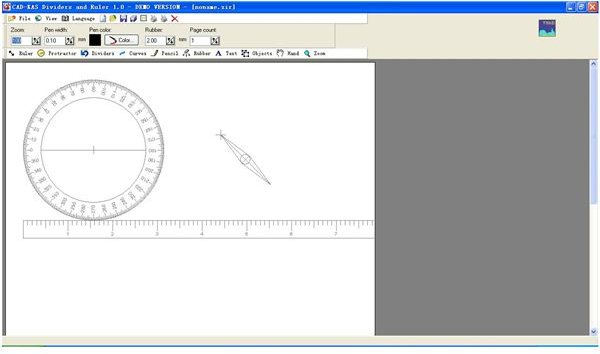
Screenshot 1
Installation and Setup (5 out of 5)
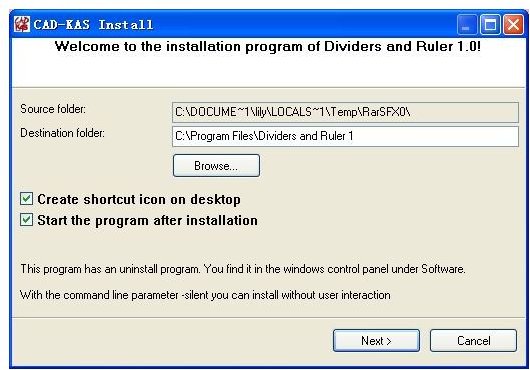
Installing Dividers and Ruler is so simple that all you need to do is download and double click on the file and follow through the installation instructions. You do not need any advanced settings as everything has already been set to your needs.
Screenshot 2
Dividers and Ruler User Interface (5 out of 5)
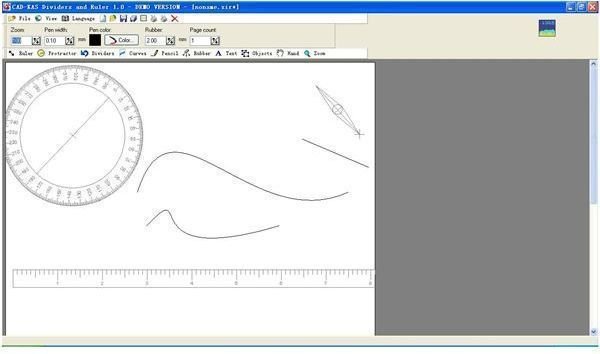
This easy and simple to use software ensures that you get what you pay for. Everything is right in front of you on your monitor ready for you to use. Simply click, drag, and draw. The toolbar menu is not complicated, everything is as what it says.
Screenshot 3
Dividers and Ruler Features (4 out of 5)
Dividers and Ruler helps you draw perfect lineal and curved lines which saves you time and effort. With its basic tools, you can create perfect drawings in no time. Dividers and Ruler has three main instruments, ruler, protractor, and divider along with the main page as a piece of paper. With these three main utensils you can draw just about anything. There are also other functions such as curve, pencil, rubber (Eraser) and much more. It even has a text function for you to type in words where applicable.
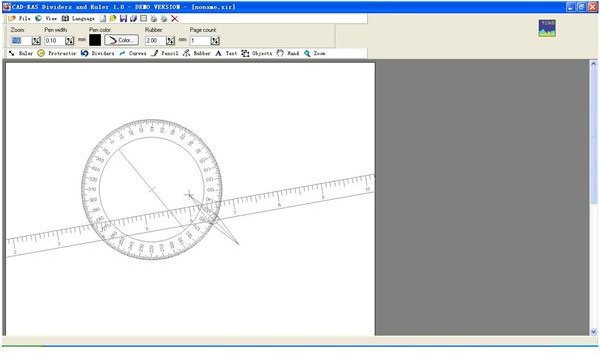
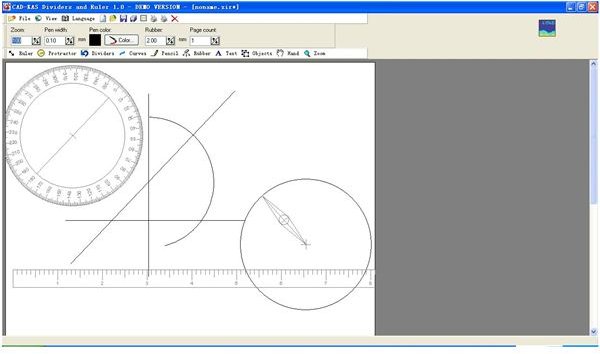
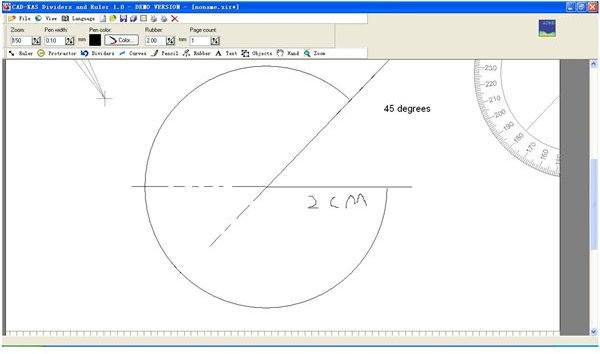
By using the ruler, you can draw perfect straight lines at any degree at any area on the paper. With the protractor you can draw at any given degree to make perfectly balanced lines of degree. Lastly, with the divider you can draw perfect arcs at any size or ever a full circle immediately.
With the curve tool, you can draw a curved line of a desired length that you can measure with the ruler. After drawing the line, you can bend the line into any shape by clicking and dragging. You can even bend it a second time and you can always click the right mouse button to stop.
The pencil allows you to draw at your own will anywhere on the page and the rubber erases anything that you have drawn. The text function allows you to type anything on the paper anywhere you want. Lastly, there is a zoom option to make your drawings even more incomparable.
Screenshot 4
Screenshot 5
Screenshot 6
Screenshot 7
Price to Value (4 out of 5)
For only $79 you can purchase this simple yet professional tool to use for your work. Dividers and Ruler is your one set tool with everything you need to start your day of drawing.
Performance (5 out of 5)
Dividers and Ruler is a must for the kind of work it is designed to accomplish because it saves you time, work space, and most of all; it measures everything accurately for more efficient work. It’s fast and takes very little space on your computer.
Final Tag
Dividers and Ruler allows you to draw lines and curves in perfect conditions. It saves you time and money and also you won’t have to haul around a two meter ruler anymore.
Screenshots