A Christmas tree brush for Photoshop may be all you need to give your holiday artwork an extra touch of cheer. Here you will find 10 Christmas tree brushes for Photoshop that you can try during this holiday season.
10 Great Christmas Tree Brushes for Photoshop
To help you get the most from your artwork this holiday season, try changing your brushes. An amazing array of free collection of Christmas tree brushes for Photoshop are available online. To help you get started 10 of the best Christmas brush collections are listed here along with a screen shot from their Website and a convenient link.
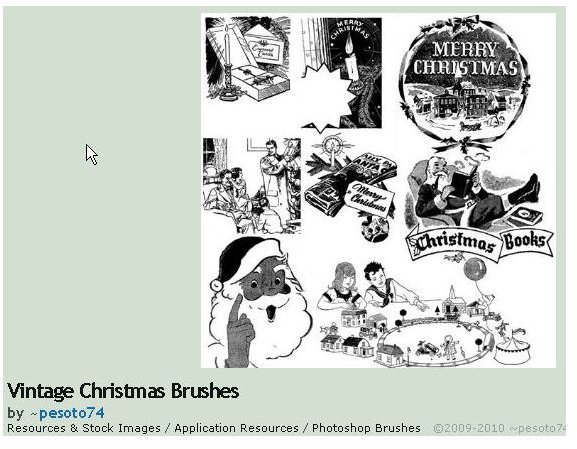
Vintage Christmas Brushes is a collection of Adobe Photoshop brushes that bring back the nostalgic images of Christmas Past. Download this set and you will find it to be a useful and entertaining tool for all your holiday artwork.
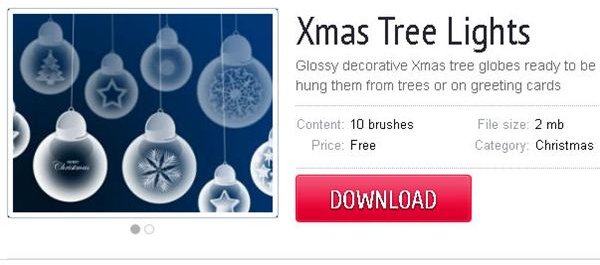
Xmas Tree Lights is a collection of 10 brushes with ornament style holiday lights. These make great brushes for outlining pages or highlighting photos, graphics, and text.
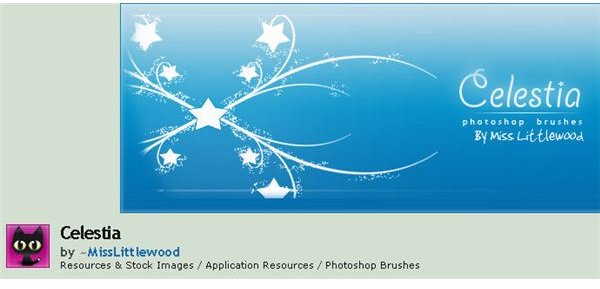
Celestia is a collection of ornament-style Photoshop brushes designed for your holiday pleasure. Spice up your cards, gift tags, place settings, and other designs with this fantastic collection.
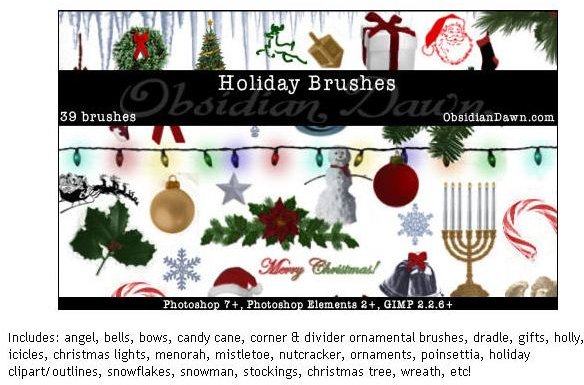
Holiday Brushes from ObsidianDawn includes brushes with holiday symbols for Christmas as well as some for Hanukkah and secular themed art as well. Get your snowmen, candles, and candy cane brushes all right here in one huge 39 brush set.
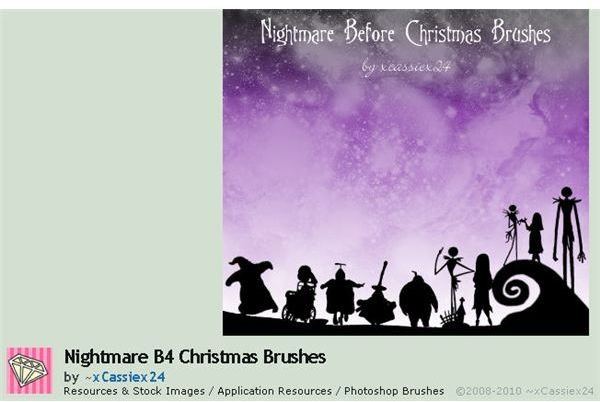
The Nightmare B4 Christmas makes a joke from a familiar theme from one of the most favorite story lines of all time.
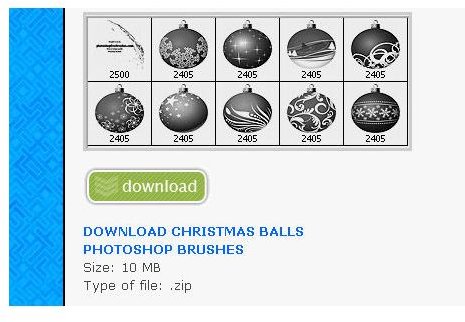
Christmas Ball Ornaments is a collection of Adobe Photoshop brushes that look like they came straight from your Christmas tree. These will add a touch of class to your work and help you create the most unique Christmas designs ever.
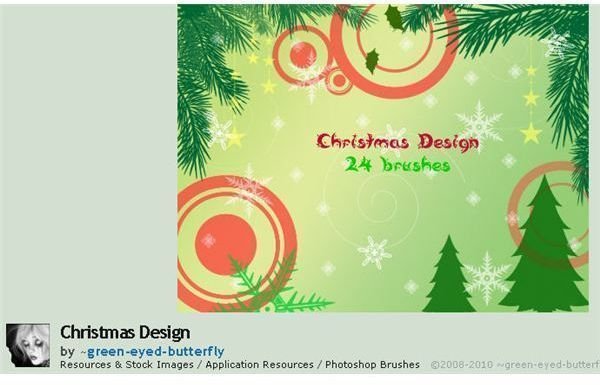
Christmas Design is a collection by Green Eyed Butterfly and consists of 24 Christmas-themed brushes.
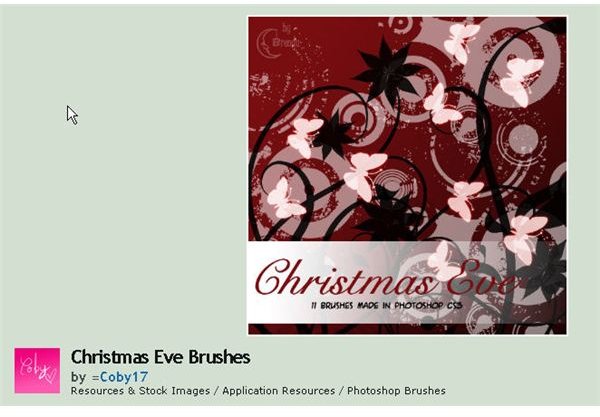
Christmas Eve is a set of 11 brushes with the whimsical theme of the day before Christmas.
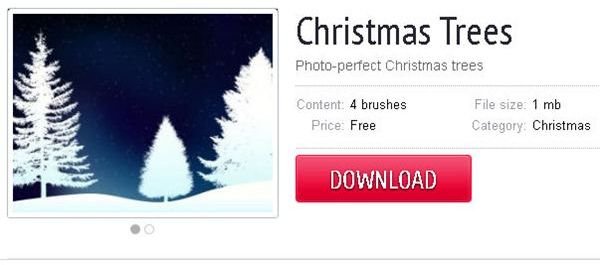
Christmas Trees is a collection of four Christmas tree brushes for use in all your holiday designs. These will produce great are for party invitations,
Christmas Brushes is a set of 7 Christmas trees and other Photoshop brushes that will help spice up your holiday artwork.
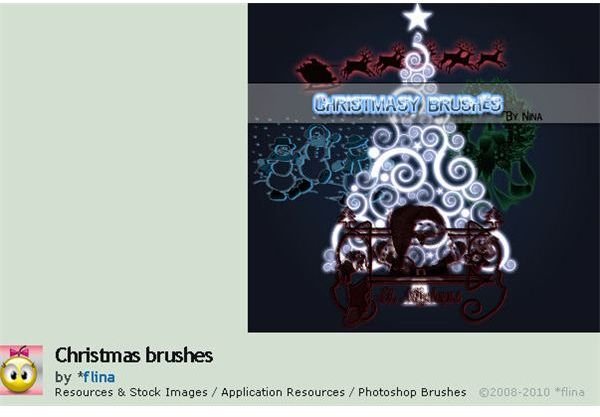
Image Credits: Screen shots taken by Bruce Tyson
Install and Enjoy!
When you find a Christmas tree brush for Photoshop you have to put it in the right place on your computer so Photoshop can find it.
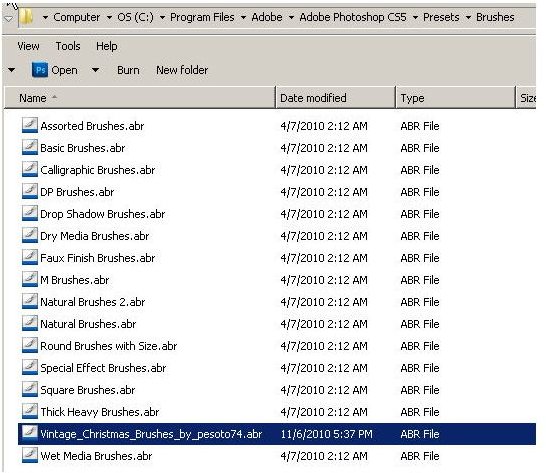
Brush collections come in “.ABR” format. Save your file in the “brushes” folder in your Adobe Photoshop presets folder (C:\Program Files\Adobe\Adobe Photoshop CS5\Presets\Brushes).
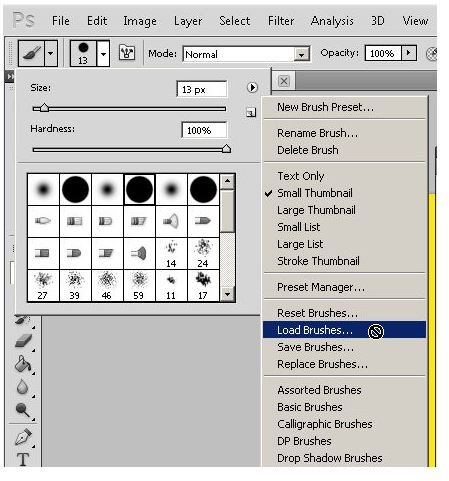
Now that you have the file in the right place, you can access them by clicking on the brush menu flyout on your brush setting window. Choose the “Load Brushes” option to make your Christmas tree brush active in Photoshop
You now can use your Christmas brush just as you would an ordinary Photoshop brush. Best wishes to you for a Merry Christmas and a fantastic holiday season!
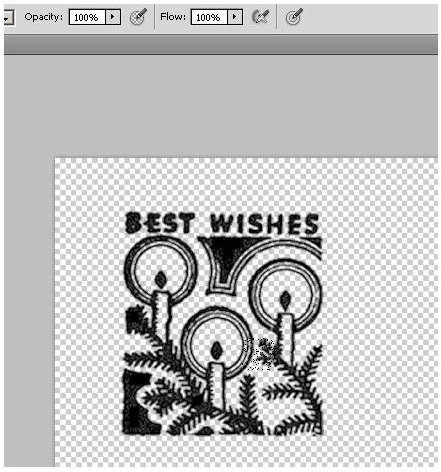
Image Credits: Screen shots taken by Bruce Tyson


