An Inkscape business card template can make the job of creating a professional business card easy. Choosing a design carefully and investing a little effort and creativity will allow you to save money and show off your skills to others. You can even make your own Inkscape business card template.
Inkscape Business Card Templates You Can Use
Inkscape is a popular vector graphic program that brings many of the features of Adobe Illustrator to creative workers in a free, open source format. In this Inkscape tutorial you will find the best online (and free) sources available that will help you work with Inkscape business card template design.
Among the following sites you will be able to find blank Inkscape business card templates that can help you create the image you need to promote yourself, your business, and your products and services.
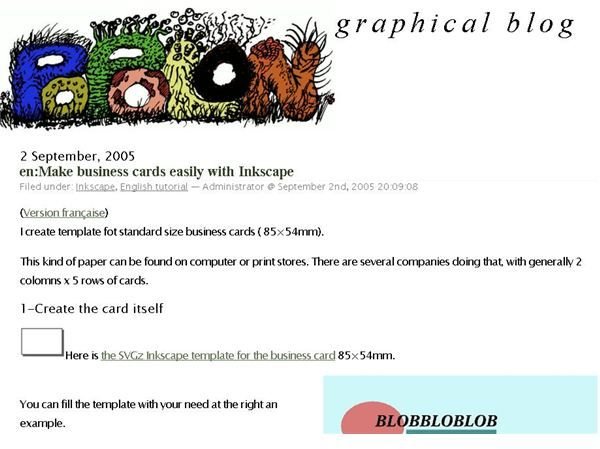
1. Graphical Blog 2 has a ready made SVG template that is perfect for getting started with your business card design using Inkscape. This template uses an an 85 mm x 45 mm size and has a single card and a page of cards available in separate SVG files that are downloadable for free.
The process presented here calls for the user to import a basic SVG file that forms the basis for your business card. Once you design your card with logo and text, you proceed to load a full page template that serves as a guide as you copy your business card multiple times to create a full page.
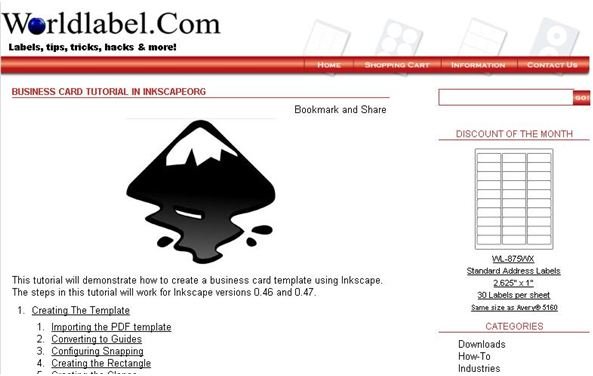
2. WorldLabel has an excellent Inkscape business card template that takes a 3.5" x 2" template in PDF format and guides the user through the step-by-step process of creating business cards. The primary difference with this Inkscape business card template is that the page template requires special handling since it is in Adobe PDF format. This Inkscape tutorial handles the procedure well, and makes an exceptionally good effort in showing users how to convert the lines from the imported art into Inkscape guides.
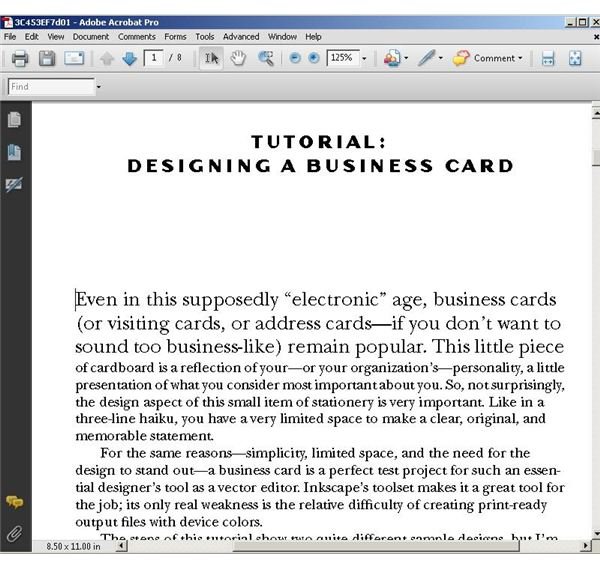
3. The Book of Inkscape by Dmitry Kirsanov has an excellent tutorial in which the author guides Inkscape users through two business card designs. This tutorial shows you how to create an Inkscape business card template by adding text fields, selecting fonts , and placing text objects on the card area. Kirsanov gives helpful pointers in choosing a good font for a business card. After presenting text only business card design, the author presents some guidance for creating business cards that include both graphics and text. Texture and color are also subjects of the Inkscape business card template lesson. Finally, the guide helps users print their business cards in PostScript, PDF, or bitmap format. Tips for using device colors and tiled output are also included. In all, this is a thorough template resource spanning 8 pages in total. It should not be overlooked.
Now that you have learned all about creating and using business card templates in Inkscape, get started now. Create a business card that reflects all that you have to offer and enjoy the pride of knowing that you designed it yourself by using Inkscape.
Image Credits: Screenshots taken by Bruce Tyson.


