Do you want to create a magazine cover in Photoshop as your next graphic design project? The first thing is to establish a sense of which market you are trying to design the magazine for and work from there.
Creating a Magazine Cover in Photoshop
Would you like to design a magazine cover in Photoshop, but you’re not quite sure how to begin? Once you know the principles of design layout and balance , then you will be able to apply them to your magazine cover. The magazine cover is what attracts the reader to by and/or read the rest of the magazine. The first thing you want to decide is what type of magazine you will be designing. Will you be targeting a teenage crowd, women, sports fans, or automobile owners? All of these factors affect the finished design that you will come up with.
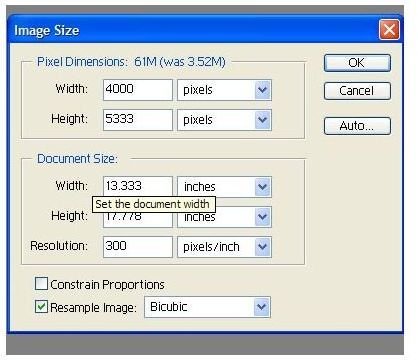
1. Begin by opening Adobe Photoshop. Go to Image>Image Size and change the resolution to 300. Go to Image>Mode and change the Mode to CMYK for print.
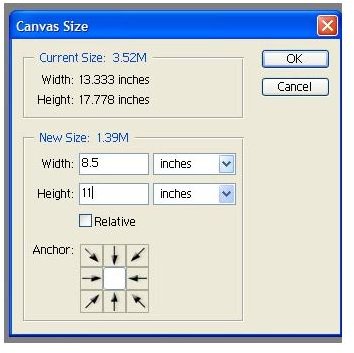
2. Now create a canvas for your magazine cover. Go to Image>Canvas Size 8.5 x 11. You may be cropping the actual magazine to 7 x 10.
3. Get a picture of the design you would like to showcase centrally on the front cover. You can either use one of your own photographs or get one from a stock photography site .
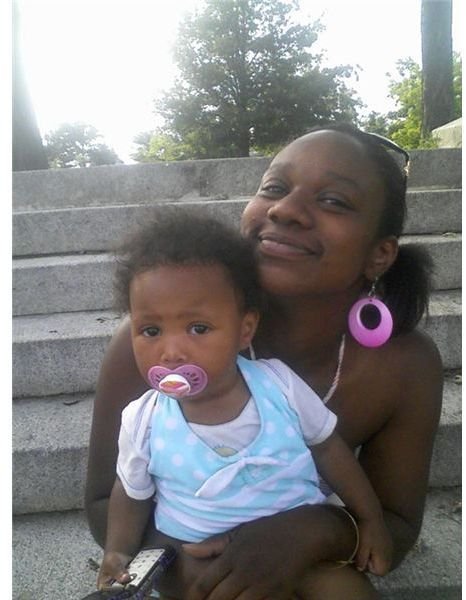
4. Try to have a number of magazine covers with different styles and moods that carry the theme that you are going for. It’s important to begin by emulating the style of a magazine cover that is already out there, rather than trying to come up with your design from scratch. This process allows you to learn the formula of designing a magazine. When you’re more comfortable, you can start to experiment and come up with your own unique styles.
5. Let’s begin with a solid background, usually a lighter color like yellow or white works best. This solid background allows you to see a number of colors very vibrantly, without distortion.
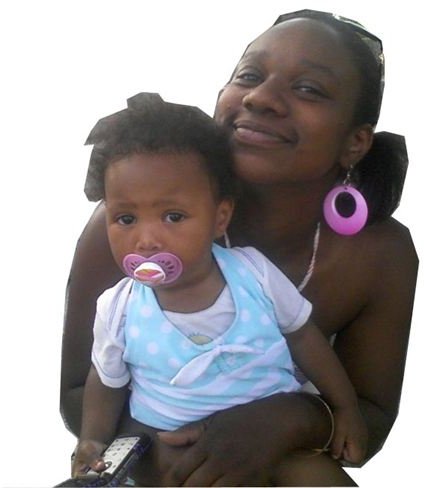
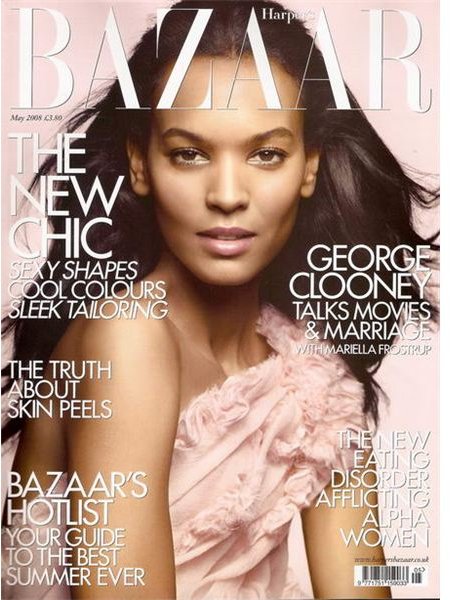

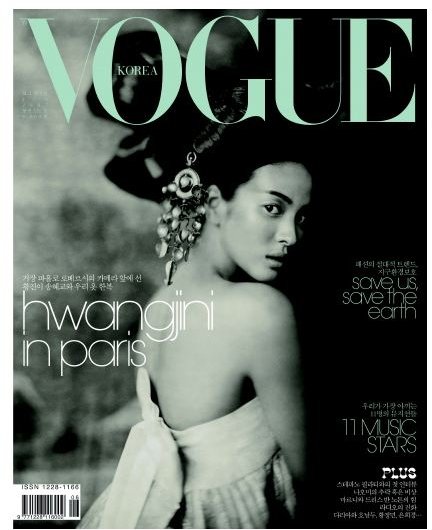
6. Now we want to use a font that goes well with the central picture. Start by designing a main heading or title of the magazine, with the font tool. Place the font tool on the top central portion of your photograph and begin typing. Change the font colors to complement the central picture. Remember to keep it simple to start. Once you have gotten the title, begin working on the sub titles or teaser magazine headings. These subheadings are usually placed on the right side of the central picture.
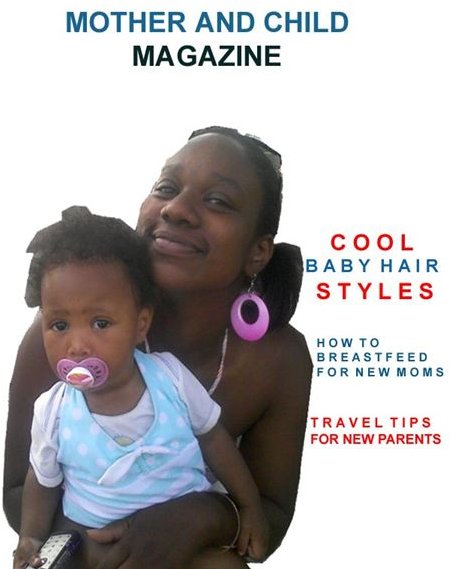
7. Now you can finalize the magazine by adding any extra effects that make your imagery stand out. Maybe you will want to add a floral backdrop for a wedding magazine or colorful balloons for a childlike design.
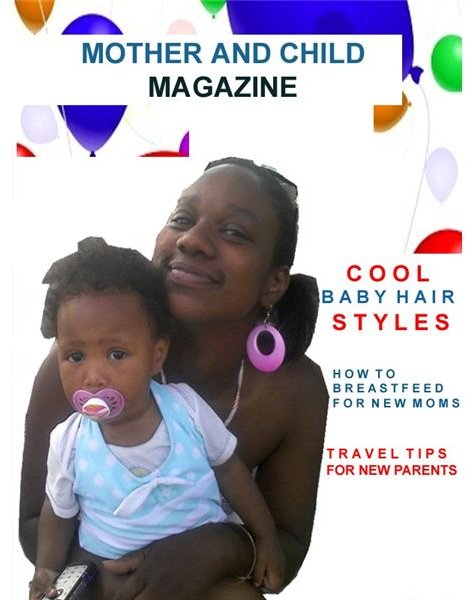
When you design your magazine cover, always keep the remainder of the magazine layout in mind, and thus your target audience. This will allow your cover to be judged effectively by the right audience.
Additional Resources
How to Design a Magazine Cover (Ehow)


