HDR PhotoStudio is a program designed to help photographers manage high contrast situations. This program, when properly incorporated in a shooter’s photography, can save images that would normally be unusable.
High contrast lighting is often a problem for digital camera sensors, which are only capable of handling a certain amount of contrast. While the current crop of imaging sensors is an improvement over earlier versions, they’re still not capable of capturing the tonal range of a high contrast image. High dynamic range (HDR) software is designed to help photographers solve this problem. HDR PhotoStudio is one such program. The basic idea when using such software is to take two to three images (five to seven may be better and depending on how much memory the computer has, the program can handle any number of images), which record detail in the highlights, shadows and midtones (each image concentrates on one of these areas, a two f-stop difference between each image is typical) and then merge the three images together to capture the full range of the scene. For the best HDR photos the photographer creates images using a tripod to make sure each image is properly aligned.
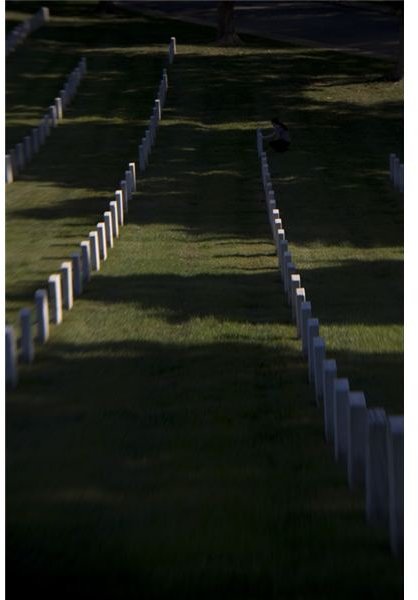
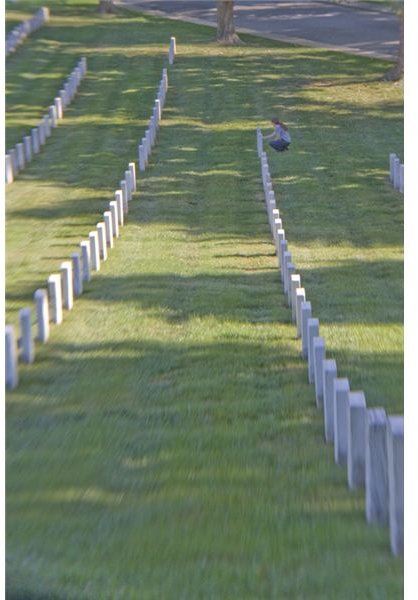
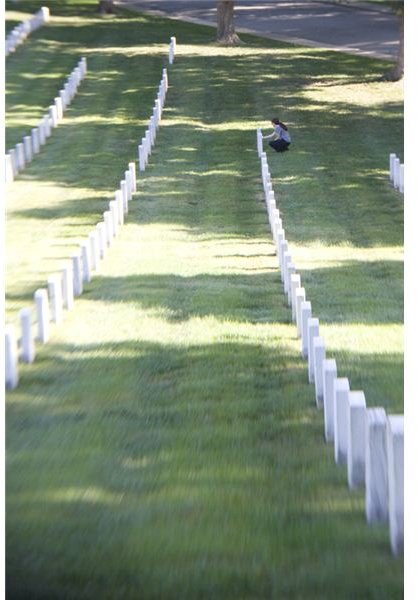
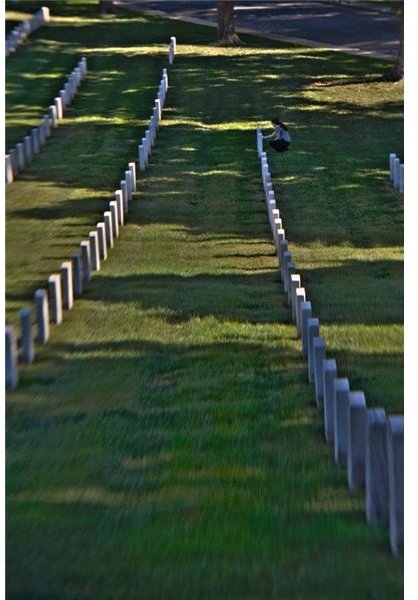
Using HDR PhotoStudio (4 out of 5)
HDR PhotoStudio requires you to go through a series of steps to process the image. Once the files are merged, there is still a fair amount of processing to take care of before getting a finished image. Steps include brightness adjustments, setting a black point, rotating (if necessary), cropping (if necessary), adjusting local contrast (for smaller details) and adjusting saturation (if desired).
HDR PhotoStudio is only available for PCs right now (requiring at least Windows XP) but the company does plan to release a Macintosh compatible version. It requires 2GB of RAM to run, but 3GB is recommended. The company’s web site says a high-end processor (2.8 gigahertz multi-core processor or better) is “highly recommended.”
When shooting, the company recommends the photographer use the camera’s aperture priority auto-bracketing feature for best results. It also suggests shooting in RAW format for best results.
Price to Value (3 out of 5)
HDR PhotoStudio is good at what it does. It is the kind of program that could be very useful to landscape and architectural photographers as well as anyone who needs to work with high-dynamic range images. Potential users should be aware there is a bit of a learning curve to getting the hang of this program.
At $149.99, this is an expensive program. It does what it is supposed to do well, but may be a bit pricey for the average amateur shooter.


