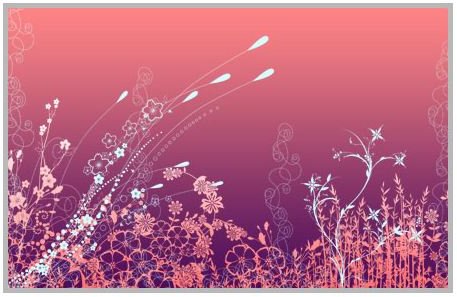
Learn how to make Photoshop brushes with this tutorial.
Introduction to Photoshop Brushes
Festival season is approaching and I know there are many who wish to create or make their own brushes for the occasion. You can do lots with brushes in Photoshop. Finding one as well as using them is definitely a cakewalk. You don’t have to be an expert in Photoshop.
Making your own brushes is very simple and easy if you know how to use Adobe Photoshop effectively. You may want to create or make Photoshop brushes of your own for many reasons like designing a logo or creating a watermark or for any other purpose. I’m sure creating Photoshop brushes of your own will give you sense of confidence. Do you want to know how to make Photoshop brushes? Here you go…
Image Source: Photoshop brush
Photoshop Brushes
Steps to make Photoshop brushes
1. Imagine the sketch that you wish to use for making brushes. Draw the sketch on a piece of paper and keep it ready.
2. Have an idea about the size of the brush like small, medium or large.
3. Draw the sketch afresh in Photoshop or if you have done the sketch perfectly, simply scan it.
4. Open this sketch in Adobe Photoshop.
5. In the menu bar, click Edit > Define Brush.
6. Enter a description for the brush here.
7. Save the file by clicking the “Save” button. Your brush is now saved and can be used.
Voila…you have made a brush of your own in Adobe Photoshop. Wasn’t making Photoshop brushes easy? Wasn’t making Photoshop brushes easy? If you have excellent drawing or painting skills, you may even sell your Photoshop brushes and make money.
Few tips when using Adobe Photoshop brushes:
1. When editing image may sometimes look grayish; be careful when making brushes of your own.
2. You can even get an image online and scan it to make Photoshop brushes.


