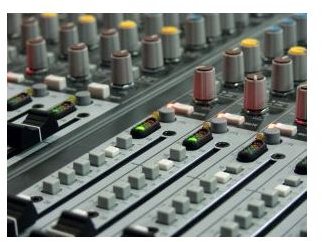
Here is a look at how to get audio together for your visual slideshow presentation.
Visual Slideshow Presentations
Visual slideshow presentations have got infinitely easier in the last ten years of video, audio and computer technology. What used to require different slides, photo development, and traditional projectors has been replaced by a purely digital system that only needs to be projected through a computer-focused system. Now you can put together a visual slideshow in a number of systems, from a PowerPoint presentation to a sequence arranged in Final Cut Pro . These presentations, especially when they have a large audience such as at a conference or college, usually have audio to accompany the video or photo slideshow. Here is a look at how you can master the digital audio for visual slideshow presentations.
Audio Tracks
The main thing to remember is that with a digital audiovisual slideshow presentation, either you are likely to have a dominant track over a background track, or a speaker over the background audio. Either way, you have to create a background audio track that is going to remain recessive against the opposing audio. To do this you have to make some choices, which will usually include a consistent musical track without vocals. If the digital audiovisual slideshow presentation has audio playback only and not an actual speaker, then you are going to have to combine a narrative audio track with the background musical score. This means that you should record it separately and then arrange it in your audio editing program, such as Pro Tools where you will bring down the music and then master the narration. This should punctuate against the audio so that it stands out.
Dealing With Narration
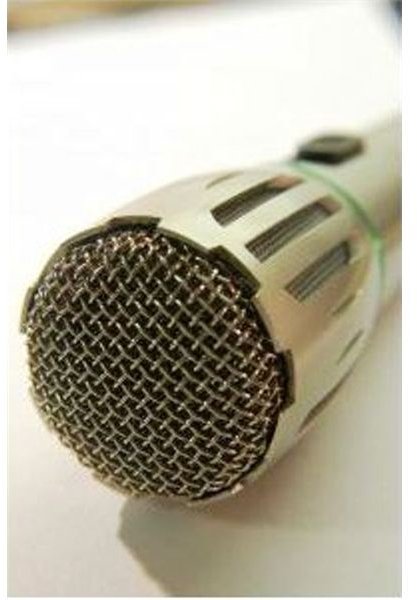
Narration, not dialogue or naturally captured voices, will dominate the human element of the recorded audio track for the audiovisual slideshow presentation. A recorded monologue is captured specifically for this in an audio recording booth, or comparable situation.
When you are recording and mixing this, remember that the likelihood of matching it perfectly with your visual slideshow is small because you need to match the narration with the items on the screen. In an effort to do so, begin breaking up the narration into smaller parts. Record some parts slower and some faster. Record plenty of room tone, which is the general tone of sound in the area that you are recording, because you are going to need to lay this in between the fragments of the narration that you are using in the digital audio for the visual slideshow presentation.
Export
The best way to handle the audio that coincides with a visual slideshow presentation is to unite it with the visual elements when exporting. Once the audio mix has finished you should send it back to the video editing program that you are using and bring it in on an audio track. From here, you can then export it as a full movie, such as a QuickTime file.
If you are going to use it along with a non-video based slideshow, sync them up manually during the presentation. For this, you need to determine what type of digital audio system you will be using and what type of audio file you require. MP3s will usually be fine for a public presentation because compressed audio will not be obvious in a large hall, but .wav or .aiff is going to be a better option.
References
Photos: Royalty Free Images from www.sxc.hu .
Source: author’s own experience.


