It gives almost total functionality - but is this the best Facebook application for Windows Mobile?
Windows Mobile 6.5 will be shipping on new phones from the third quarter of 2008, and with it a brand new Facebook application designed for use exclusively on Windows Mobile devices.
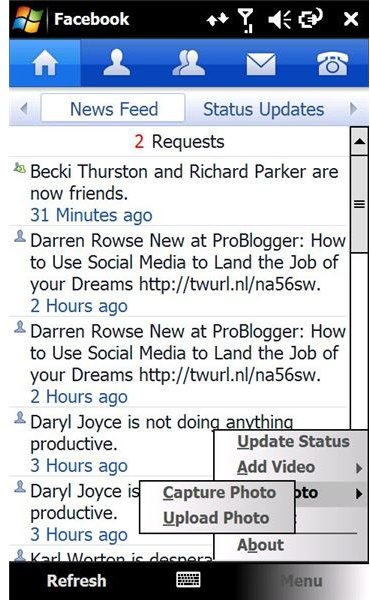
This fully featured mobile version of the popular social networking site is not only lightweight and sturdy but also allows uploading of photos and videos to Facebook, status updates, email access and best of all the ability to call someone via the mobile number they have on their Facebook profile!
Although officially available as part of the upcoming release of Windows Mobile 6.5, Facebook for Windows Mobile is available to download now from XDA-Developers.com .
Download and Install
The file can be downloaded either via your desktop PC or directly from your Windows Mobile device (with an appropriate data plan).
Once downloaded, the CAB file must run from your mobile device, so if you have downloaded to PC, copy it to your Windows Mobile handset via Activesync, and select the file to run it, following any instructions that appear on screen.
At 730kb, the finished install runs to around 4MB, making this particular mobile Facebook tool larger than some that have come before. However no other Windows Mobile application that provides access to Facebook comes with such a range of features.
Use the Tabs
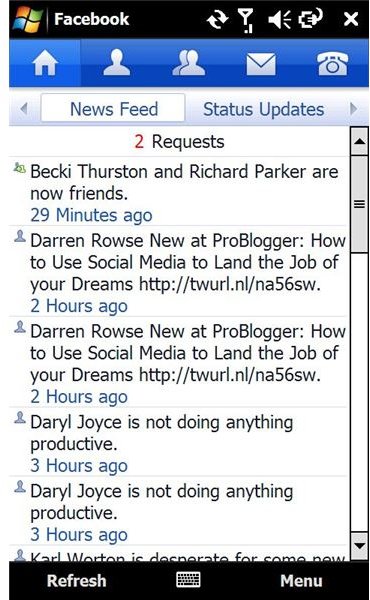
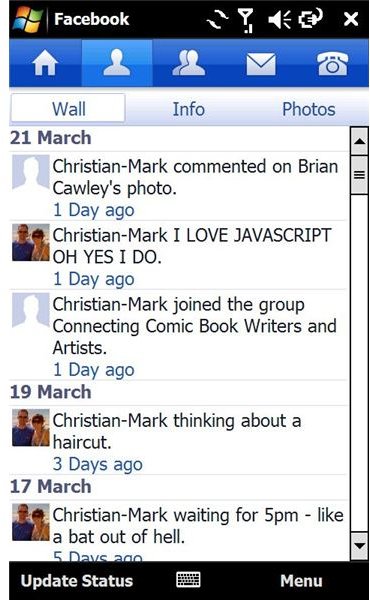
Like its desktop big brother, Facebook for Windows Mobile depends on tabs for easy access to various features such as the Home screen, the mail Inbox and the Phonebook:
- Home – This tab displays your News Feed, Status Updates, and Updated Photos, so corresponds with the desktop version Home screen.
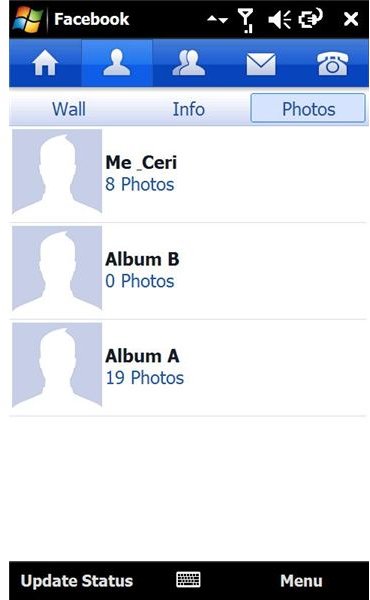
- Profile – This screen also corresponds to the browser-based Facebook, displaying personal Info, your Wall and access your Photos.
- Friend – All friends can be accessed via this tab, including photos and status notifications.
- Inbox - Here you can view your messages Inbox and Outbox as well as general and group or network Notifications as well as Friend Requests.
- Phonebook - If any of your Facebook friends have a phone number linked to their Facebook profile, this tab cleverly allows you to call them directly from your Windows Mobile device.
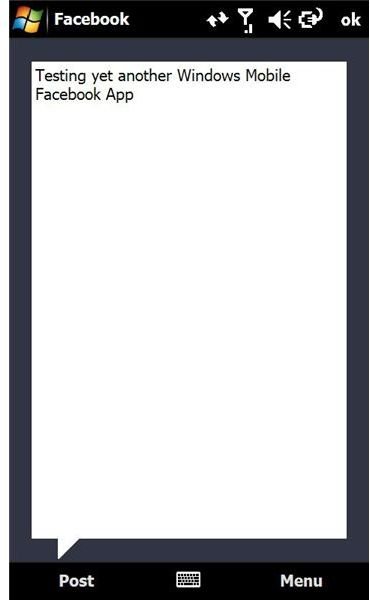
Facebook for Windows Mobile screens
Conclusion (4 out of 5)
Although the user interface on the Sony Ericsson Xperia X1 Facebook application is superior, this new Facebook for Windows Mobile trumps all of the rest, hands down.
There is now no longer any reason to rely on the unstable and unreliable Skybook – with a slick Web 2.0 design that fits in beautifully with both the standard Facebook and the HTC TouchFLO 3D styling, Facebook for Windows Mobile should run on any Windows Mobile device from 6.0 onwards, including QVGA and WQVGA devices.


