In this article we’ll take a look at the best way to learn to develop for the iPhone. Fed up of reading about those silly ‘instant app development’ tools that promise an original app in a just a few hours? Read on and I’ll show you a great and fun way to learn how to develop for the iPhone.
Setting Yourself up as a Developer
Developing for the iPhone can be quite a complex process that involves the would-be developer learning a lot of new skills. However, before you can even think about coding or testing your app you have to set yourself up as a developer. First things first. You have to inform Apple that you intend on furnishing them with an app in the not so distant future. Go to developer.apple.com and register yourself as a new developer.
You can use your iTunes ID to register as it speeds up the process.
Also, in order to develop an app properly you will either need to own or have access to a Mac computer. This is to support the development software we’ll discuss next.
Tools for the Job
AppleSDK
One of the best ways to learn to develop for the iPhone is to download the tools for the job and experiment a little. There are loads
of guides and videos on YouTube which can help you out. There are also basic templates pre-installed to get you on the road to your first app.
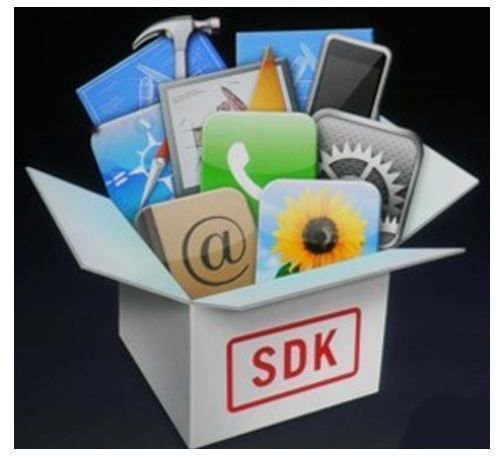
The Apple SDK (Software Development Kit) available here, is what you need. It’s an excellent tool and best of all, free. Unfortunately, the file is HUGE so it will take a few hours to download. I did it overnight and the next morning I was greeted by an awesome piece of software.
xCode
Again, another great tool to get a feel for developing an app which you can find here . This allows you to slowly build your app whilst viewing your source code and tweaking it slightly. This is by far the best tool for this job. It’s also great for newbies as you can see what you’re doing to your app instead of just staring at a meaninless code document.
Learn Objective-C
This is the programming language you will need to use in order for your app to work and it will be a necessary part of any iPhone development training. There are tons of resources online which can be found quickly by Googling a little. However, I recommend getting a book which you can use as your programming bible during the build. It will help you greatly and is a better, and more trustworthy reference than some websites. Amazon carry quite a few books teaching Objective-C, as do most large book stores.
Learning About the Apple Community
It costs $99 to bcome a member of this great community of developers and testers who will act as a second family to you during the learning process. You can access them once you register as a developer.
Basically, they’re alway on hand in the community forums to give advice and help out with iPhone development training online. They also test your app to help you iron out bugs and suggest changes (and you can test other people’s apps too!).
It can be a long process until you can finally call yourself a great app developer but rest assured the best way is to get stuck into it and use the tools and community that’s on offer.
References
Author’s own experience.


