Crafting is a very popular pastime, and now we have digital tech to help us in our quest to achieve the perfect finished article. Maybe you are a cardmaker or scrapbooker, or perhaps you prefer crochet, knitting or quilting? Whatever your craft of choice prepare to meet your perfect app companion.
What’s Your Craft?
Crafting is a whole wide-world of hobbies all of its own, so putting together an iPhone app guide for crafts was no short task. The way I decided to put it together was by choosing the top app for each popular crafting hobby there is out there. Of course, there may be some that I’ve missed (I couldn’t find a jewelry making app that I’d be happy to recommend for example), but you can be sure the apps that are here are the best of their kind.
Two Peas In a Bucket
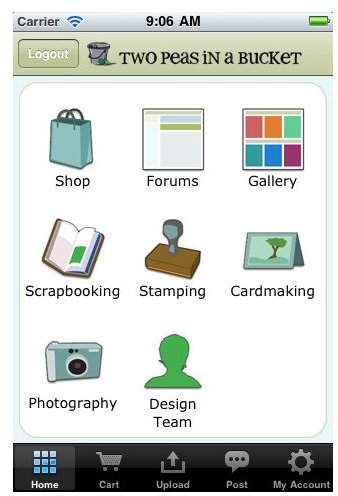
As a cardmaker and scrapbooker, I love the Two Peas In a Bucket website, and got really excited that they have an app. If you aren’t familiar with TPIB then let me give you a quick tour: share your designs and ideas with other crafters for inspiration, or search the digital store for products – they are particularly yummy when compared to a lot of the competition – there are loads of freebies like templates and products, as well as advice from designers. Basically it’s digital crafting nirvana!
The beauty of the app is that it really does let you take all that stuff with you. Of course you don’t get quite the visual impact with some of the images, but that is really the only downside. I love it for the fact that you can really take your hobby with you on the move. If you have a few minutes on your lunch break then you can still fit in time for your crafting hobby.
The app itself is nice looking and very easy to navigate. One of the major pluses is that you can take photos of your designs and upload them really easily – which is actually much easier than the website alternative anyway. An absolute must for crafters, this app is free so even if you don’t use it much it’s still worth carrying it around for a bit of inspiration.
Vogue Knitting
The fashion for knitting passion shows no signs of abating – no longer just a hobby for grannies and maiden aunts, even supermodels and pop stars like to get their needles out between shows. It makes sense then, that the app I’m recommending for knitters is Vogue Knitting, although I didn’t just pick it for its name.
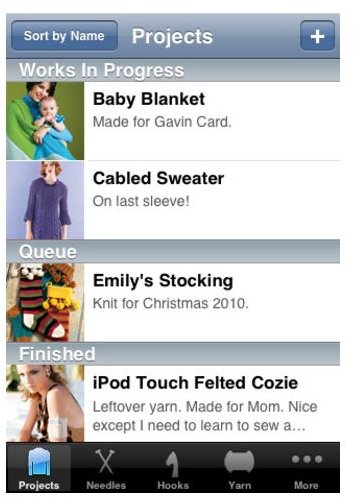
Being someone who likes to be organized, but often fails, this is an app that is a must-have. You won’t find any patronizing advice here, it’s really an app that helps you keep track of your stock and make notes about what to stock up on at the craft store – there’s also a handy function to list yarn and swatch information to make sure you match up with the exact same shade you’ve just ran out of. Keep notes of your projects, what needles and hooks you’ve got in your stash, or just use the app as a handy stitch/row counter.
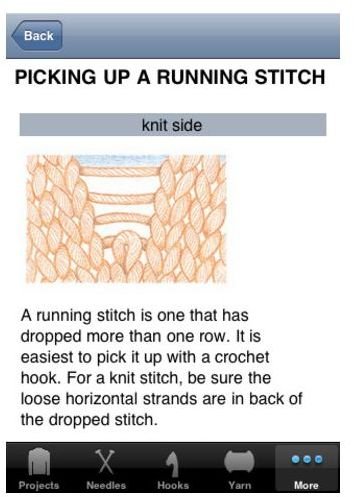
There’s also a stitch library for when even the most experienced knitter gets stumped, or for novices you can look up how to complete certain stitches or find an explanation if there’s a term you don’t understand.
I like it because it’s just what knitters need – there are no links to shops to get you to buy extra stuff, it just is what it is and does it well.
Quilt Envi
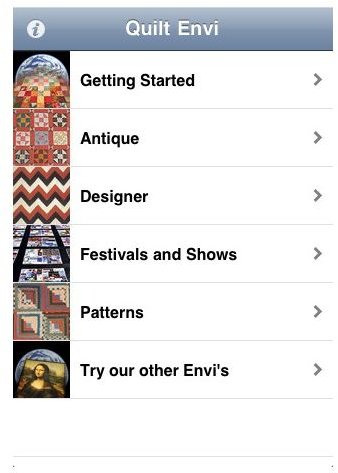
The app I’ve picked for quilters is Quilt Envi, because it’s really well-rounded and will suit everyone no matter what their experience level. If you’re new and need something to help you get started then there’s a whole menu area for you, but for more experienced quilters there are loads of inspirational images in different categories to get your creative juices going.
Of course there’s a massive patterns section too, so there’s no shortage of practical help, and if you just can’t get enough of your favorite hobby then you can keep up to date with trade shows and festivals too.
If you really love the art and history of quilting then it’s worth the 99 cents alone, just for the amazing photography and images you get.
Shapes of Needlepoint
From the off I’m going to tell you that this app will set you back a hefty $10.99, but if you consider it a comprehensive e-guide for your iPhone then perhaps you can understand the expense. I personally think that if you love your needlepoint, this pricetag is worth it as it’s so much easier than carrying around a hardback book and makes it a million times easier to find exactly what you want.
Now that’s out of the way, let me tell you why I think Shapes of Needlepoint is worth the download. It really does have everything you will ever need to know about needlepoint and then some. It’s a really nice looking, slick app that is easy to use while still retaining a comprehensive dynamic.
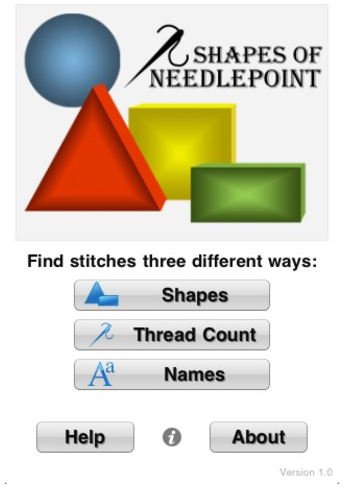
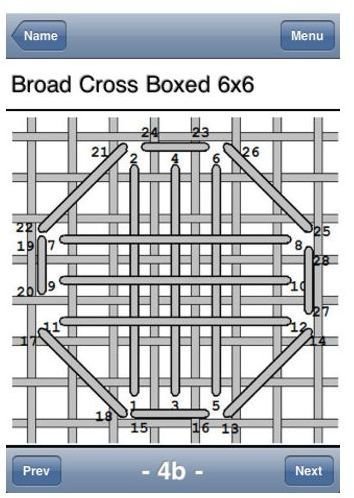
As per its name, this app comes into its own in finding that suitable shape to fit into your design and instructions on how to go about forming the look. You can either search by shape, thread count (depending on what space you’ve got), or even by thread name (if you have something in mind but don’t know how to achieve it). The diagrams are really clear and easy to follow, with instructions on how to carry out each stitch through just a quick tap.
It depends on how often, or how seriously, you take your hobby as to whether you’ll consider this a worthwhile app, but you definitely won’t find a better needlepoint app.
Crochet Decoder
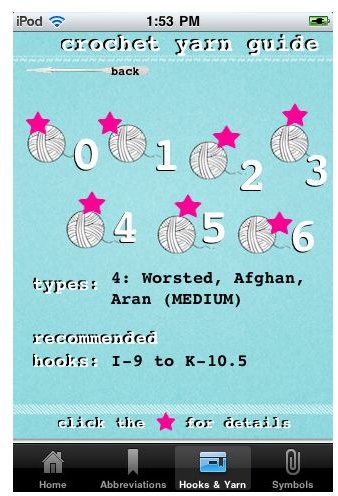
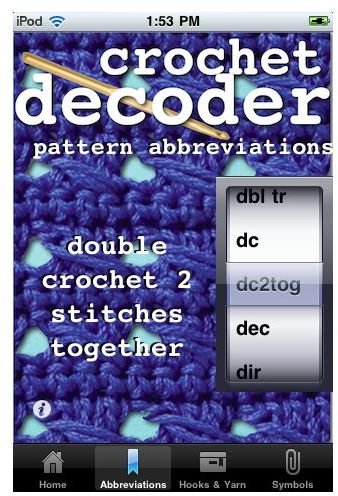
Crocheted hats are everywhere at the moment, and if you want one with a difference then the best idea is to create your own. Crocheting has always been viewed as being a bit tricky owing to the finished look of it, but Crochet Decoder is really helpful especially to the beginner who knows their stitches, but not how to follow a pattern.
One of the first stumbling blocks is making sense of all the pattern terminology and abbreviations, so that may be your first stop with this app. It is an all-in-one crochet reference though, so even those who are handy with a crochet hook will find something useful – it’s only 99 cents so won’t set you back a lot.
You won’t find any tutorials in the app – you’ll already need knowledge of how to carry out the stitches – but it’s really useful when you get a pattern to help guide you through. It’s also a great reference app if you are looking to put together your own patterns.
Of course there are a lot of craft hobbies out there, and although I’ve tried to cover all the popular ones with appropriately highly-rated apps, if there is one I’ve missed please post a comment below so others may benefit.
References
- Two Peas In a Bucket, http://itunes.apple.com/us/app/two-peas-in-a-bucket-scrapbooking/id472987677?mt=8
- Quilt Envi, http://itunes.apple.com/us/app/quilt-envi/id323685667?mt=8
- Crochet Decoder, http://itunes.apple.com/us/app/crochet-decoder/id437841315?mt=8
- Shapes of Needlepoint, http://itunes.apple.com/us/app/shapes-of-needlepoint/id427293791?mt=8
- Vogue Knitting, http://itunes.apple.com/us/app/vogue-knitting/id355123249?mt=8


