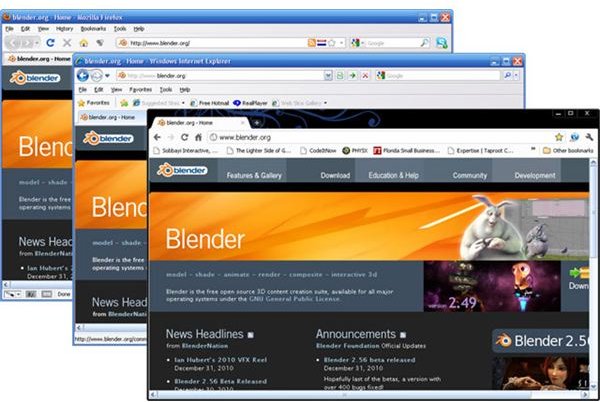
Knowing all about DOCTYPE browser compatibility is what makes the key difference between well laid out websites and those are all over the place. The information in this article is a must know for every web designer. Read on to find out DOCTYPE standards and browser compatibility.
What is a DOCTYPE?
Before figuring out about DOCTYPE browser compatibility, I need to explain what a DOCTYPE is. A DOCTYPE a tag which stands for a profile for “Document Type Declaration” or DTD. It is a statement or tag placed at the top of web page documents that acts as a guide to the web browsers to know how to render the web document. The web page is rendered by translating the embedded tags as well as processing the CSS style sheets if any.
The web page is technically that which conforms to either the HTML, XHTML or XML standards.
Importance of a DOCTYPE
Over the years there have been changes to the (X)HTML specifications. These changes have included additional versions of HTML of which HTML5 is the most current. There are also different versions of the CSS specifications to be factored in. Having a DOCTYPE can allow the web designer to have better control of how he wants his web page to look like despite the different variations of (X)HTML standards.
When dealing with the DOCTYPE browser capability you need to keep three major modes in mind. These are as follows.
Standards Mode
This may also be known as strict mode. With this mode modern web browsers will render the (X)HTML document according to the standards declared in the DTD. This mode does not allow for backward compatibility.
Almost Standards Mode
Like Standards Mode, the Almost Standards Mode is strict about rendering the (X)HTML documents according to the set standards but allows for backward compatibility with older code.
Quirks Mode
Quirks mode is where the web browser simply goes into a rendering mode that is a few year old so to speak. The (X)HTML document will be rendered in some old version of HTML mostly HTML 3.2. For example in Internet Explorer, Quirk Mode takes you back to how IE4 used to render the HTML documents.
Examples and DOCTYPES Browser Compatibility
The only HTML 3.2 DOCTYPE is:
Using this or not using a DOCTYPE at all triggers Quirk Mode in all web browsers.
The HTML 4.01 DOCTYPEs are as folows:
Standards Mode with and without the system identifier.
Almost Standards Mode with and without the system identifier.
HTML5 does not actually need a DOCTYPE but the DOCTYPE below is used specifically to prevent browsers from going into Quirk Mode.
The Basic DOCTYPE Standards Mode with system identifier and without XML declaration for XHTML is
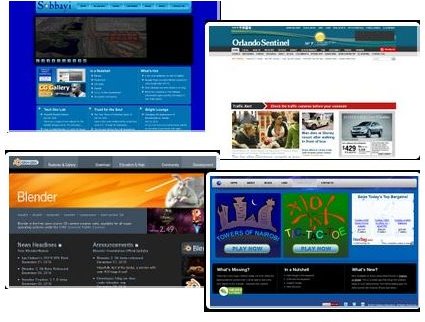
The XHTML 1.0 DOCTYPE…
showing Standards Mode with system identifier and an optional XML declaration
or Standards Mode without the system identifier and without the XML declaration
or Almost Standards Mode with the system identifier and with the XML declaration
or Almost Standards Mode without the system identifier and without the XML declaration
The XHTML 1.1 DOCTYPEs…
showing Standards Mode with the system identifier and the optional XML declaration
The XML dclarations in the examples above triggers IE6 and Opera 7 into going into Quirks Mode. To prevent that from happening, simply leave them out.
Except for the HTML 3.2 DOCTYPE, all Standards Mode DOCTYPEs work with NS6+, Mozilla 0.9.5+, IE8+, Firefox, Chrome, Safari, Opera 7.5+ and Konqueror 3.5+.
All the rest of the browsers go into Almost Standards Mode.
Where the DOCTYPEs are marked as Almost Standards Mode, NS6 and Mozilla 0.9.5 - 1.0 remain in Standards Mode while the rest of the browsers operate in Almost Standards Mode or Quirk Mode.
DOCTYPES for Mobile Devices
For mobile devices you can use either of the following DOCTYPES
For Version 1.0
For Version 1.1
For Version 1.2
With the working examples above you are able to determine the DOCTYPE browser compatibility you want and use them accordingly.
As you get to know all about DOCTYPES and browser compatibility you may also read up on the Web 3.0 standards and the future of the web.