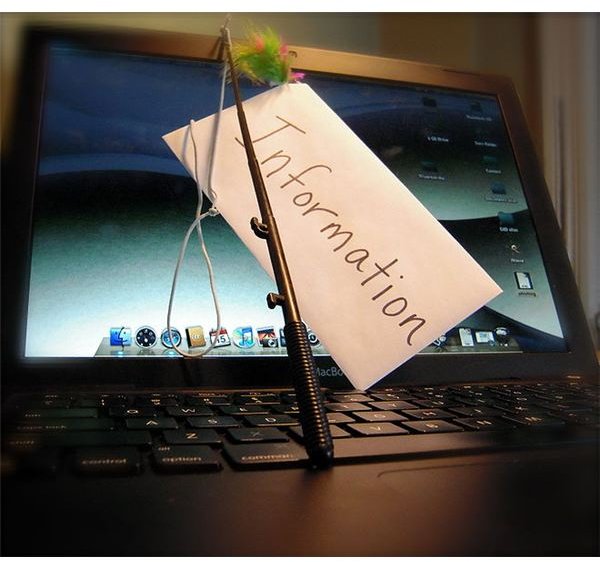
With the popularity of the Internet, phishing, identity theft and financial abuses have risen, leading to the devastation of the finances for those unlucky enough to get caught in a hacker’s snare. In this article, learn more about phishing, identity theft and the impact they have.
If you’ve been on the Internet for awhile, you may be aware of some of the tactics that hackers and scammers use to disrupt the lives of the average or power computer user. One of these malicious techniques is known as phishing and it can have detrimental consequences to those who are its victims. Phishing, identity theft and financial abuses can devastate a user who opened or downloaded something they shouldn’t have.
What is Phishing?
What is phishing? Phishing is essentially the act of sending an unsuspecting computer user an email or link, which in reality is a front for a scammer who is trying to steal confidential or personal information. This is usually done by sending an email, which seems to be from a reputable organization, such as a person’s bank. In the email, the organization states that something has happened or will happen to the person’s account and that in order to protect it or verify it, they must send their account information. This is usually a username, password, social security number or account number.
Another phishing identy theft method involves sending the user a link that will lead to a website, which is made to look like the organization’s true homepage, instructing the user to enter their information. The trick with this is to obtain the confidential information that the organization already has on file for the user. After the user has entered in their information, the individual or individuals on the other side of the computer screen then use the information to commit financial abuses under the victim’s name. This is known as phishing identity theft.
The financial downfall to this can be devastating to victims. Just like if someone were to steal your credit card or learn your social security number and then use it for purchases or activities that you did not authorize, phishing financial abuses ruin a person’s credit. Though the existence of phinishing identity theft is recognized by financial institutions and other organizations, it is still a very difficult process to clear a person’s name in the event that they are victims of identity theft.
How to Avoid Phishing
Because phishing identity theft is growing with more and more people going online to do their banking and shopping, it is very important that computer users are careful and alert when it comes to protecting themselves online. There are several things that a computer user can do to ensure that their information doesn’t fall into the hands of someone else.
Be Wary of Email - Some people are signed up to received notifications from their banking institutions or online stores directly to their email, so it is not unusual to receive an email from your bank or favorite store. However, emails of this nature will address you by name, never ‘Dear Bank Member’.
Don’t Click Links - If the email includes a link, allow your mouse to hover over the link, but do not click it. If the link does not match the sender name, it is a good chance that the link does not go to the bank’s website. If you’re suspicious, always open a new tab or browser window and type in your bank’s web address. If there is no notice of a change to your account, you should ignore and delete the email.
Always Check with the Official Institution - Always pull up a separate browser window or call the organization’s number if you suspect that something doesn’t seem right. Most banks now have an option to report suspicious emails that entice member to reveal their information.
The important thing is to make sure that you don’t just read and click when you receive what seems to be an official email. Read over the email carefully, check the sender name, and more importantly, the wording of the email.
Image Credit: Wikipedia Commons - https://commons.wikimedia.org/wiki/File:Phishing.JPG


