With the recent release of the Motorola Droid 2.0, Google’s Android OS has never looked brighter. One popular feature within Android is the Google Maps feature. This article details how Google Maps works within Android as well as its capabilities.
Droid Does
The Android mobile OS has been around for quite a while now. However, the recent launch of the Motorola Droid phone has stirred up a lot of hype around Android.
Unlike many previous devices, the Motorola Droid uses the newer Android 2.0 software. This has made available many new features for the Motorola Droid to take advantage of. One of the most hyped features of Android 2.0 are its Google Maps integration. To best explain how Google Maps for Android works, we will use the Motorola Droid as an example throughout this article, as it is a good representation of the latest Android 2.0 software.
Google Maps For Android Is Flexible
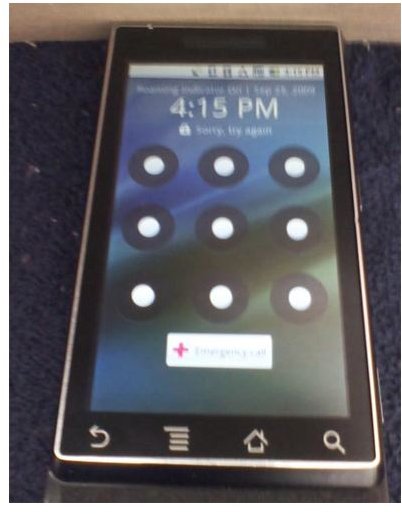
The Google Android software, currently in 2.0, is completely open source. This does give a slight advantage over rival mobile operating systems, such as the iPhone’s OS 3 in terms of flexibility.
Programmers for the Motorola Droid have integrated two major Google Maps services within the Droid’s user interface. Both services are also completely free, meaning that you do not have to purchase any apps or pay any additional Verizon subscription fees.
The first Google Maps service is just the basic GPS view. This service is accessible directly from the home screen of your Motorola Droid phone by clicking the “Maps” icon. Upon opening the Maps program, a live “map view” will become visible on the phone. From here, you can double tap the screen to zoom in and out. The built-in Maps application also has a new feature called layers. Layers allow you to filter the map with several different options. For example, enabling the traffic filter will highlight all major highways and streets in green as well as other colors, representing how busy they are. The filters are accessible through the menu option within the Maps application.
The second way Google Maps is integrated into the new Droid phones, running Android 2.0, is through the built-in “Car Home” navigation. Car Home navigation is a full featured turn by turn GPS system, allowing an Android phone to act similar to an actual GPS system such as a Garmin or Tom Tom. To access the turn by turn navigation on the Motorola Droid, click the “Car Home” icon on the Droid home screen. This will bring up a “car looking” dashboard where you can perform numerous tasks such as voice command navigation.