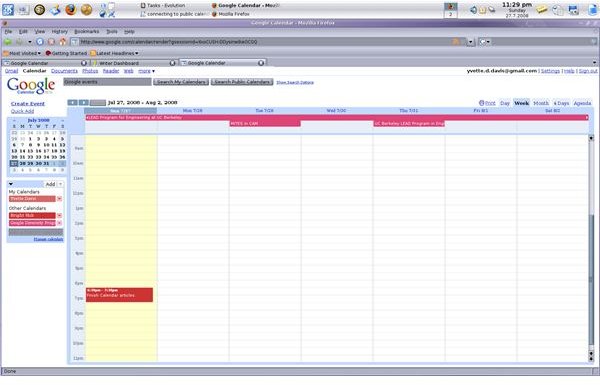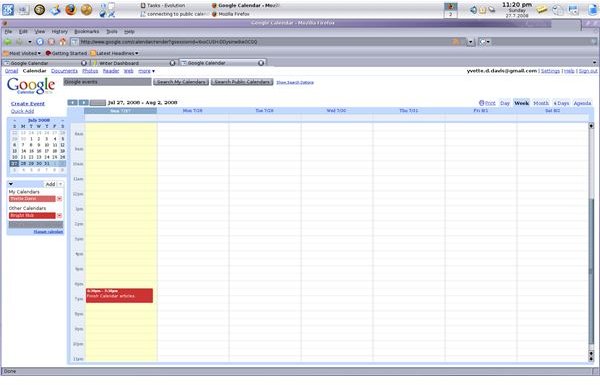
With Google Calendar’s Public Calendar feature, you can follow just about anything. There are public calendars for tv shows, presidential candidates, software developer companies, and hundreds of other things. Just select the public calendar you want to subscribe to, and Google will do the rest.
Connecting to Public Calendars
With Google Calendar’s Public Calendar feature, you can follow just about anything. There are public calendars for TV shows, presidential candidates, software developer companies, and hundreds of other things. You can even connect to friends or local organizations who have made their calendars public. Just select the public calendar you want to subscribe to, and Google will do the rest.
1. Log into your Google Calendar account.
2. At the top of the screen, next to the Google logo, you will find a text box. Type the keywords you’d like to search for. Click Search Public Calendars.
3. You will be taken to a page containing your search results. When you find the calendar you want to subscribe to, click Add to Calendar.
4. The button will change to a check mark and the word Added.
5. To go back to your calendar, click View your calendar, at the top of your screen.
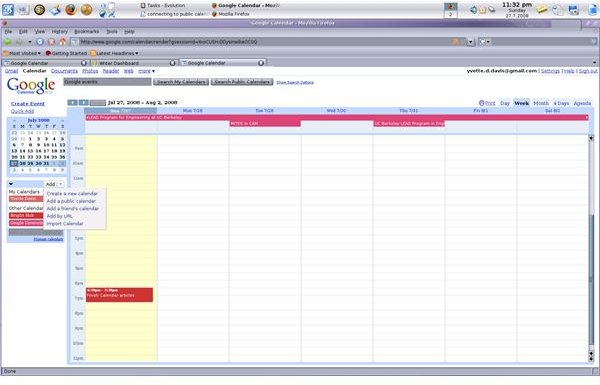
Alternately, you can browse all public calendars, by clicking Add, and then Add a public calendar from the calendar menu box.
You will see the public calendar is now in your calendar menu, under the Other Calendars heading. If you want to hide the public calendar, click on it’s name in the menu box.
You can set notifications, Calendar Details and remove public calendars in the same way you do calendars you create. And you can even color code your calendars, both your own and those that are public, to help you keep track of what event is associated with which calendar.
With Google Public Calendars, there’s no reason to miss your favorite TV show, speaker, or holidays again. And forget about missing that lock-in at the church or the special how-to clinic at the wall-paper store. Now you can connect to any other public Google Calendar.
Images