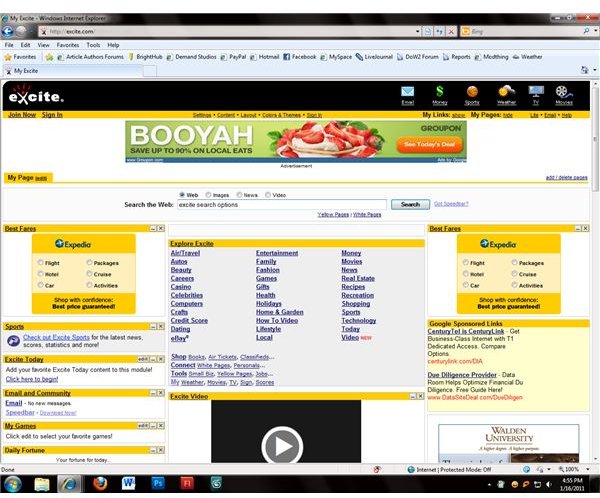
Excite was an early Internet pioneer, providing search engine and news features that are common today. Though overshadowed by search engines like Google, Bing and Yahoo!, Excite still offers a variety of search options including image and news searches to its users.
Excite Search
The Excite search engine compiles results from other major search engines , giving users the best results from Google, Bing, Yahoo! and Ask. By compiling search results, the Excite search engine lets users see the best results overall for their search terms instead of simply showing them the best results based on a single algorithm. This allows Excite to offer a competitive service to its users despite having been left behind as other search engines gained popularity and market share. In addition to the search functions on the main Excite page, users can also access news items and other content which can be customized within their “My Excite” account.
Search Types
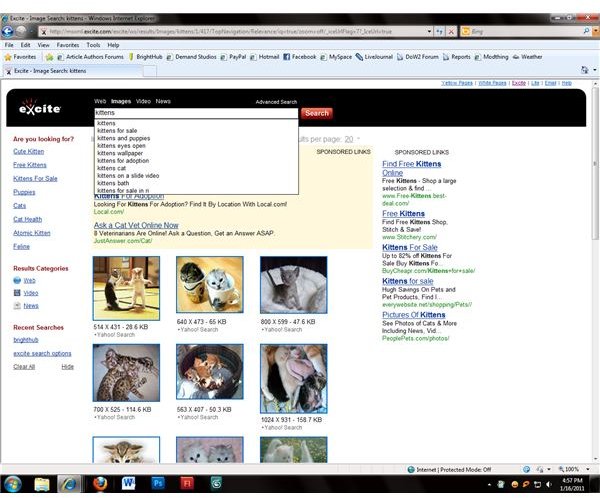
To help users find exactly what they’re looking for, Excite search offers multiple search types that can be accessed from the Excite homepage. By selecting a search option above the main Excite search bar, users can change their search from a webpage search to a search for images , news items or videos. To provide additional service to Excite search users, links below the search bar allow easy access to Yellow Pages and White Pages listings for easy phone number, address and public records lookups. These additional search pages feature an Excite search bar at the top of the page to make it easy for users to perform additional searches once they have the information they need.
Improving Searches
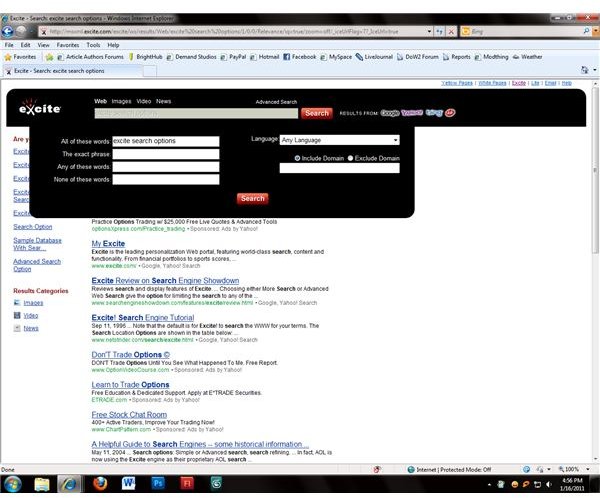
Excite offers several ways for users to improve the accuracy of their searches. Excite search suggestions appear on the left side of the screen, as do links to other search methods to help users find images, news and videos related to their search. Additional search options appear when users click the “Advanced Search ” link above the search bar. Results can be filtered according to the words they contain (either specifying words that must be included or words that should not be included), the language the results are in and the websites where the results come from (either including or excluding domains.)
Excite Speedbar
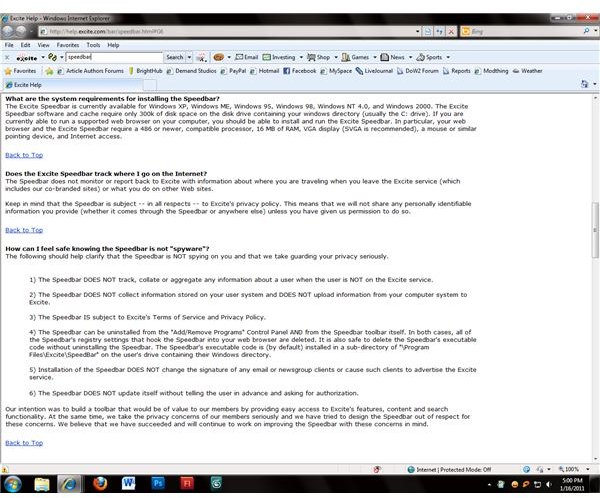
Another option to help you get the most out of Excite search is the Excite Speedbar. Though this addon was designed for older browsers and operating systems, it can still be installed on the most recent versions of Windows. An error appears saying that the toolbar didn’t install correctly, but upon reloading the browser it appears. The Excite Speedbar works like most search engine toolbars , allowing users to use Excite search features from any webpage and also offering quick search options for a number of popular categories.
Image Credits: Screenshots by J. Edward Casteele


