Need to save money in your organization? Userful software offers the ability to turn one computer into many. Organizations such as government agencies, libraries, internet cafes or your training and conference rooms can benefit from this software. Userful lowers your IT administration overhead.
Installation (5 out of 5)
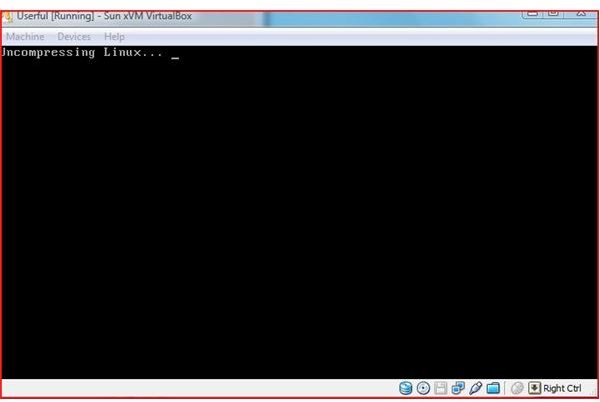
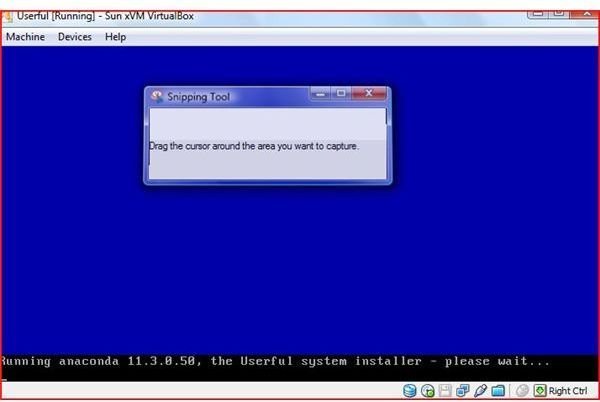
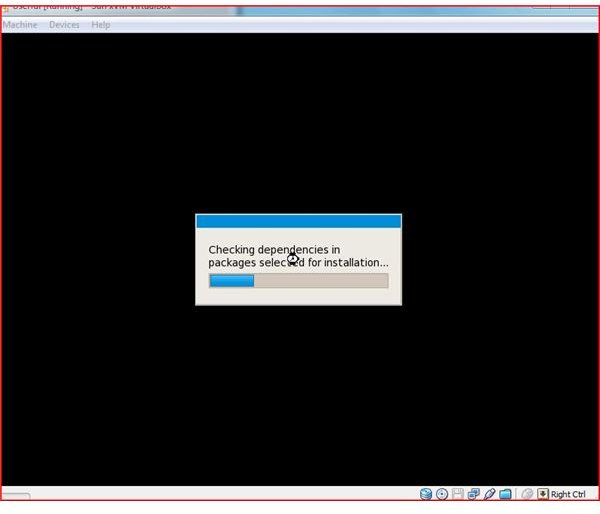
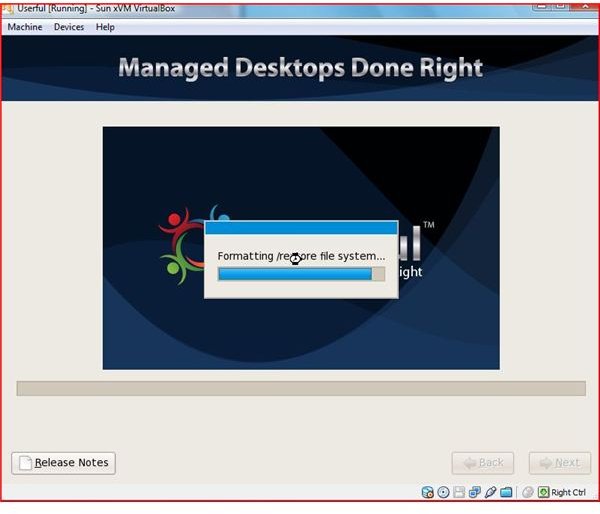
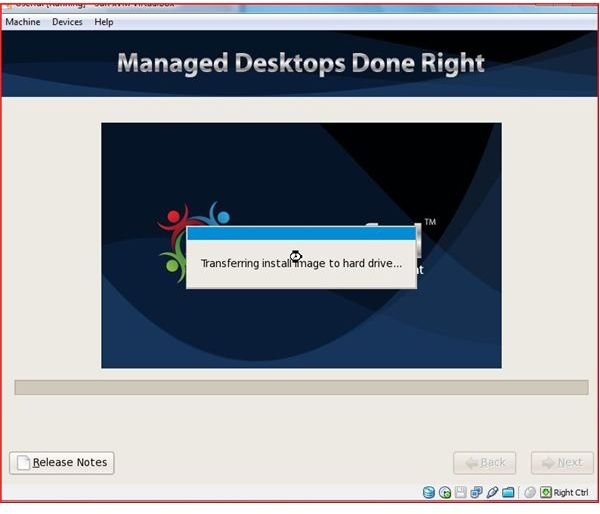
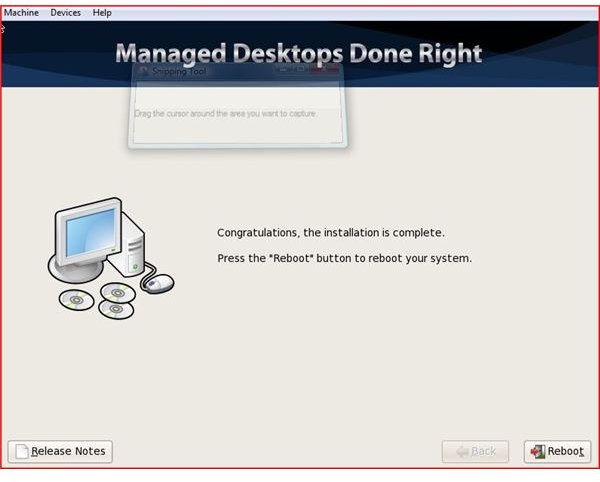
During testing, I installed userful under two conditions. Both installations went flawlessly. Userful software installs erasing the host computer’s harddrive. Setup of this installation file takes approximately 12 gb of harddrive space.
The first installation to test the software was installed under VirtualBox . I often use VirtualBox and virtualize software or operating systems in order to see how they react under conditions where I can adjust memory. The VirtualBox installation went flawlessly with 512 mb of RAM.
The second installation was on a computer with dual core AMD processors with 2 GB of RAM and a 200 gigabyte harddrive. Once again, this software performed without error. With this installation, setup time was approximately 20 minutes.
Linux - Don’t Worry
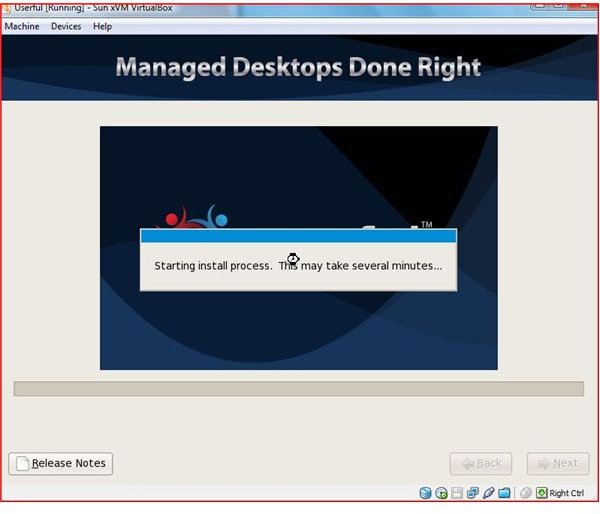
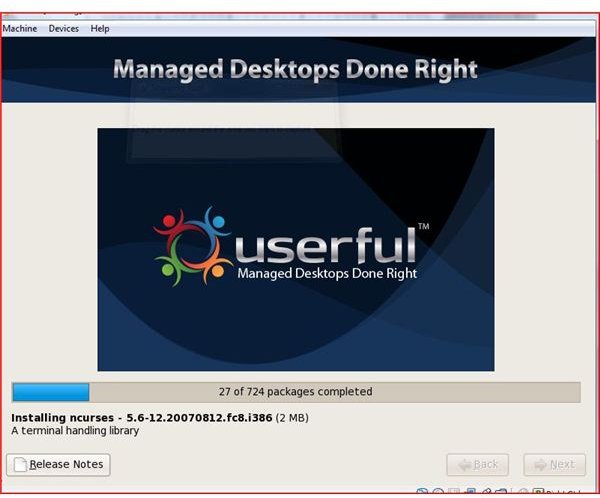
Don’t panic when Linux makes its appearance during installation. This is completely guided by the installation process and should give you zero problems. The installation will put over seven hundred packages on your computer. If you are used to a Windows installation, this is nothing more than files and programs being copied.
Installation
Installation and Packages
Features (5 out of 5)
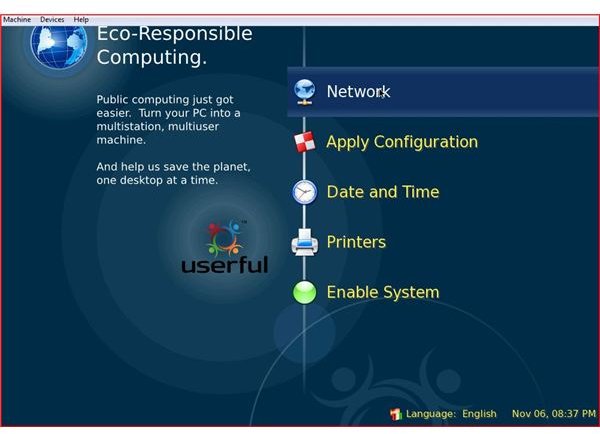
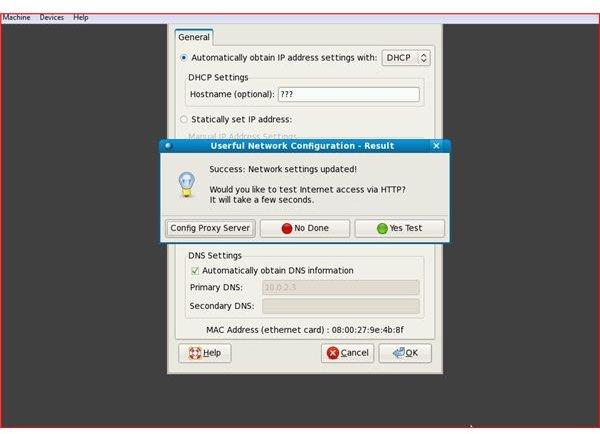
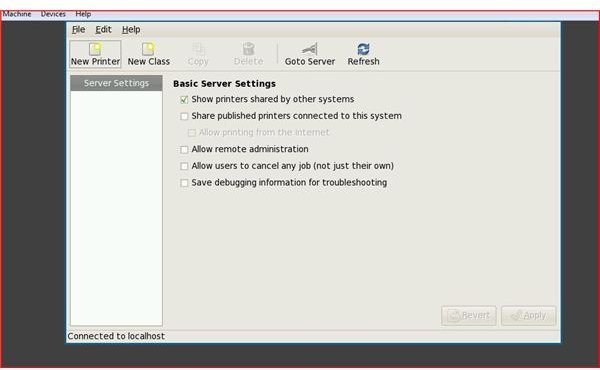
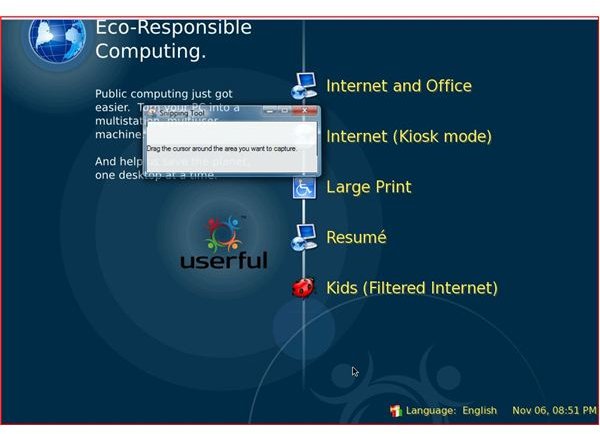
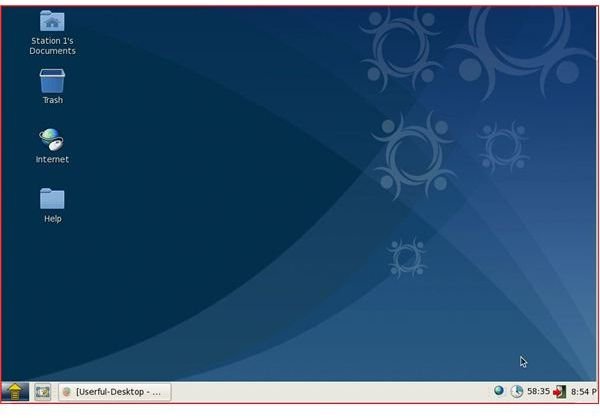
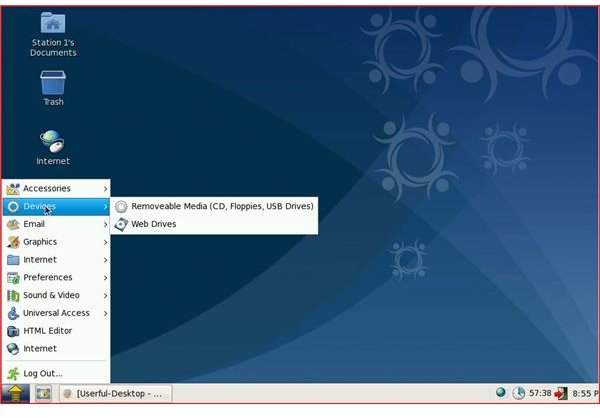
Userful is full of features. The console allows for the customization of the users desktops, network information, printers, timers, most popular email, internet, universal access, USB, graphics and other great features. Although users may not be accustom to this GUI interface, it is very easy to use and loaded for this type of controlled environment.
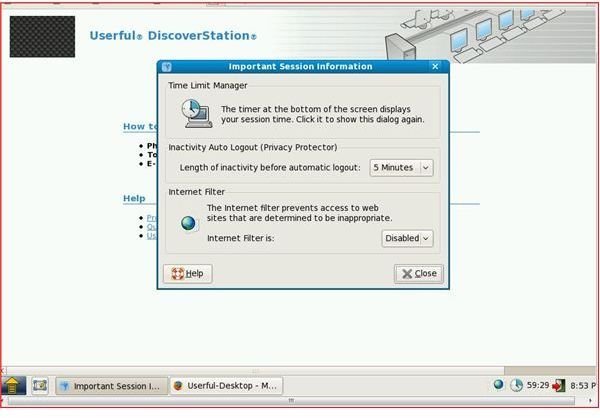
The system administrator has complete control and can set internet filters and control each console.
One of the best features of this software is its ability to save electricity and money by combining multiple users into one piece of hardware. If the hardware needs to be upgraded ‘down the road’, the monitors, keyboards and mice remain and the acting ‘server’ can be upgraded at the cost of the tower only.
Features
Green is Great with Userful!
With Userful, the savings are simple math. By not using nine additional towers, you can reduce electronic waste by 70-80%. This cost savings will make up the difference in hardware cost as stated below.
Userful Manager
With the Userful Manager, you can control multiple users internet sessions with web filtering (also with homepage control in the browsers), user authentication, which programs are launched at startup and total desktop customization. With this type of software and hardware, which is often used in labs or for internet cafes, detailed user statistics are available. This type of management ensures that the computer is up to date.
Features
Performance (4 out of 5)
Performance of this software with this type of hardware setup is based on the hardware specifications of the computer you are using as a server. Using this software with the Linux ‘backbone and soul’ along with opensource software uses very little resources and creates a good user experience. Performance of this software left a good impression.
Return of Investment (ROI) (5 out of 5)
Investors in this turnkey solution can get a great return on their purchase if they have a specialized need for this software. Educational institutions, libraries, government, intenet cafes and other organizations can certainly benefit substantially from Userful’s software.
- Up to ten users from one computer
- Less hardware to maintain
- Technical Support
- Preset desktop
- Remote management tools
- Less IT staff need to maintain hardware and monitor specialized policies
- Electric / Power savings
Price (4 out of 5)
The cost of this software along with the hardware required for 6 users is around $2085 plus $1266 for monitors . While this may seem to be expensive, it is far less expensive than setting up and managing and maintaining 6 complete systems.
Overview
Userful makes a great product that is easy to install and very useful and well designed for controlled environments. Userful is very environmentally friendly and can save organizations a substantial amount of time and money.