Need to know what hardware is installed in your computer? Looking for your product keys or need to know what drivers are installed? SIW is an excellent tool for home users, and impressively comes as freeware. What is more SIW’s powerful database identifies almost all hardware available today.
Installation (5 out of 5)
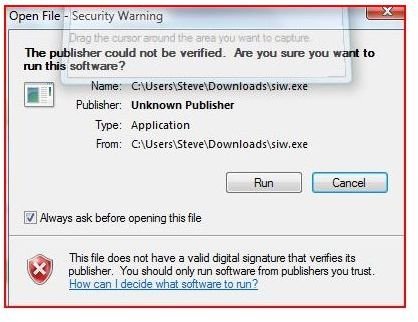
SIW - System Information for Windows is an excellent program to inventory and repair your computer. SIW can be downloaded with the Windows Installer or as a portable program that requires no installation. SIW is a 1.53MB download and requires very little resources to run. SIW’s software can be ran from a flash drive and makes an excellent tool that is portable when looking at multiple computers.
SIW

Performance and Features (5 out of 5)
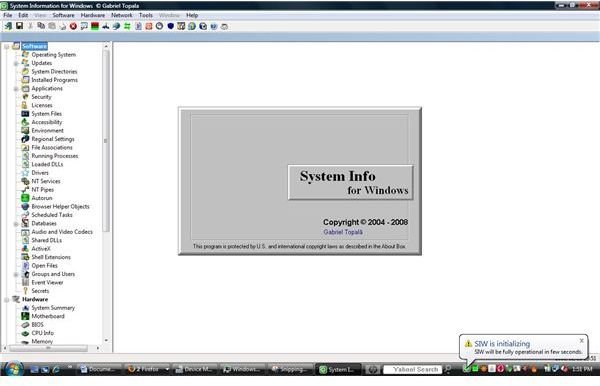
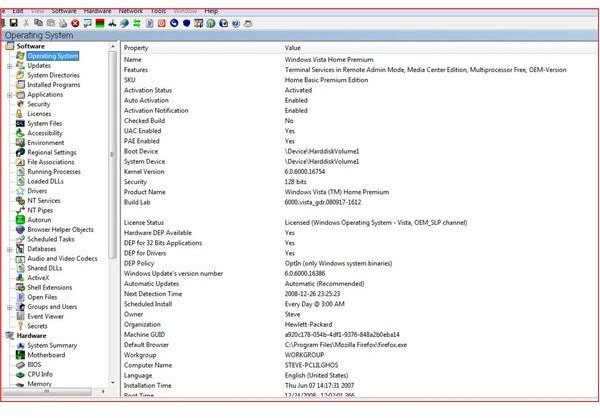
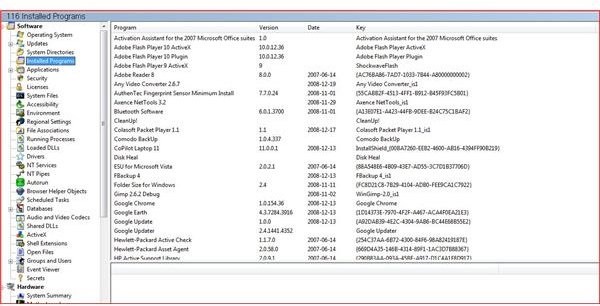
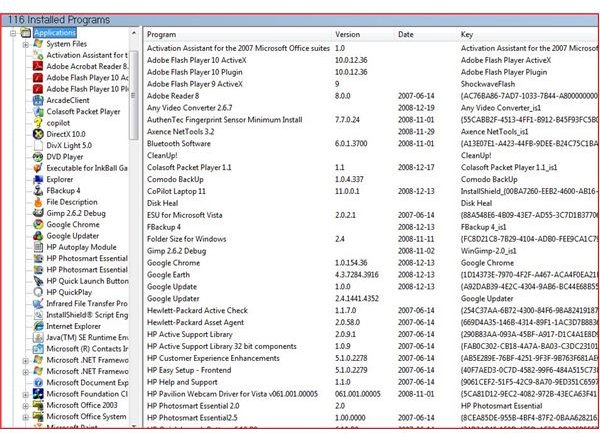
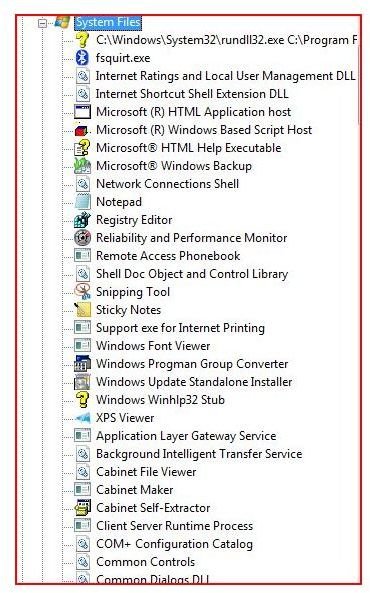
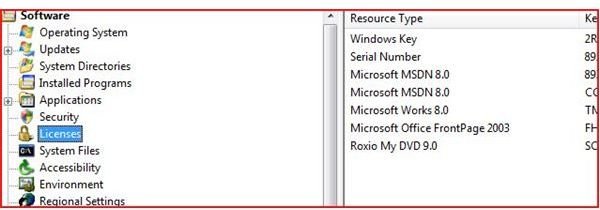
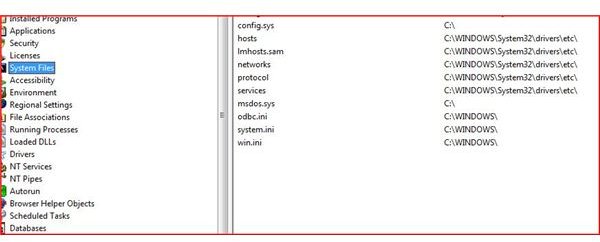
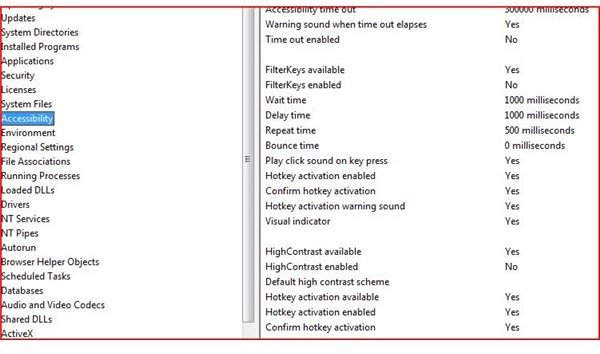
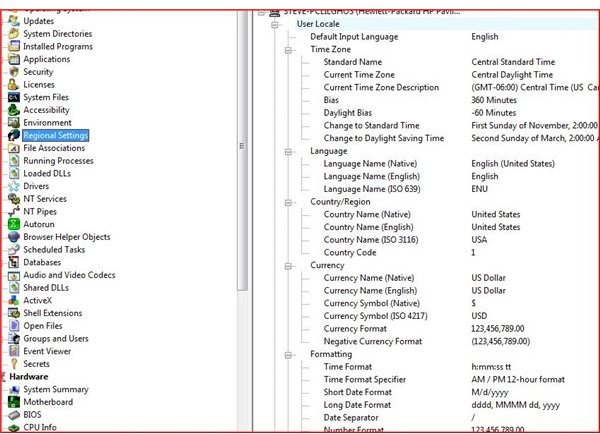
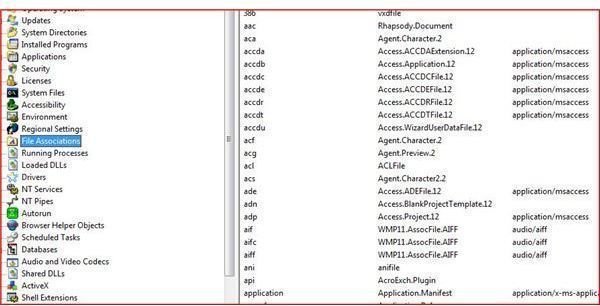
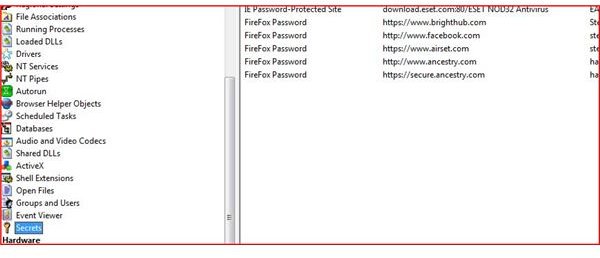
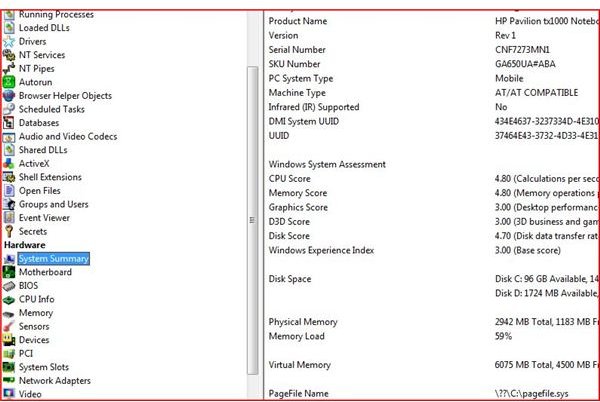
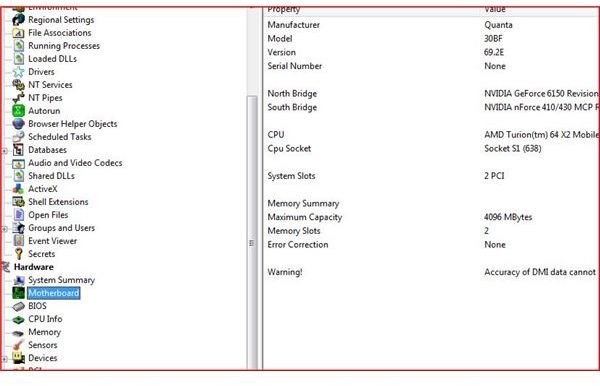
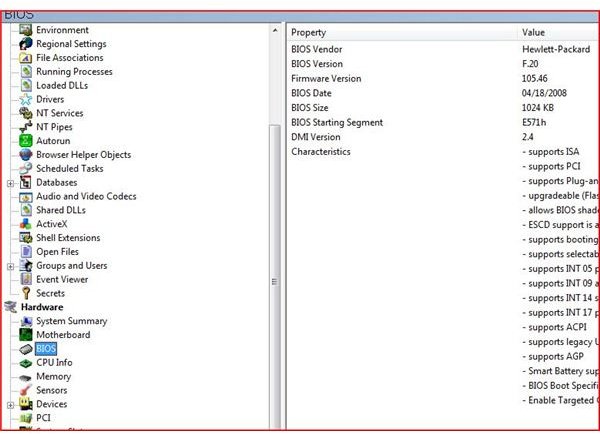
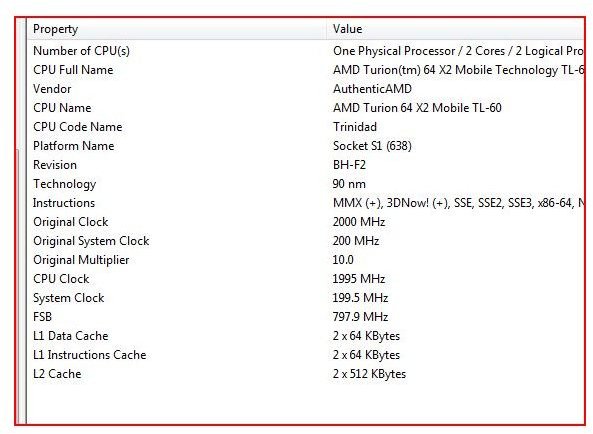
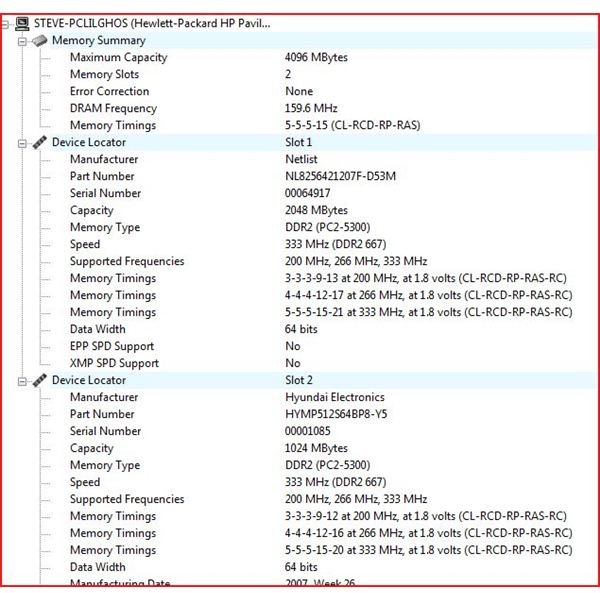
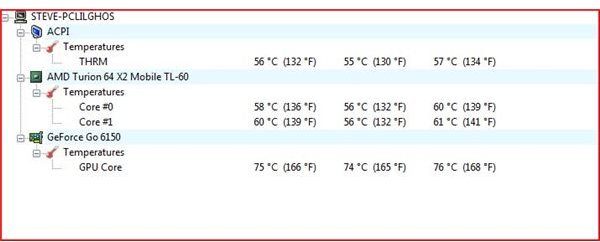
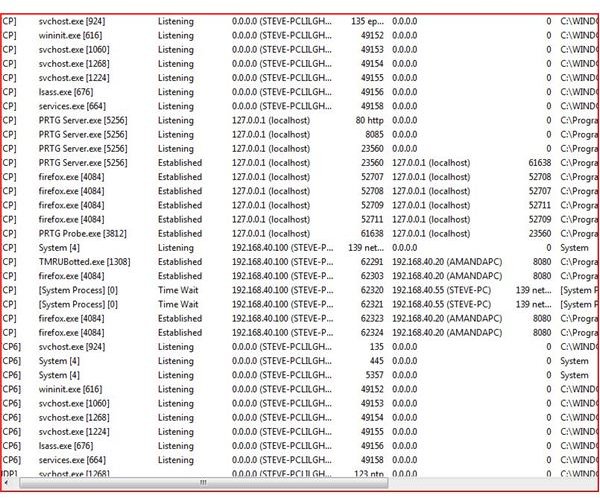
During the initial startup of SIW, there is a slight pause while your initial system information is returned. SIW breaks information about your system into software, hardware and network. Below is a list of the information returned for each of these areas. (See Pictures for visual details). SIW’s identification of hardware on the test systems (HP Laptop, Toshiba Laptop and Generic desktop) performed flawlessly. SIW is loaded with dozens of features and performs with little memory or CPU overhead. SIW finds information within seconds of starting or selecting one of the many areas listed below.
Software
* Operating System
* Updates
* System Directories
* Installed Programs
* Applications (Which can be analyzed into individual apps)
* Security, Groups and Users
* Licenses and Secrets (Password Information)
* System Files, Shell Extensions
* Scheduled Tasks and Open Files
* Accessibility
* Environmental Variables
* Regional Settings
* File Associations
* Databases (including ODBC information)
* Running Processes
* Loaded DLLs
* Drivers
* NT Servers and NT Pipes
* Autorun information and Scheduled Tasks
* Browser Helper Objects (BHO) and Active
* Event Viewer Information
Hardware
* Detailed System Summary
* Motherboard
* BIOS
* CPU (Detailed Information)
* Memory
* Sensors (Detailed Temperature)
* Multiple Devices including Network, Video, Hard drive and printer information
Network
* Network Information
* Network (Basic Scan)
* Open TCP/UDP ports
* Shares
* Remote Access Connections
* Detailed Search Information
System Information
Value (5 out of 5)
SIW is freeware and is available at www.gtopala.com . However, with the strains placed on computers today, hardware drivers will eventually have to be reloaded. With this in mind SIW’s paid for version offers HTML, CSV and other reports. SIW can also find passwords you have forgotten about or keys for software you have misplaced. In all, SIW is an excellent system information utility.


