Need to backup your files fast? Need an uncomplicated program to backup your valuable pictures, music and files? FBackup offers a free alternative to backup your files quick and fast.
Installation (5 out of 5)
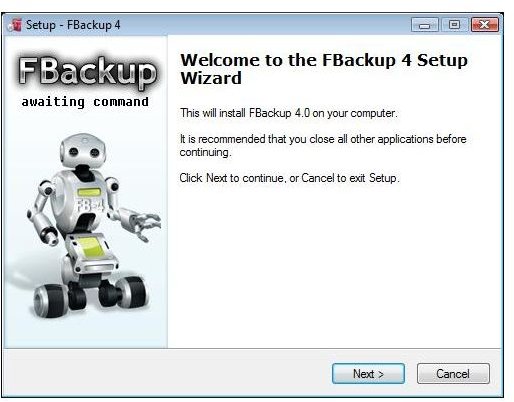
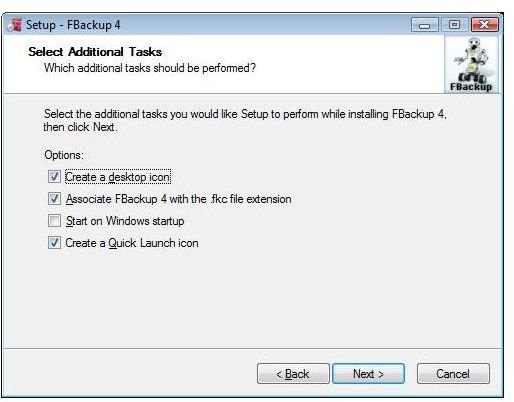
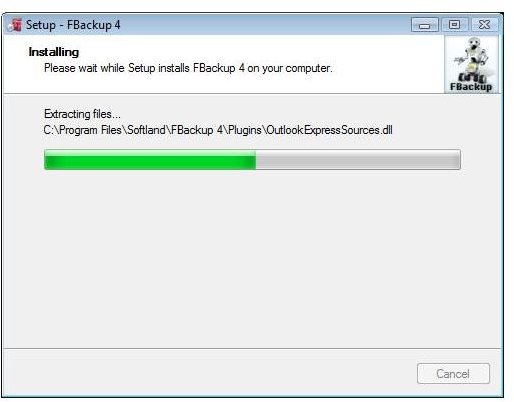
Installation is fast and easy. FBackup is built for home users with little or no experience in backing up data. The simple installation wizard only requires software to be installed on one computer. The step by step instructions are easy to use and understand. Little knowledge is needed during the installation process.
Installation
User Interface (5 out of 5)
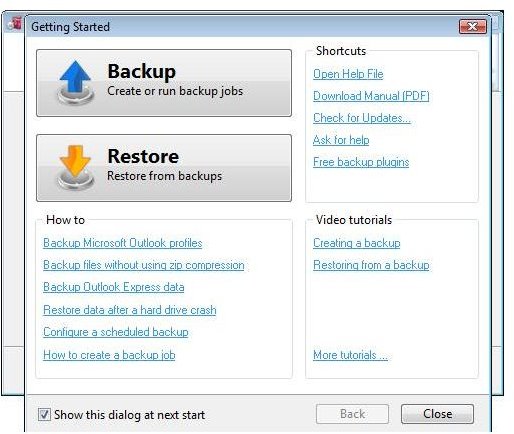
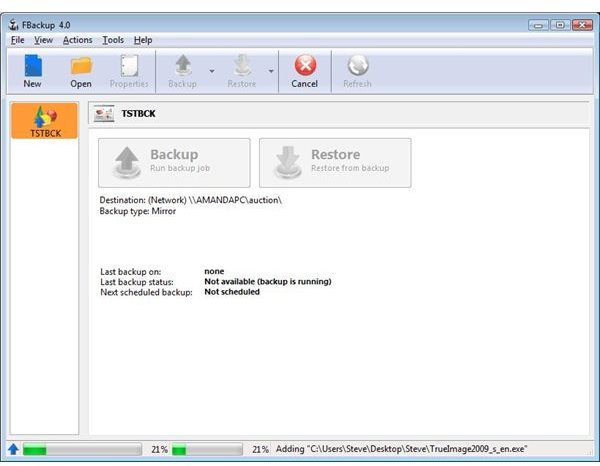
FBackup offers an easy to use and very friendly interface for the novice. Don’t let the interface fool you - FBackup is packed with features (see section below). With a graphical wizard or advanced interface, FBackup is easy to setup and operate. Two large icons (Backup and Restore) are on the first window, making it easy to see the task you need to perform. With an automatic scheduler, encryption option, network or local backup option, and a properties windows; FBackup is designed for productivity.
User Interface
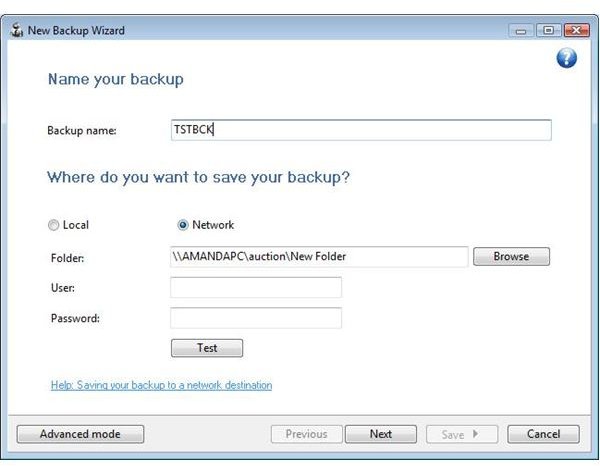
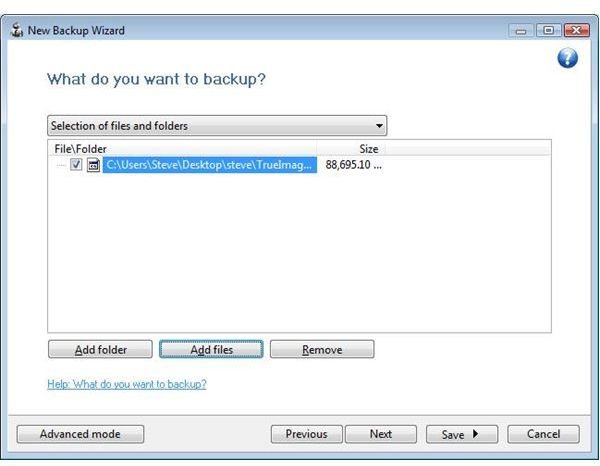
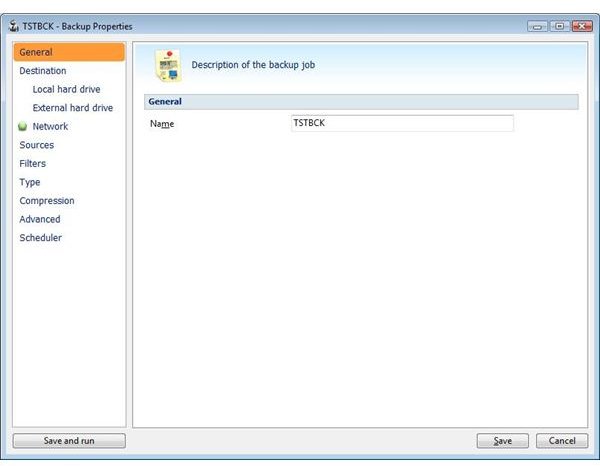
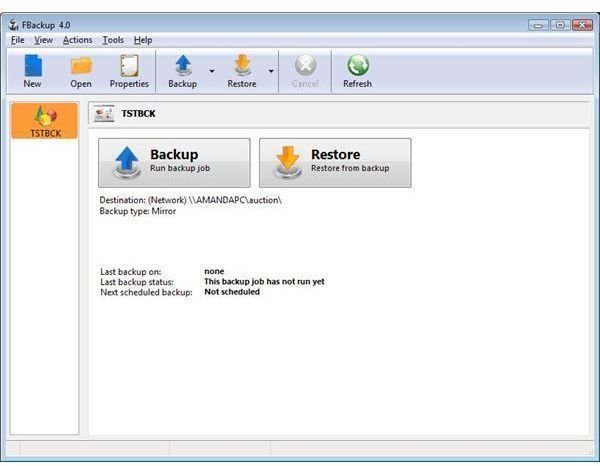
Interface Functions
Product Features (5 out of 5)
Features
Free for both commercial and personal use, this application is a perfect alternative to expensive software. In today’s economic times, this is a perfect solution to save money.
Automatic Backups
FBackup automatically runs based on schedules that you set. This allows you to backup when you may have otherwise forgotten to do so.
Zip Compression
FBackup uses Zip64 that allows you to compress files over 2GB in size. The compression used by FBackup also allows you to protect this data with a password.
Copying Files
FBackup makes exact copies of your files. This allows an exact duplicate of your file. With ‘open file’ capability, FBackup backs up open files. Most software packages, paid or free, generally fail to backup open files.
Actions Before or After the Backup
You can have FBackup perform whatever action you want before or after each backup.
Updates and Support (5 out of 5)
Every week FBackup automatically checks for updates. This automated feature ensures that your software is up to date and functioning correctly. FBackup offers the ability to disable this feature. Often software vendors leave this automatic function out of their features. FBackup stays ahead of the game by offering this option.
Performance (5 out of 5)
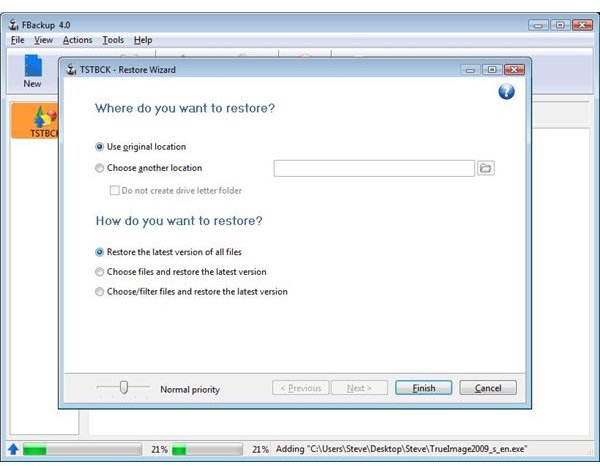
During the test and performance evaluation, I elected to backup an 81 megabyte file across my wireless network. The setup was easy and fast. The backup took less than two minutes to complete. To further test the restore function, I erased the original file and clicked the restore button. FBackup performed flawlessly and restored my file within two minutes. If restores must be done quicker, you can set the priority during the restore process.
FBackup used approximately 25 megs of ram and 0% CPU utilization when running on idle. During the restore and backup processes, FBackup only used 26 megs of ram and 2-3% CPU utilization! This program has been written for performance and ease of use. FBackup is an asset to your software tools for maintaining you computer.
FBackup is free and can be found at this link .


