
Would you like to add some holiday cheer to your desktop? Download one of the Christmas wallpaper themes in this list. Themes include wintry desktop backgrounds as well as holiday screen savers and other Christmas elements to help put you in the Christmas spirit.
Overview
If you are using Windows 7 and want to add some holiday spirit to your desktop, you are in luck. With Windows 7 themes , not only do you get background images, you often get screensavers, sounds and more as well. Following are several places where you can download cheery, snowy or sentimental Christmas wallpaper themes for Windows 7.
Microsoft
When you are looking for new themes for Windows 7, the best place to go may be the Personalization Gallery on the Microsoft website. While they do not offer many Christmas wallpaper themes, if you look under the Holiday and Seasons category you will see a theme called Twinkle Wish. Based on a children’s book called “Twinkle, Twinkle Little Flake,” this theme gives you six whimsical Christmas desktop backgrounds. It does not include a screen saver.
To install this theme, simply click the Download link. The Personalization window opens. Click on the Twinkle Wish theme to apply it to your desktop.
Windows-7-Themes

Offering a variety of Windows 7 theme packs, Windows-7-Themes lets you choose from eight different Christmas wallpaper themes. Titles range from Sexy Christmas Babe to Winterscape to Snowmen in the Stars. Click the Download button below the theme pack you want to use. Once the Personalization window opens, click on the theme to apply it to your desktop.
Windows 7 News
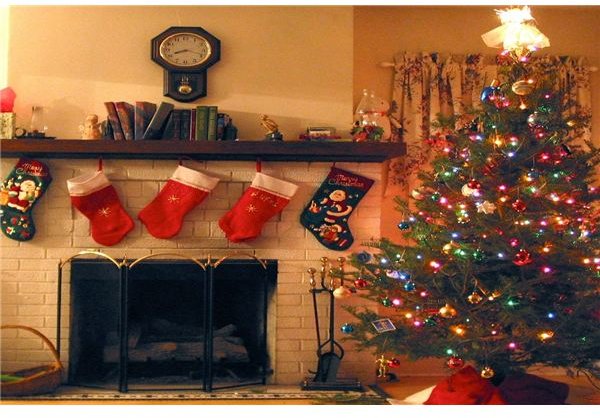
Windows 7 News offers a Christmas wallpaper theme with nine different background images . The download link is in the text beneath the screen shots, so be sure to scroll down and look for it. You will download the theme pack as a zip file, so once it downloads you must extract the files first. Once you do so, the Personalization window opens. Click on the Windows 7 News theme to apply it to your desktop.
Image Credits
Screenshots by Tricia Goss


