Quick Take
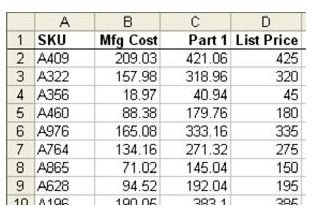
Problem: Your worksheet is boring black and white, as shown in Fig. 1045. You want to jazz it up with color.
On this page
Strategy: Use a predefined AutoFormat.
-
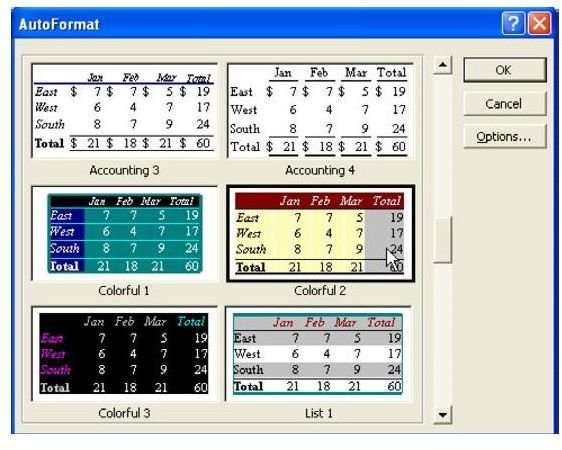
Select your range of data. From the menu, select Format – AutoFormat. As shown in Fig. 1046, choose a style.
Advertisement -
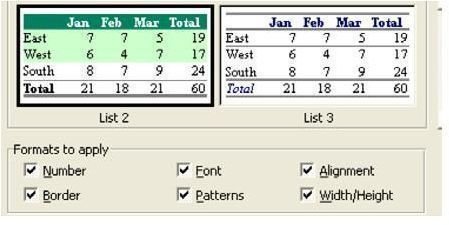
Choose the Options button. As shown in Fig. 1047, in the options section of the dialog, you can choose whether the format should apply to everything or, perhaps, everything except borders.
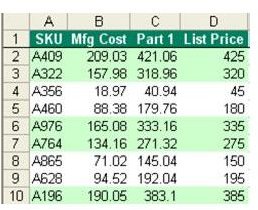
Result: Your worksheet is formatted in just a few clicks, as shown in Fig. 1048.
Advertisement
Summary: The AutoFormat dialog offers many built-in formats to quickly transform a black and white spreadsheet to something neatly formatted.
Commands Discussed: Format – AutoFormat
Advertisement
Images
Advertisement