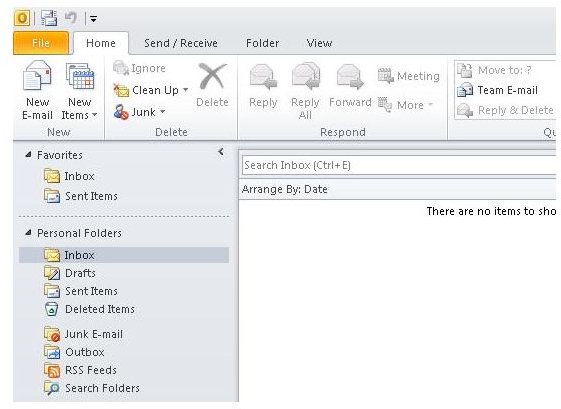
If you’ve been asking “What is Microsoft Outlook?” then you’ve arrived at the right place. Here we look at what Outlook is and what you can do with it.
Introduction to Outlook
Microsoft Outlook is a poplar program that comes with the Microsoft Office suite of programs. It is most commonly regarded as an e-mail program, although scheduling, contact management and task management are also major features of the program.
Outlook first began in the early Windows days, bundled as a client for Microsoft Exchange Server version 5.5. It first appeared on its own as Outlook 97 and has consistently evolved until it reached its present form, Outlook 2010 for Windows and Outlook 2011 for Macintosh.
A web interface for Outlook is also available under certain configurations using Exchange Servicer, making it possible to perform most functions remotely from any computer with internet access and a web browser.
At virtually every level, Outlook is enabled for collaboration, making it one of the most powerful integrated management clients on the market.
Outlook Email
Microsoft Outlook is a full-featured mail client. It works together with Microsoft Exchange Server or it works by itself as a POP or IMAP internet mail client. Additionally, Outlook can be configured as an SMS client with a mobile messenger service or as a fax client with Fax Mail Transport.
Profiles in Outlook allow distinct user configurations to be configured for multiple users of the same computer or for other purposes. Outlook has the ability to access multiple e-mail accounts of different types simultaneously and has a broad range of options for backing up and archiving e-mail messages into local files.
Composing e-mail in Outlook is about the same as creating a document in Mircosoft Word. Outlook integrates seamlessly with other Microsoft Office applications, making it easy to share files of virtually every type.
Outlook Calendar
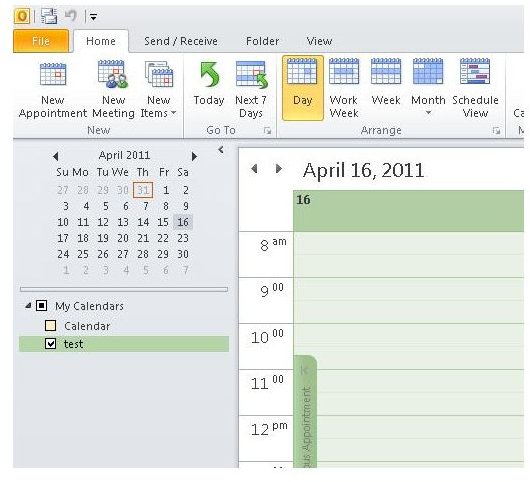
Microsoft Outlook has a full-featured calendar that works as a standalone feature or with workgroups to coordinate schedules between multiple individuals. The most robust scheduling features in Outlook are available when Outlook is used in conjunction with Exchange Server, but its scheduling services work well when working as a locally installed application.
Besides offering the ability to integrate calendars, Outlook allows users to share calendars and even subscribe to them so users can stay up to date with important events. Additionally, users can grant access to their calendars to alternate users so busy people can have someone else do their scheduling for them.
Outlook Tasks
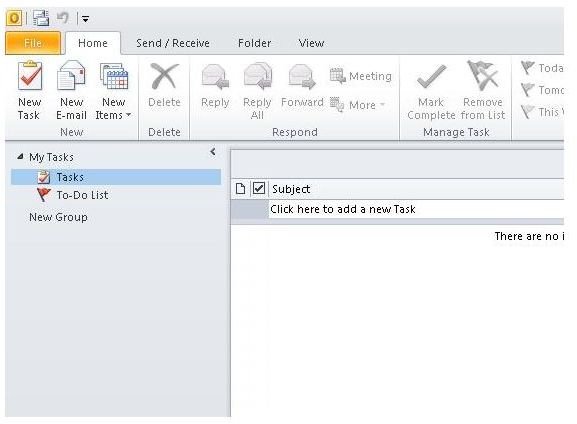
Microsoft Outlook is a powerful task management program that allows users to list and prioritize their “To-Do’s” and drag and drop them onto the calendar for scheduling. Tasks can also be created by dragging an e-mail, appointments or contacts to the task list. A To-Do bar and the calendar’s daily task list provide for manual task creation.
Outlook Contacts
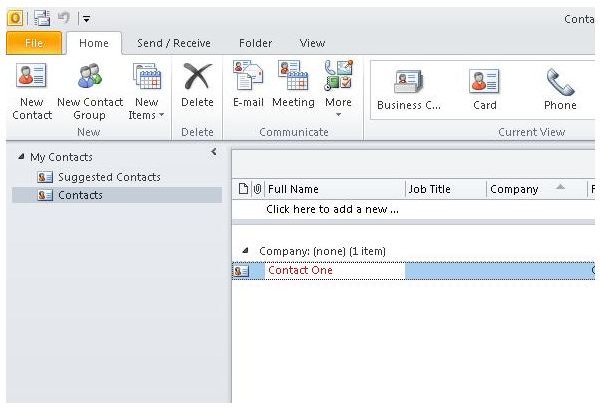
Microsoft Outlook includes a full-featured contact management system that easily lends itself to scheduling meetings, creating electronic or physical mailing lists, or dialing through TAPI or VoIP telephony systems.
Contacts can be dragged onto the calendar, added to meetings or added to tasks. Importing new contacts and exporting existing contacts to a variety of file formats is supported.
Wrap-Up
Here, the question, “What is Microsoft Outlook?” has been answered. It is a powerful communications tool that can grapple with even the most demanding environments. For those who need Outlook to do even more, many Outlook add-ins are available that integrate Outlook with other programs such as Adobe Acrobat, Google Calendars, and more. The potential of Outlook is virtually limitless, so get started with it today.
References
Microsoft.com: etting Started with Outlook, retrieved at https://office.microsoft.com/en-us/outlook-help/CH010369268.aspx?CTT=97
Microsoft Office Help and How to: Outlook 2010 at https://office.microsoft.com/en-us/outlook-help/CL010254592.aspx?CTT=97


