EASEUS, the maker of Data Recovery Wizard and other professional recovery software, is giving away free and fully functional Data Recovery Wizard software for a limited time so hurry to get your free copy. Read more about the application below.
Overview
Data Recovery Wizard by EASEUS lets you recover your files and folders as easy as 1-2-3. The program’s step by step guide to recover deleted, lost or damaged files and folders is easy to follow and requires no advanced knowledge to use. It can also recover formatted data or lost files from lost partitions.
System Requirements and Installation (5 out of 5)
EASEUS Data Recovery Wizard will run in Windows 2000 and in 32-bit/64-bit editions of Windows XP, Windows 2003 and Vista. It uses less than 12MB of hard-disk space and you don’t need to restart the computer after the install process. The program will only use 5 MB of memory while in use and did not slow down a Vista test system that has 3 GB of memory. To enjoy smooth usage, you need to have 128 MB or more to use its Partition Recovery, Deleted File Recovery and Complete Recovery options.
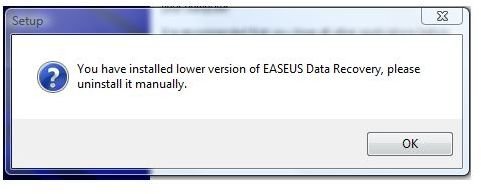
The new version of EASEUS Data Recovery Wizard is v5.0.1, it is now supporting Windows 7 and Windows Server 2008. If you installed the earlier version, you will need to uninstall v4.3.6 before you can install the new version.
Features of EASEUS Data Recovery Wizard (5 out of 5)
The main features of Data Recovery Wizard are the following:
- Recover data from hardware RAID and hard drive, USB drive, SD card, memory card, memory stick and other storage media
- Recover deleted or lost files emptied from the Recycle Bin
- File recovery after accidental format, even if you have reinstalled Windows
- Get data back from RAW hard drives
- Get back files after a partitioning error
- Disk recovery after a hard disk crash
- Recover office documents, photos, images, videos, music, email, etc.
- Support FAT12, FAT16, FAT32, NTFS/NTFS5 file systems
- Bootable media based on WinPE
- High quality file recovery
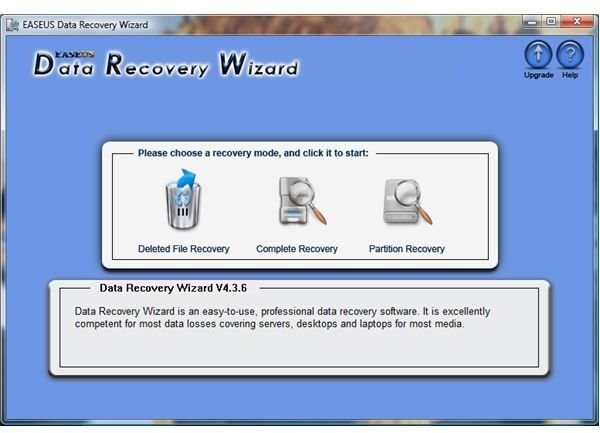
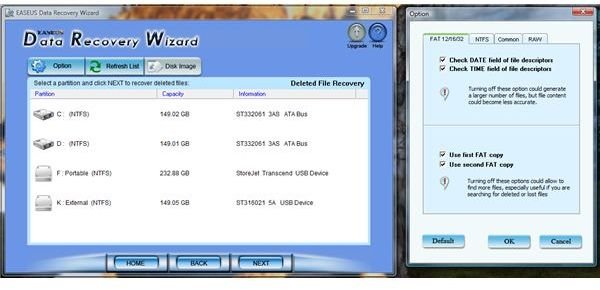
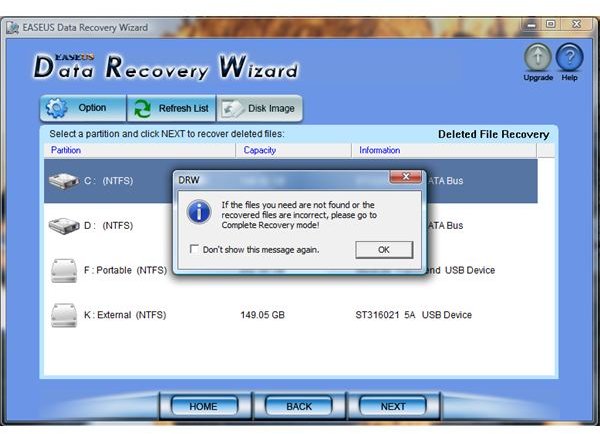
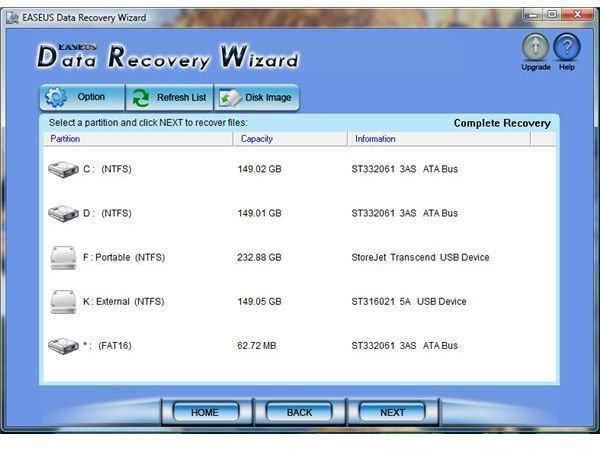
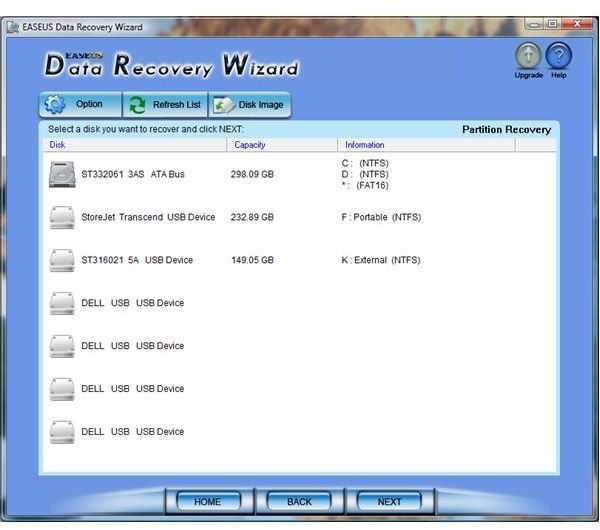
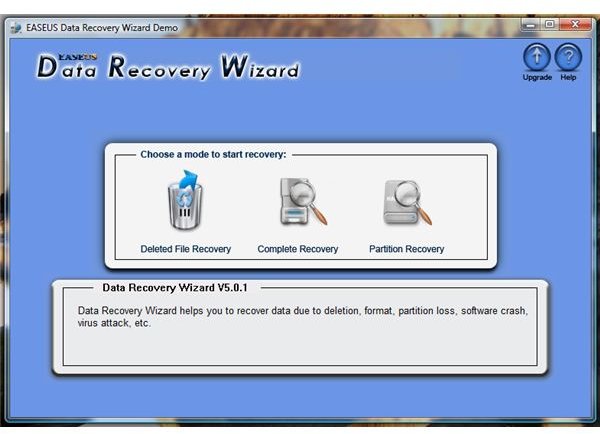
If your computer experienced unexpected shutdown, software crash, virus infection, loss of data due to partition loss or damage, you can use Data Recovery Wizard to recover your files and folders. That may sound complicated but it’s not! If recovering deleted files is not possible, you have nothing to worry because Data Recovery Wizard software offers Complete Recovery feature as your next step in recovering your important data. Check the screenshots below and you’ll find the UI and options in using Data Recovery Wizard are neat and easy to use.
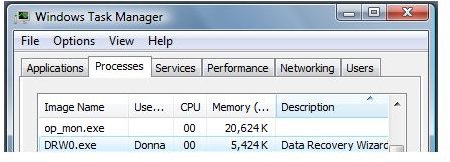
The only issue that I noticed with Data Recovery Wizard is there are times it is slow in shutting down its processes – DRW0.exe. When exiting program, make sure that the said process is no longer running or wait for some seconds before starting again.
Note: As a rule of thumb, never change anything on a bad device if you plan to use any data recovery software.
Screenshots of Data Recovery Wizard
Price to Value (4 out of 5)
At $69.95, Data Recovery Wizard is actually worth paying for as it has useful features and advanced options in recovering your important data.
Conclusion
EASEUS Data Recovery Wizard is a must have program if you want to ensure that you can recovery easily from unexpected shutdown, software crash, virus infection, etc. Highly recommended!


