A rule-based firewall that will monitor incoming and outgoing traffics is a must-have. Sunbelt Personal Firewall will help control communications to and from your PC while protecting you from intruders.
Introduction
Kerio Personal Firewall is the one the popular personal firewall in Windows but was discontinued. Sunbelt Software acquired it so people who love Kerio will continue to enjoy a firewall protection and of course, continue to be updated with support to newer operating systems. Sunbelt Personal Firewall (SPF) is maintained well under Sunbelt. Read more about this review if you want to firewall your PC against bad guys.
Installation and Requirements of SPF (5 out of 5)
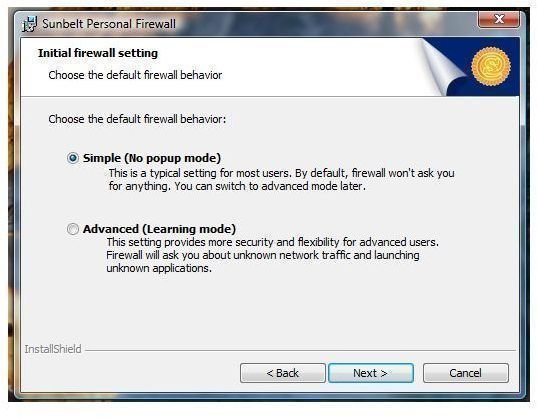
It took me only 2 minutes to install SPF on Vista SP2 and you can enjoy this firewall by Sunbelt if you have Vista, XP and Windows 2000 Pro. I like its installer not only because it’s small (5.72MB only) but it has a clean installer (no third-party or unnecessary add-on). A reboot is required though before you can start configuring and using SPF. During installation, you’ll be offered to choose to install it with less pop-up or with more. This means, you won’t see much of firewall rules if you choose simple over advanced firewall setting.
Features and Options of Sunbelt Personal Firewall (5 out of 5)
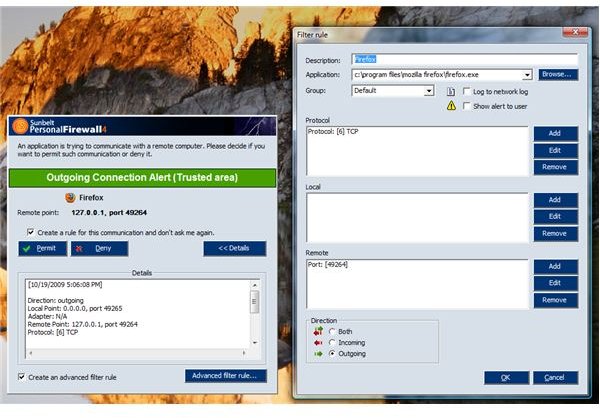
Like many other firewall software, SPF provide two-way firewall protection with advanced filtering. You can create your own firewall rules to limit application in communicating or using some ports. SPF also offers the following:
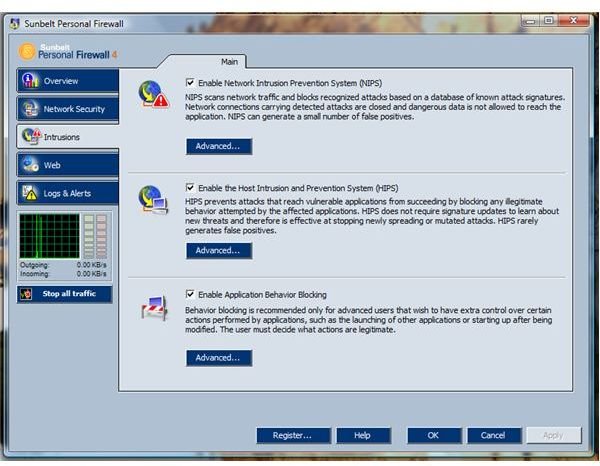
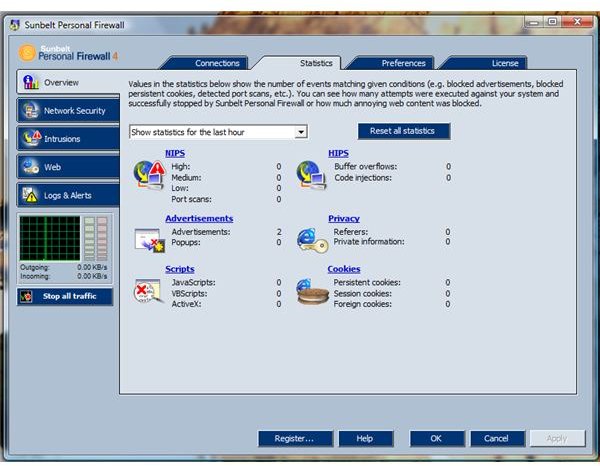
- It’s network security offers Packet Filtering, File Integrity Control, Intrusion Protection using Network Intrusion Prevention System (NIPS), Host Intrusion and Prevention System (HIPS) and Application Behaviour Blocking
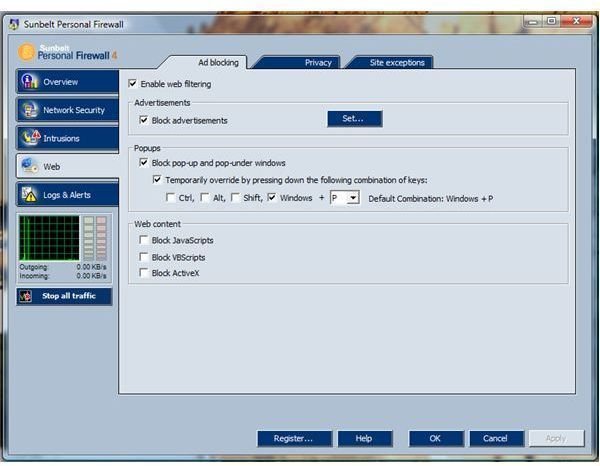
- Web Protection by blocking ads and protecting your privacy against referrers and unwanted cookies (foreign, persistent and session cookies). It also provides identify theft protection, blocking of scripts, referrers, and pop-ups.
- Automatic Update checker is built-in the program so you don’t have to download manually a new installer
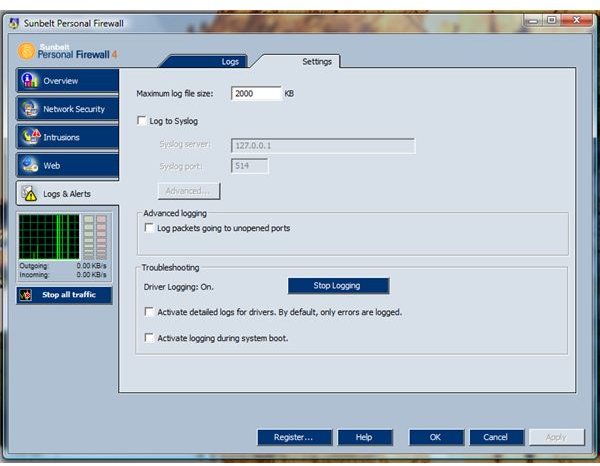
- Detailed program logs and network log. Quite useful if you are monitoring any application or any attacks that the firewall has blocked
- You can password protect the settings and also administer the program remotely.
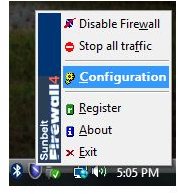
- The handy icon of SPF provide easy access to the program and one the neat handy feature to stopping all network traffic in case you’re under attack or simply want to stop any traffic.
Performance of Sunbelt Personal Firewall (5 out of 5)
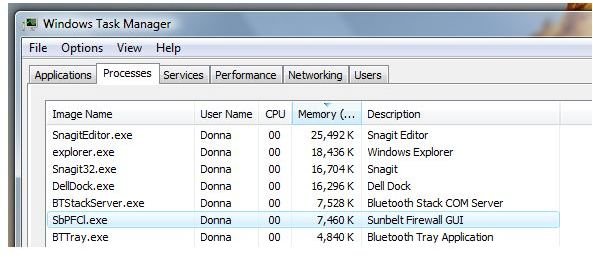
I’m impressed with SPF’s memory usage – 7MB only while it’s actively monitoring the network for any intrusions and continue to monitor applications that require network connections. While browsing, SPF is doing its job by blocking what I asked it block – scripts, ads, cookies and referrers. Its speed in alerting me on any applications or modules that will use a connection is impressive too. There’s no slow issue in using SPF together with popular applications (browser, email, instant messenger and system utilities).
It reports itself without a glitch to Windows Security Center of Vista and it did not conflict with existing resident anti-virus protection, Microsoft Security Essentials .
Images
Price to Value (5 out of 5)
Sunbelt Personal Firewall costs $19.95 for single PC. If you have 3 or more PCs, you can take advantage of a better deal from Sunbelt - Unlimited Home Site License for only $39.95. If you don’t purchase a license, you can continue using the program in freeware mode but with limitation.
Conclusion
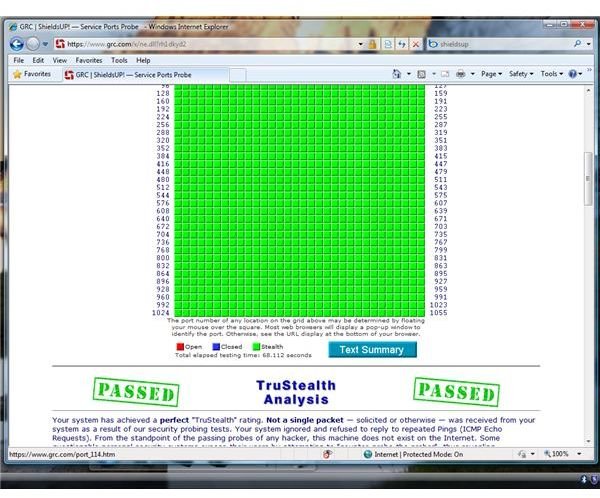
Easy to setup and use firewall software and has passed the firewall test (leak testing) by GRC ShieldsUp. Highly recommended!


