RunAlyzer is an analysis program that finds malware where it hides. The makers of Spybot Search and Destroy from safer-networking.org offer this free program which allows you to analyze what programs and services are starting and shows where hijackers, spyware and malware may be placed.
Overview
The makers of Spybot Search and Destroy over at safer-networking.org have an excellent program that allows you to analyze what programs and services are starting where hijackers, spyware and malware can be placed in your startup.
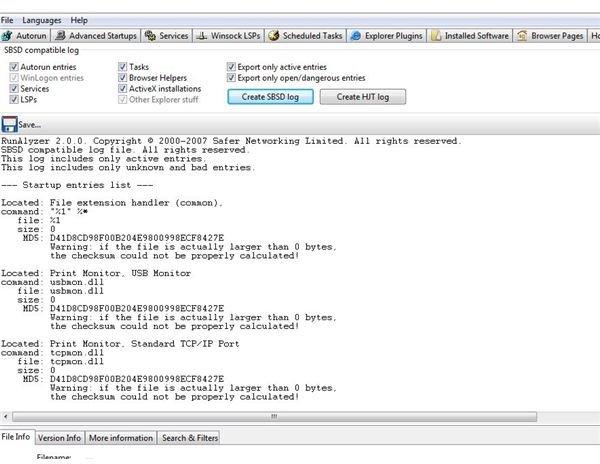
RunAlyzer is a program that is used to explore these autorun and startups along with Advanced Startups, Services, Windsock LSPs, Scheduled Tasks, Explorer Plugins, Installed Software, Browser Pages, the Hosts file, Logs and allows for the advanced Analysis of sending data online for analysis.
Installation (5 out of 5)
The installation of RunAlyzer is easy and fast. This 7.6 mb program installs in seconds and can be run immediately after the installation. RunAlyzer was installed on a Windows 7 laptop without any errors and ran error free during this test.
Performance and Features (4 out of 5)
RunAlyzer is loaded with features.that analyze all aspects of startup programs and processes.
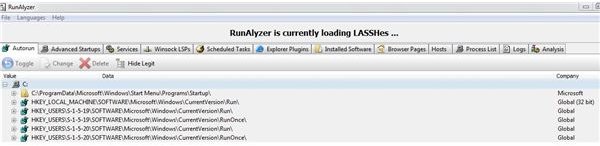
The Autorun and Startup tab, you can easily see what programs are starting in the startup group and in your registry. RunAlyzer allows you to see each of these programs and allows you to delete any files that appear to be malicious. The program allows you to uncheck any programs that you want to check out without deleting the information.
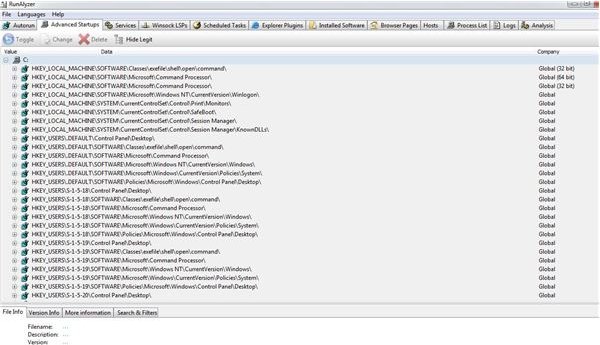


The advanced startup tab isn’t for the novice user. Information under this tab shows registry entries from programs that are starting up during a system start.
The services tab shows windows services including those that may be hidden outside of the administrative tools services. This control allows you to see any services and programs that may be starting up without your knowledge.
Winsock LSP shows the registry keys that are bound in the registry. If your computer fails to get on the internet because of a corrupt winsock, this information shows keys and programs associated with the winsock properties. This tab can be confusing for a less than expert user. With malware, the best solution for a corrupt winsock is a program such as WinsockFixXP. The aforesaid program deletes the winsock and recreates any keys needed for a repair.
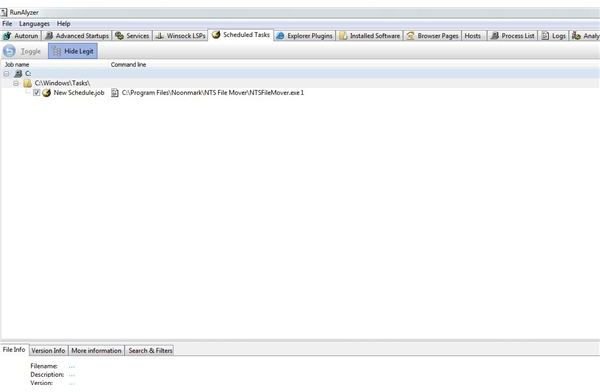
The scheduled tasks allows you to see information about programs that are scheduled to run.
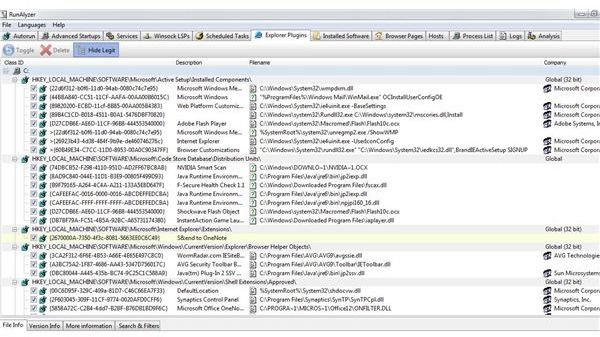
Explorer Plugins information can be seen under the Explorer Plugins tab. This information shows all registry entries about any program that runs with explorer. Often programs can load with explorer corrupting the shell. Amazingly information about all information associated with explorer is loaded creating a list of programs that interact with it. Novice users may have to look at the description and research information about the program if the program loaded isn’t described very well.
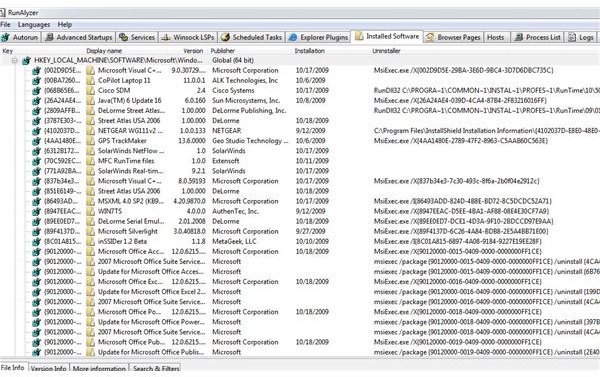
The installed software allows you to see software that has been installed. With this tab, information can be obtained about software that may have been installed without you knowing. Malware today can install malicious software without you knowing.
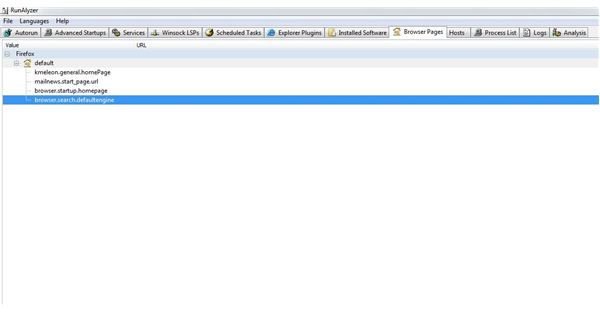
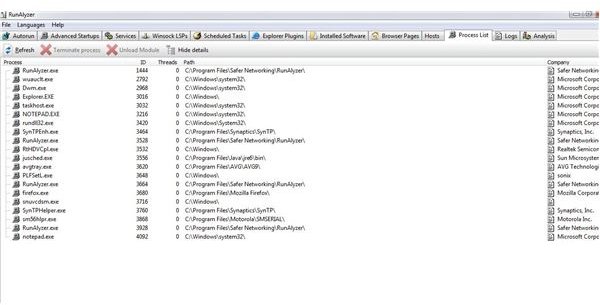
With the Browser Pages, Host file and Process list tab, information can be obtained on processes or changed hosts file without your knowledge.
With all of these options, Windows Vista and Windows 7 must have elevated privileges to make changes. Windows XP gives permission to make changes. As with any program, you must be very careful when deleting or modifying any information.
Value and Price (3 out of 5)
Rated as Average, the value is truly a five star program but the use of this program for a novice user gives it an average of three stars. Beginners should avoid this program; however, experts will love this program. The last updates for this product shows information only until 2007. The project information appears to have post as far back as 2008 but the program could prove to be invaluable for advanced and expert users. Offered as freeware, you can download RunAlyzer at Safer Networking.


