FortiClient has released FortiClient Endpoint Security Suite to all – whether you are a home, small business and large business. Find out what FortiClient Endpoint Security has to offer.
Introduction
The free version of FortiClient Endpoint Security includes antivirus, firewall, web filter, SSL and IPSec VPN clients, WAN Optimization, Intrusion Prevention and Endpoint Application Detection. It’s a security suite that some people might want to use but there’s no anti-spam protection in the free edition. Check this article to learn if it’s what you need.
System Requirements and Installation (5 out of 5)
Windows 7, Vista, XP, Windows Server 2008 and 2003 and Windows 2000 is the OS supported by FortiClient. The installation process is straight-forward and what is cool is there is no reboot requirement to start using the program and protecting the system. The installer let you customize the installation - to install all of the components that the suite is offering or just install it as firewall, antivirus and others. After installation, the program will check for updates then you can proceed to review the settings and make necessary changes according to your liking.
Options and User Interface (5 out of 5)
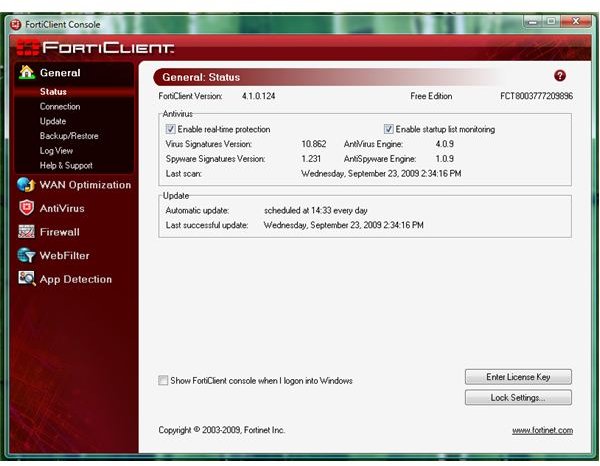
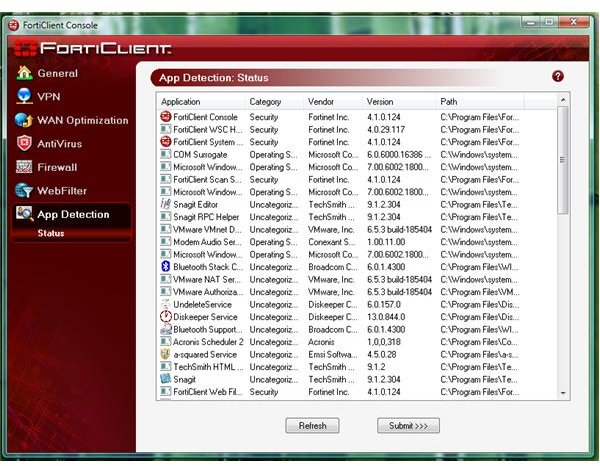
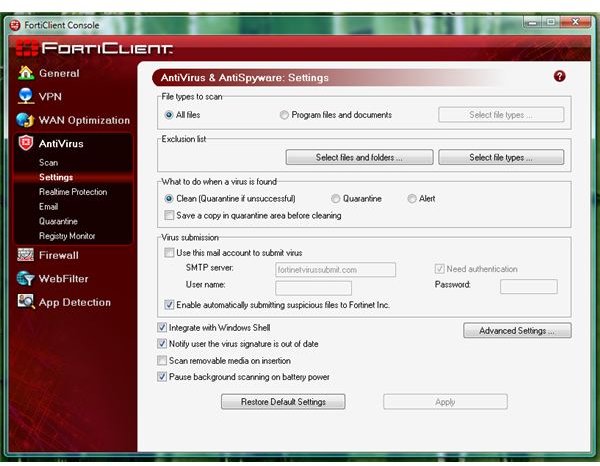
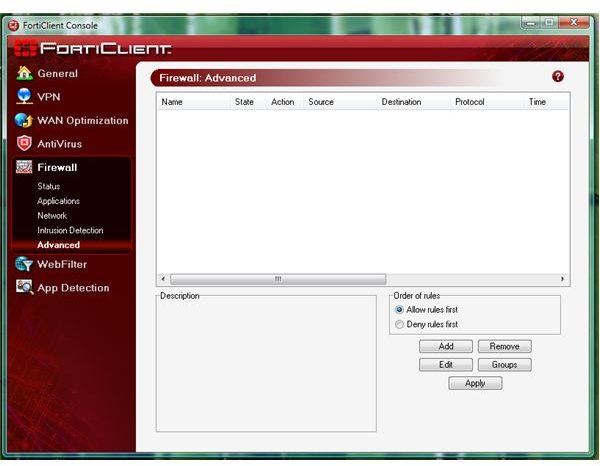
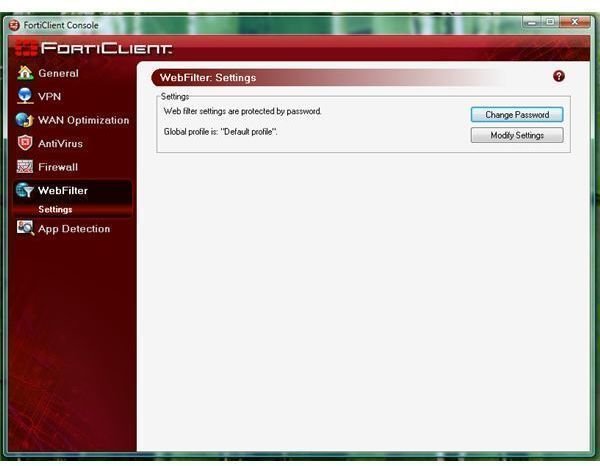
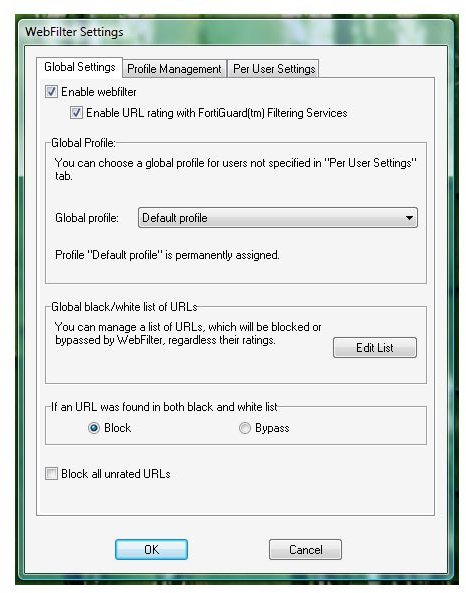
The UI of FortiClient will not let you scroll much because it’s neat and simple. The sidebar in its UI is where you can access each setting, status or other options for each component that you installed. Below are the available and default settings and options in FortiClient:
Default Settings and Available Options
Performance (3 out of 5)
I let FortiClient to scan using its default settings and it only uses 11MB of memory. When it’s idle, it is using 4MB only. However, I’m not impressed with its heuristic detection (note this option in its antivirus is disabled by default) because when I re-scan the system with heuristic enabled, it detected 11 items - some are suspicious to FortiClient while others are possible threat: WinPatrol, TrojanHunter, A-squared Anti-Malware, SUPERAntiSpyware, Task Catcher and patch installer files by Microsoft was found to be suspicious while Vispa is a possible threat. I will not recommend using their heuristic detection unless you will change the setting to quarantine the file before it will do anything to what it will detect.
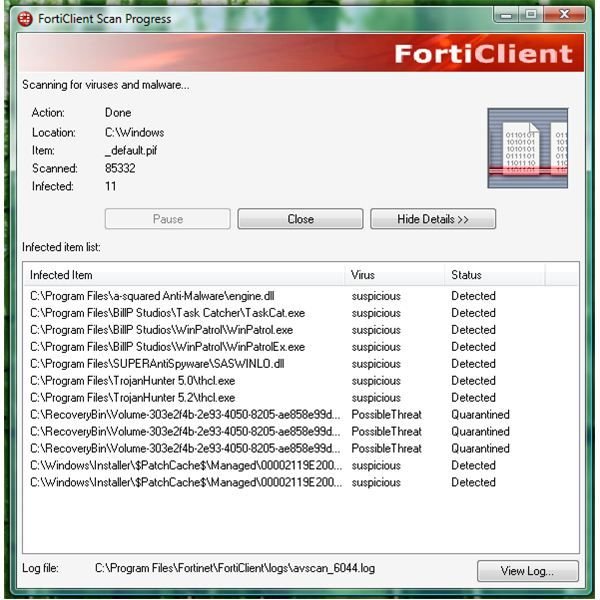
It’s easy to report False Positive to FortiClient via the scan result window. It’s becoming common to see false positive but a fast fix to such report should be done fast and let’s hope it will be fixed by them soon.
The firewall in FortiClient is rule-based which is useful and should be what administrators at home, office and business will enjoy. It’s quick to detect any attempt to use local and internet network connections and will prompt you to allow or not the request. The default setting of its firewall is to always ask but you can change its policy: to deny or pass all.
Price to Value (5 out of 5)
Free to everyone (not only for personal use!)
Conclusion
FortiClient is easy to use and manage. Recommended if you plan to have SSL and IPSec VPN security that is not offered by other free anti-malware vendors. If that feature does not apply to you, try other free anti-malware or free security suite.


