Network Security Protector is an excellent network-based software that helps administrators and network savvy home users protect and secure their networked computers. This software offers over 600 restrictions, apply permissions, patches and dozens of other features.
Network Security Protector
Network Security Protector by Ixis Research, Ltd. provides centralized management of network security across any size network. The server controlled software allows clients with the client software to be updated and protected remotely. This software offers over 600 restrictions, apply permissions, patches and dozens of other features.
Installation of Network Security Protector (5 out of 5)
Installing Network Security Protector requires reading the readme file. As a seasoned network analyst, I found the installation easy to understand and knew how to separate the files. With the separation of the server and client files, this software gets five stars. However other installation packages that provide a client and server installation have one setup file and you select if the software is being installed on a client or server computer. Often if you are installing other applications similiar to Network Security Protector, you can easily get confused and accidentally install the server on a client or the client software on the server. Because of the separation of files, this step is easier.
With three main files in the installation, the server.exe and gui.exe are installed on the server and the client.exe is installed on other workstations on your network.
Installation Files

Server Installation
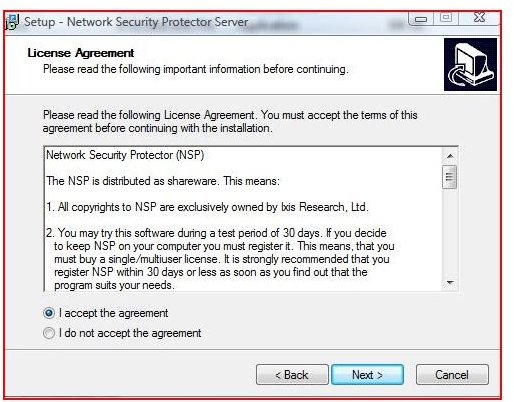

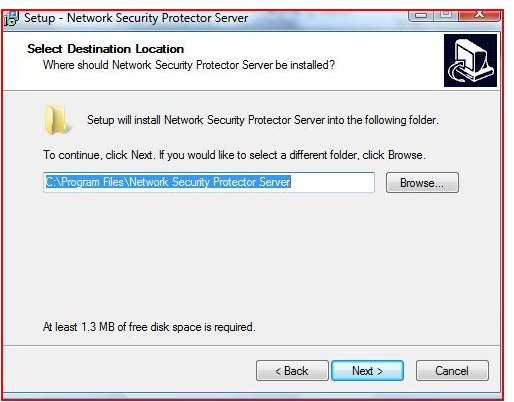

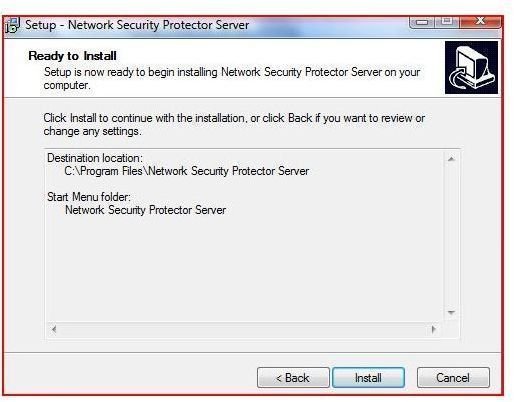
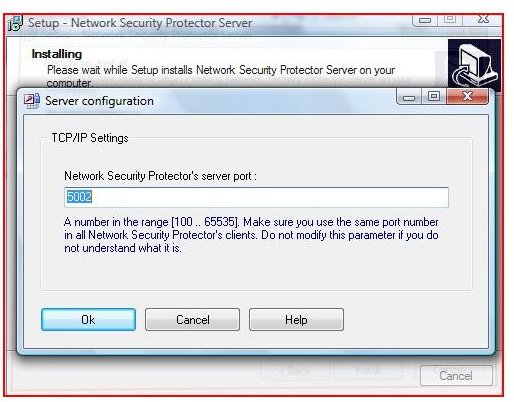
Server Installation
The Network Security Protector server installation is straight forward. By double clicking on the server.exe file, the installation walks through setp by step and installs both a service that starts with Windows and the control that is required to secure the client computers. One of the most important decisions is setting the port number that allows communications with the server. If you don’t understand ports, leave the port number at its default of 5002.
After installing the server portion of the software, the GUI.exe installs the interface that allows you to control the security of each workstation.
Installation on Client Computers
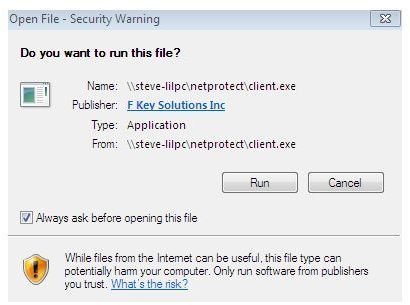
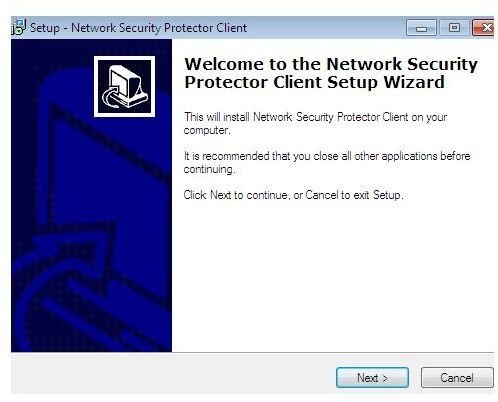
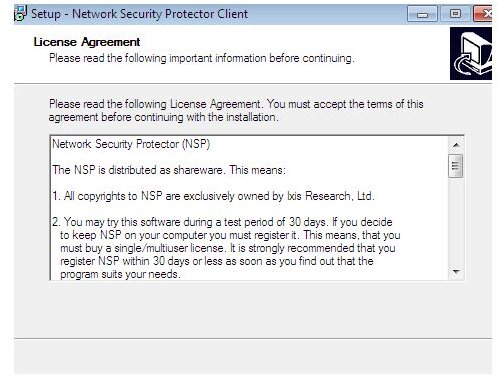
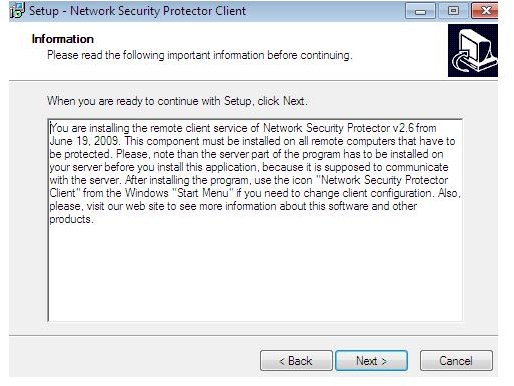
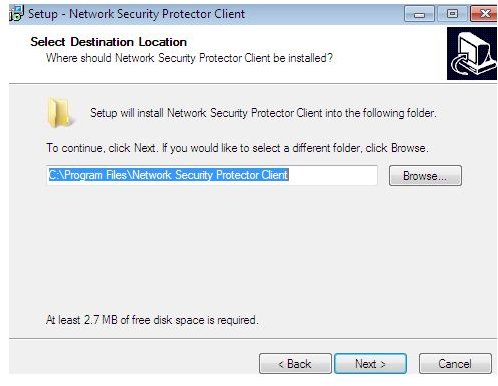
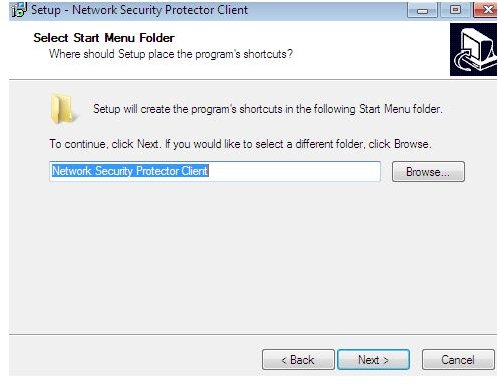
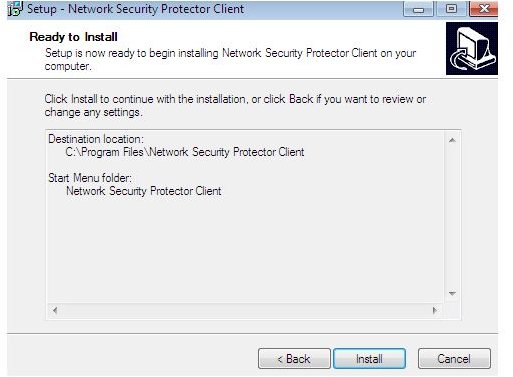
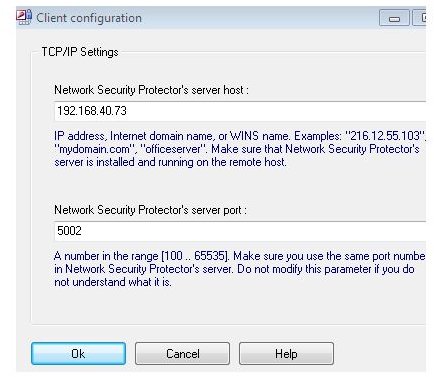
The client.exe file is used to install the software on all computers in your network. The installation is easy and fast. It is important to match the port number (default 5002) with the server. You must also retrieve the server’s ip address. This allows the computers to ’talk’. Once this step is complete, the server will now automatically find the computer. Once the computer is found, you can set the policies you would like to enforce. Once you click apply, the settings take place within moments.
Features (5 out of 5)
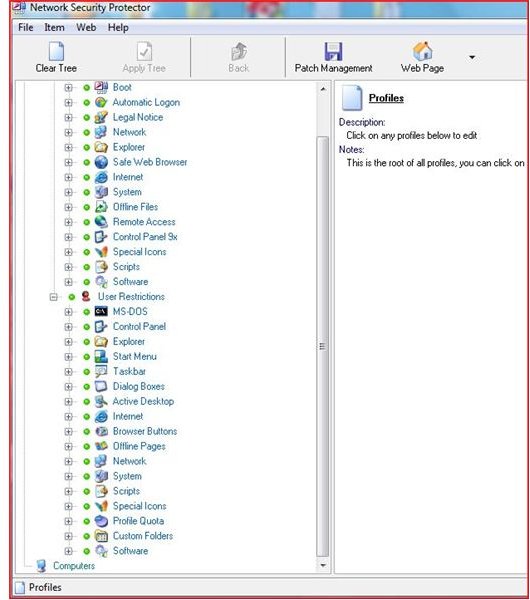
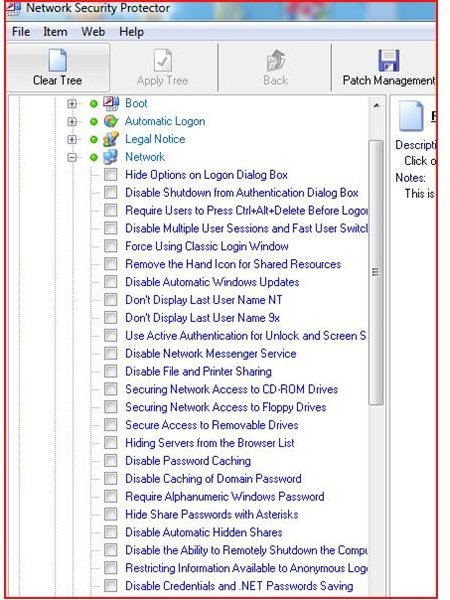
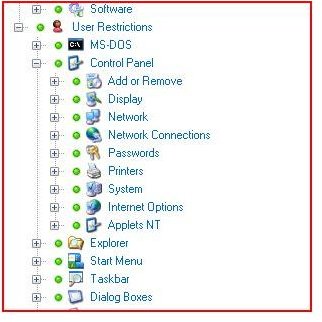
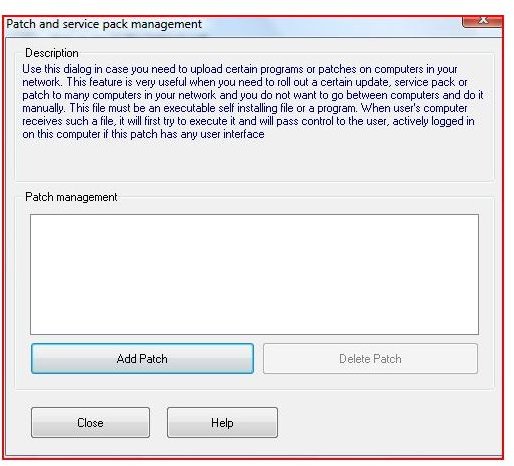
The 600+ features included with the server are an excellent compilation of security features needed to truly lock down a computer across a network. With the ability to deliver patches and control permissions well beyond the network. With more than a dozen categories to select from, the administrator of any network can lock down the computers as necessary. These features allow for every aspect of computer security to be secured.
Price and Value (3 out of 5)
At $59.00, Network Security Protector is priced fairly for a single license. Discounts and site license are available. The value of being able to update computers on any network from one location is priceless. With the number of configurations that can be tweaked and enabled / disabled, Network Security Protector is well worth the investment for small, medium and especially large networks.
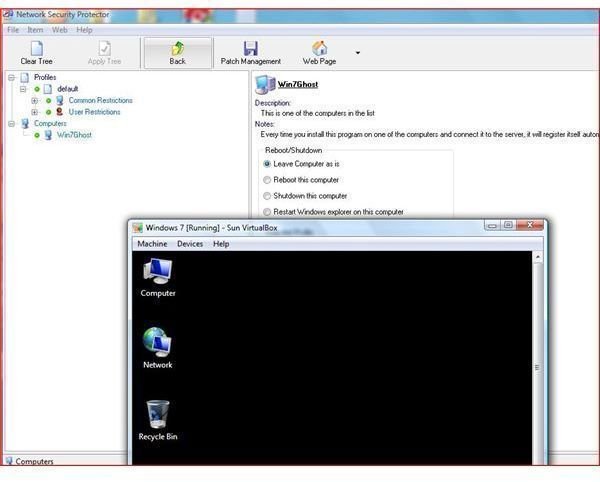
The above pictures show control of a Virtualbox guest computer on a host computer. Network Security Protector was tested on Microsoft Windows Vista and Microsoft Windows 7. The Software is an excellent choice for not only managing computers on a network but it is an excellent management utility for virtual environments.


