Windows Live OneCare offers backup capabilities along with networking and firewall control and is an all inclusive Anti-Virus, Anti-Phishing, Anti-Malware and file protection security suite. Live OneCare combines security features along with maintenance options to help keep your computer secure.
Installation and Performance (3 out of 5)
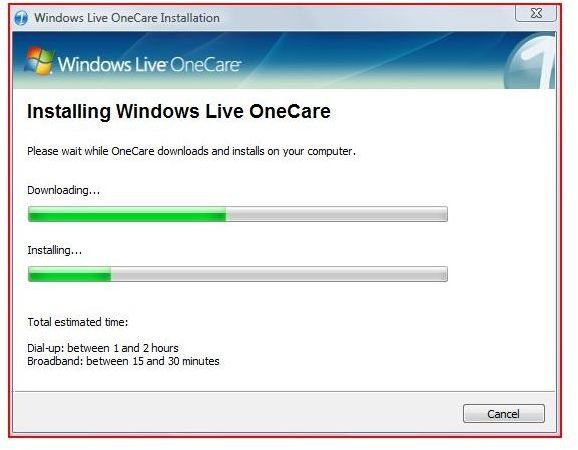
Windows Live OneCare is Microsoft’s solution for a security suite that scans for malicious software, provides firewall protection and backs up your critical data. This test was on a HP Pavilion Laptop, dual core with 3 GB of RAM. Installation was started by initially downloading an installation file that when initialized downloaded the remaining updates for Windows Live OneCare.
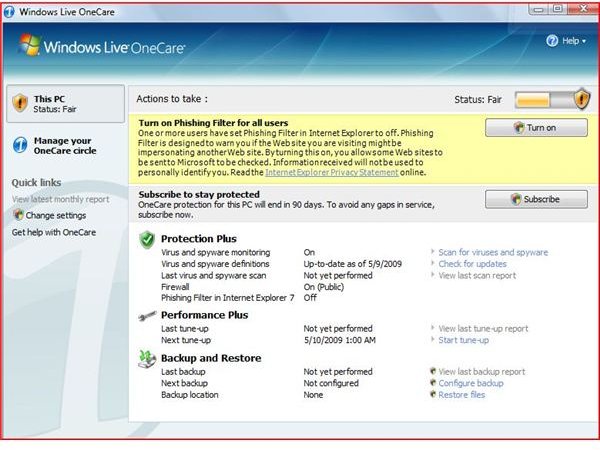
Windows Live OneCare is an all inclusive Anti-Virus, Anti-Phishing, Anti-Malware and file protection security suite. Windows Live OneCare offers backup capabilities along with networking and firewall control that helps to protect your computer. Much better in 2009, Windows Live OneCare now uses less resources (in this test). The application starts with a basic menu that is easy to navigate and is designed for the novice user. With a color coded status in the top right corner, Windows Live OneCare visually notifies the user of their current protection status.
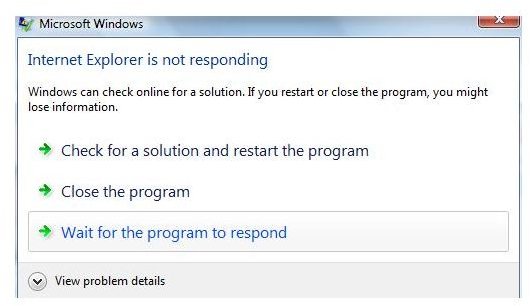
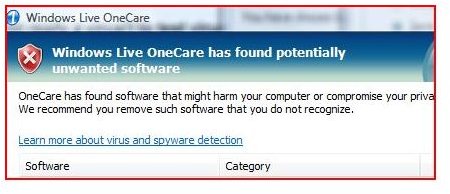
When tested against test viruses, Windows Live OnceCare found 96% of the viruses tested. With a test virus in a double zipped file, Windows Live OneCare failed to find the virus. In a world where viruses are created or modified daily, this can fall short of what most users want. After the initial installation, Internet Explorer seemed to hesitate more and actually locked up after the installation. Once Windows Live OneCare was uninstalled, the hesitation and lockups stopped. A reinstallation seemed to create the same errors. After the installation, I reset Internet Explorer and the problems stopped. This anomaly could be from this particular computer. Having experience in the computer field, all computers are different and performance results on anti-virus software is based on programs running and applications installed.
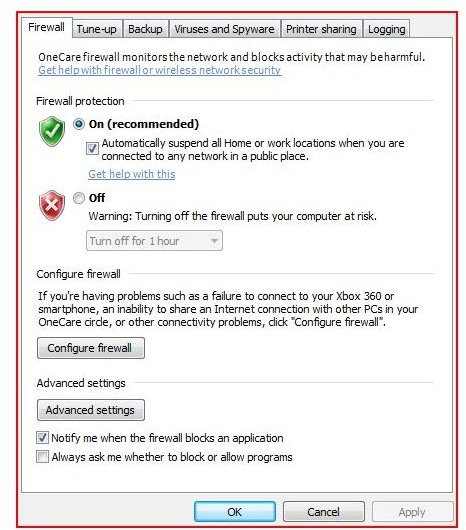
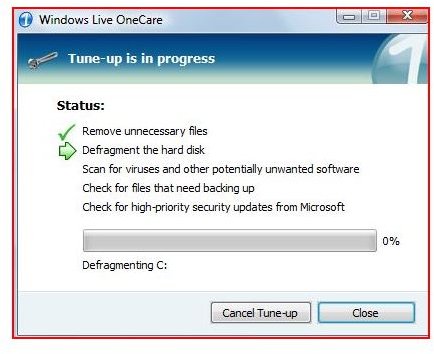
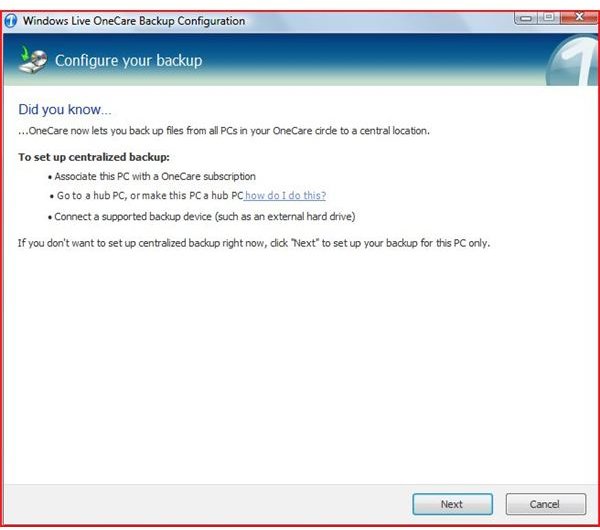
Although the menu lacks a sophisticated look, the menu gives options for backing up or recovering, PC Tuneup (see pics) and the option to scan for viruses. Under the configuration settings, a tabbed window gives shortcuts to each individual area for direct control of the aforesaid items. This gives the user a convenient overview of the protection areas.
OneCare Installation and Configuration


Price and Value (3 out of 5)
Windows Live OneCare supports up to three computers. The licensing provides protection for approximately one year at a cost of $49.95. A family with three computers may find this price fair at a little over $16 per computer. Users without the knowledge to clean, defrag, backup and perform security scans, this may be an ideal application. With backups built into Microsoft Windows and the ability to secure your computer through other freeware and built in features of Microsoft Windows, a single license seems a little expensive and lacking in features for the experienced user. With support in forum, chat and phone format, Windows Live OneCare offers many different methods to resolve any issues you may have. All in all, this protection suite is rated as average.


