Is your system secure with updates, firewalls and anti-virus products alone? Home users should also use system cleaners to delete temporary files and information in order to be secure. Comodo System Cleaner can help. Read on to find out more in this detailed review of Comodo System Cleaner.
Why System Cleaners Help Protect Your System Security
Cleaning your system’s registry, temporary files and hard disks not only makes your computer’s performance better, it can increase your system’s security. Because home users surf the internet on a daily basis and average more than 15 hours each week online; temporary files from websites are downloaded to their hard drives. Temporary files are downloaded to assist computers when reloading websites. These files are loaded from the hard drive when a website is revisited to assist in speeding up the webpage loading. Often malware and spyware are loaded from malicious websites into these temporary files causing the system to be infected when they are downloaded or when the system comes across these files.
Keeping your system clean is an important fundamental step in protecting your computer. Your privacy on a computer can lead a malicious user to not only where you surf on the internet but to secure sites that may still contain some of your critical information.
Comodo System Cleaner
Comodo System Cleaner is an excellent computer cleaner that keeps your computer running fast, secure and clean. Used in conjunction with defragmentation utilities, safe surfing habits, proper program installation and removal, Comodo is ideal for the home or business user. This software works on Windows 2000, XP, Vista, and Windows Server 2003.
Installation (5 out of 5)
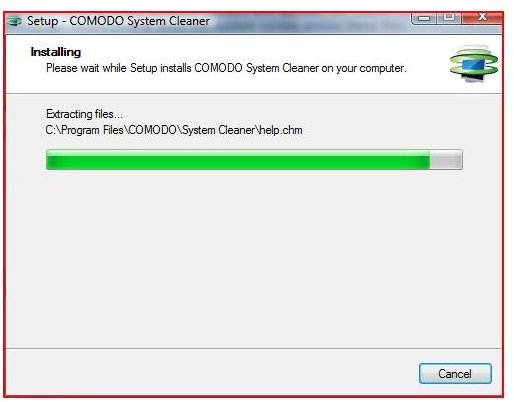
Installation of Comodo System Cleaner is easy and fast. This typical setup doesn’t require any special configuration or skill. Designed for the typical home user yet powerful enough for professionals, this software receives five stars for installation. It couldn’t be easier. With the ability to be portable (installed on a USB drive), this software can be used without truly installing it - making it an ideal tool for mobile techs! At less than 6mb (32 installed), this system cleaner will not bloat your computer and is available in 32 bit and 64 bit.
Performance and Features (5 out of 5)
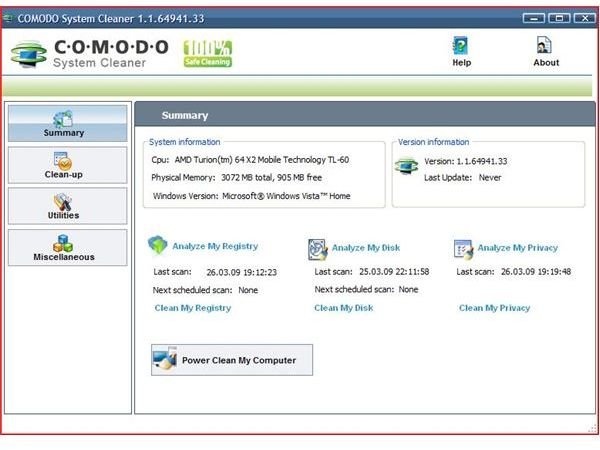
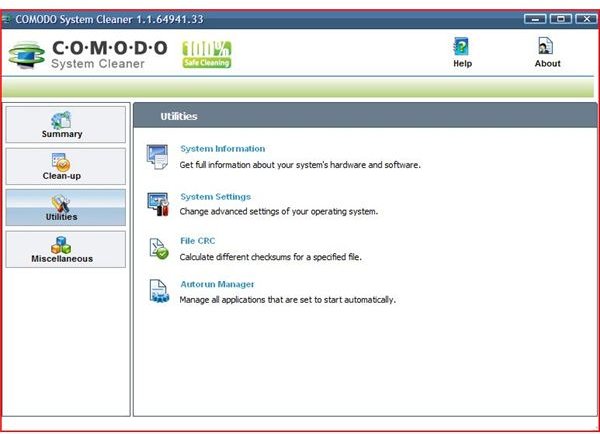
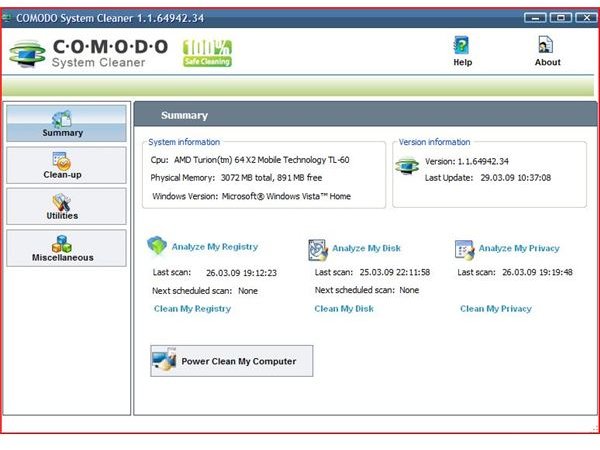
Comodo is known for excellent software. The performance of Comodo System Cleaner is to be commended. Loaded with features to clean the system registry, hard drive and privacy; Comodo System Cleaner provides a well rounded professional program that truly works.
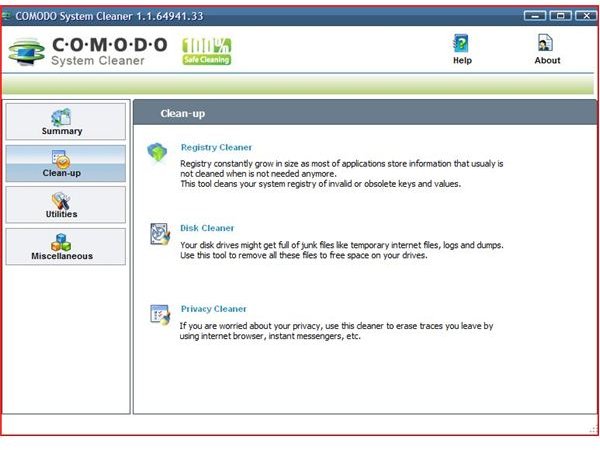
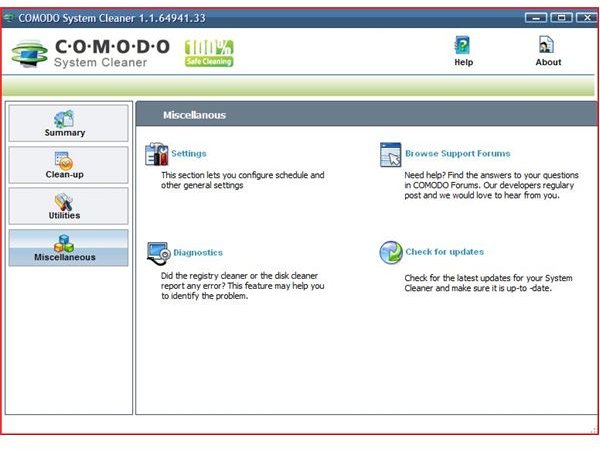
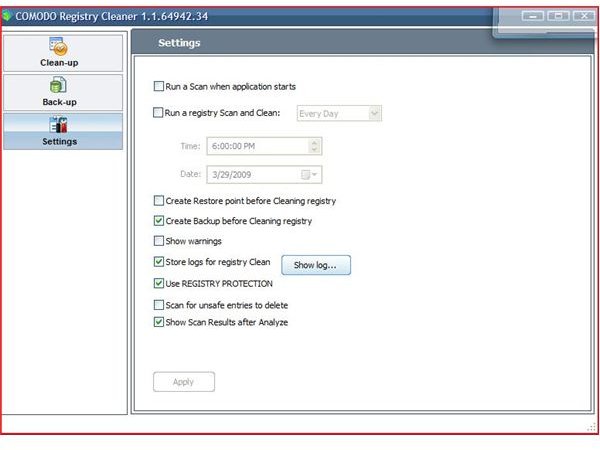
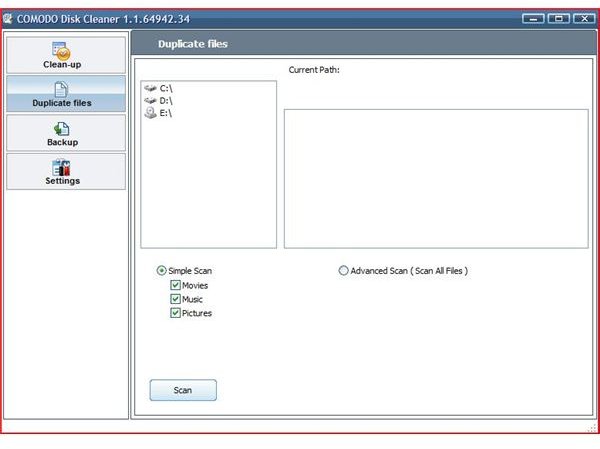
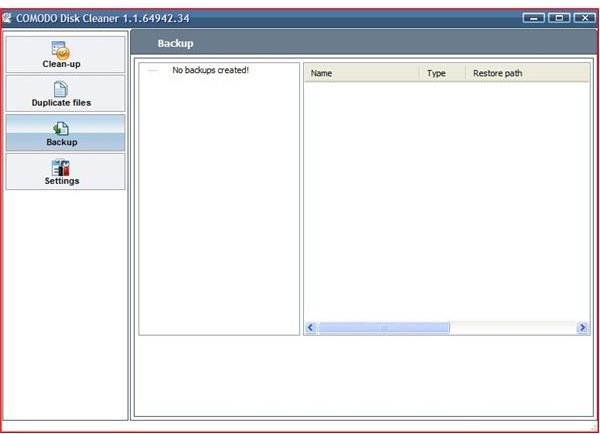
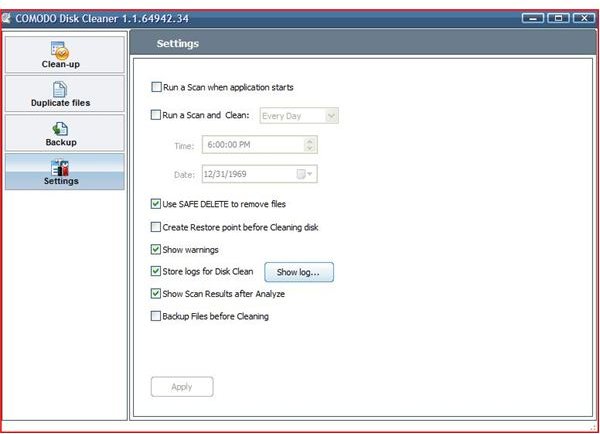
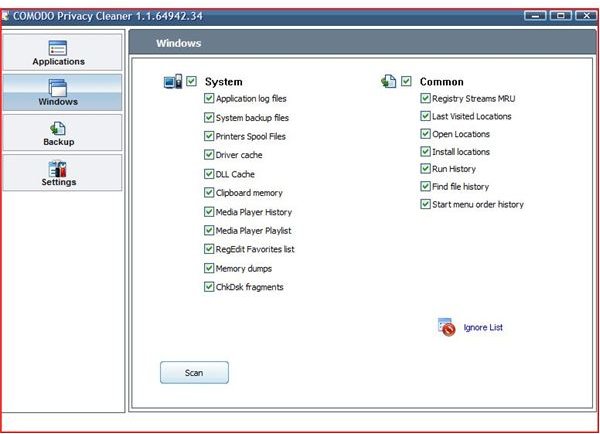
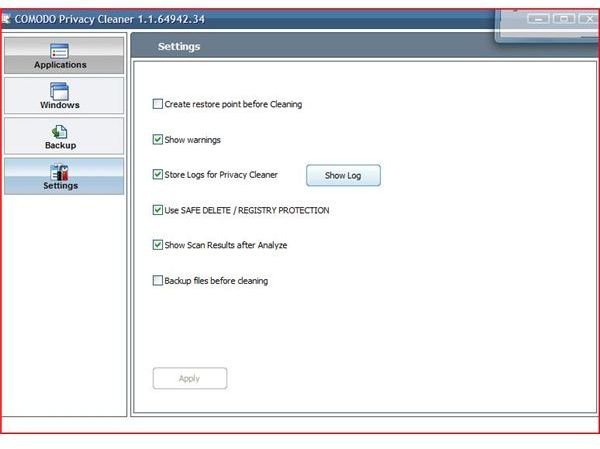
All of the areas (registry, hard drive and privacy) advise you to perform a safe backup (part of the problem). Comodo keeps the information and settings before the delete and holds the settings allow you to Finalize or Restore after the reboot. With settings and backup information in each of the primary three areas of this cleaner, users can customize ‘how’ the program behaves.
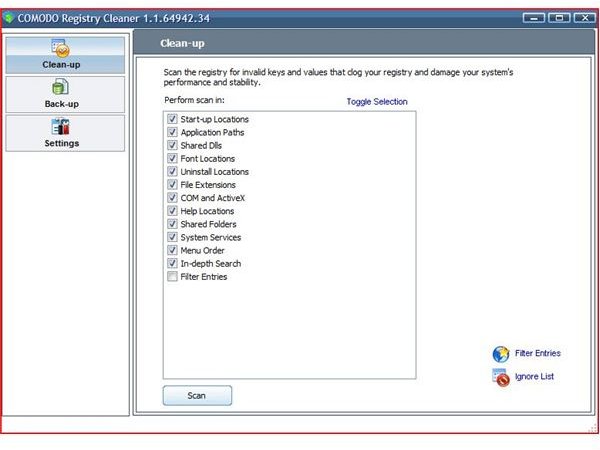
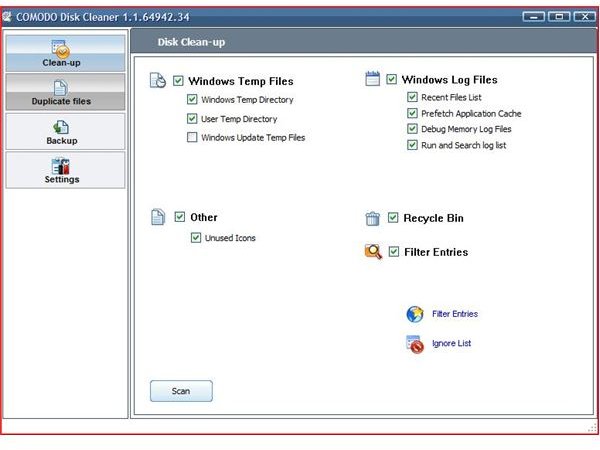
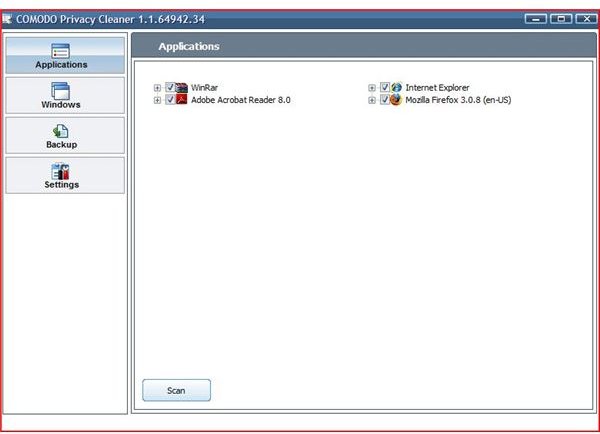
The Registry cleaner is one of the most robust cleaners available. Comodos registry cleaner searchs the registry comparing the information to installed programs and installation errors and finds problems fast. The disk cleaner and privacy cleaner searches for all programs that may have left temporary information (some secure information may be left behind in these areas) and deletes the information quickly and efficiently.
With settings that allows for in-depth searching and backing up of your critical data, Comodo provides a secure and easy to use interface cleaning faster than competing software.
Features
Conclusion
In conclusion, surfing the web or using your computer leaves traces of your usage of programs and the internet. These can reveal information about you or your files. Touting to be 100% reliable and safe to use Comodo System Cleaner is an important part of system maintenance and security.
Be sure to check out our reviews of other Comodo products including Comodo Internet Security and Comodo BOClean .
More Reviews!
Would you like to read more reviews? Look around Bright Hub and you’ll find reviews of numerous other leading security solutions including jv16 PowerTools , CCleaner , Norton Internet Security , Kaspersky Internet Security , ESET Smart Security , McAfee Total Protection , Blink Professional and ZoneAlarm Internet Security Suite .


