It’s getting more and more important to protect sensitive files on mobile drives, USB flash drives and external hard drives. You hear the news stories of social security number’s stolen after a person finds a computer that was trashed. With Folder Castle this is history.
Ease Of Installation (5 out of 5)
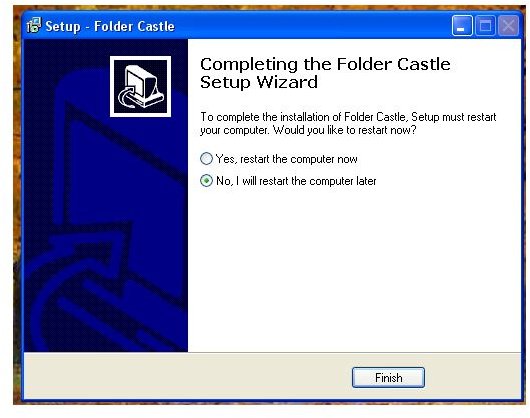
So easy my 11 year old daughter installed it for me. Took her a few minutes to follow the wizard and set it up. Restart the computer and Folder Castle is ready for use.
Ease Of Use (5 out of 5)
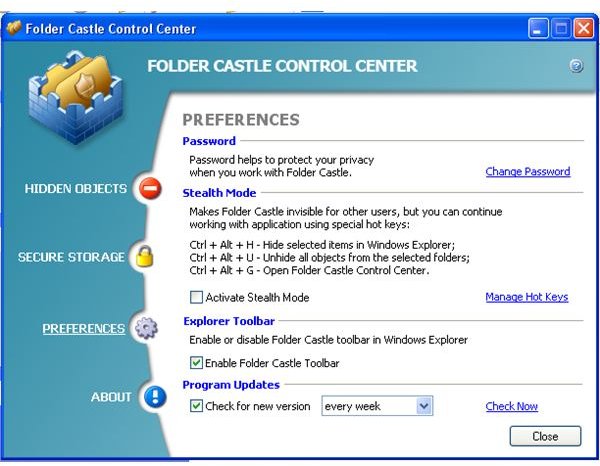
Folder Castle is extremely easy to configure and use. When hiding files and folders. All you have to do is right click the file or folder you want to hide then click hide menu option, put in your password and the object is hidden. Or you can use the toolbar that is now in your explorer window.
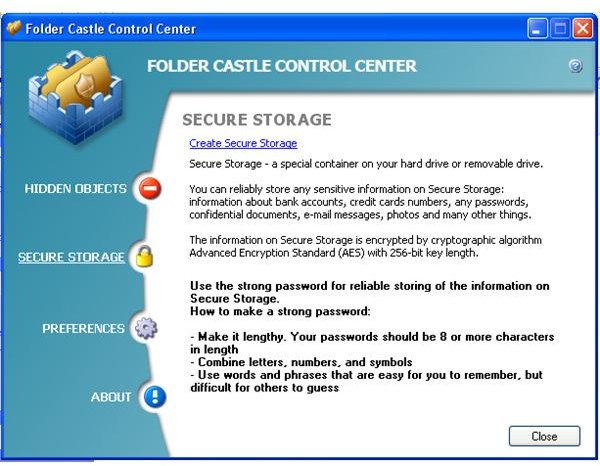
The encryption Folder Castle uses is AES with a key length of 256-bit. This is used to encrypt partitions.
The Folder Castle Control Center holds all settings and is equally easy to use. You will find three important options in the Control Center.
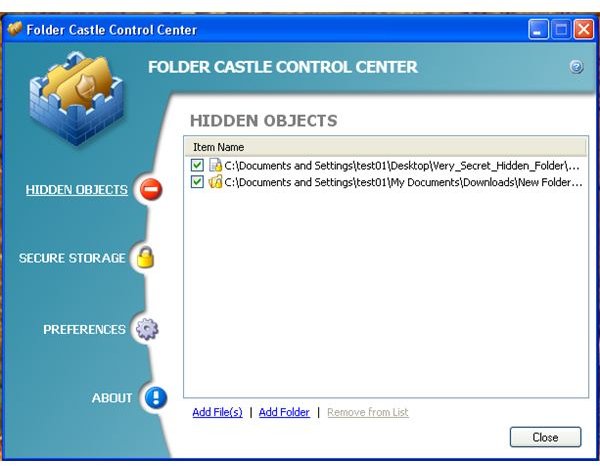
Hidden Objects
This is where you will find the list of hidden folders and files. Also you can add and remove items out of the list.
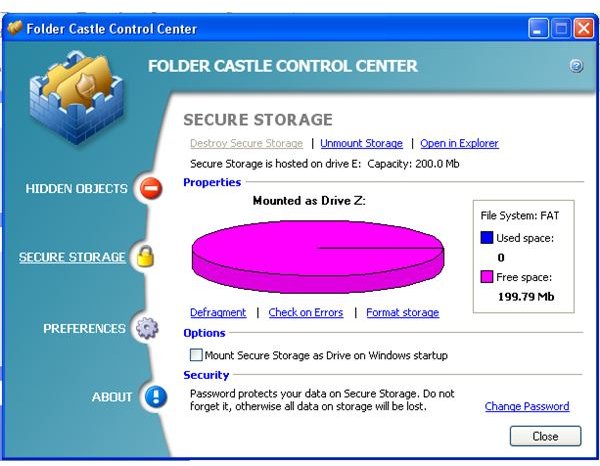
Secure Storage
You can encrypt the partition’s of the hard drive and USB flash drives here.
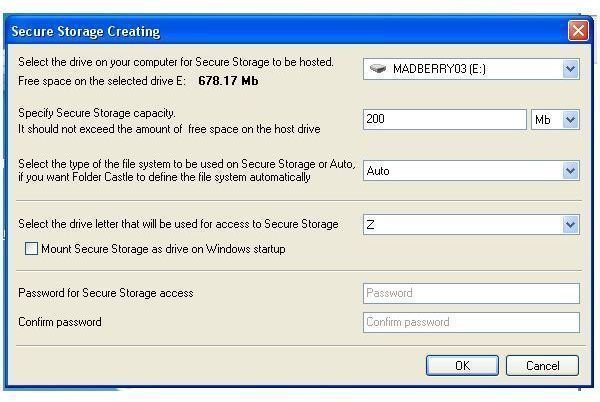
This is easy to do like everything else as soon as you hit the Create Secure Storage link. A window pops-up and the view settings have to be put in.
- Select the drive.
- Specify how much space of the drive to use.
- Select the file system type. Auto will work in most situations
- Select the drive letter.
- You can choose to mount the drive on Windows boot. This is not an option you should use when configuring a USB flash drive.
- Finally secure the partition with a password.
Secure Storage Images
So How Does Folder Castle Compare to Truecrypt? (4 out of 5)
In comparison Truecrypt to Folder Castle is a great choice if you don’t have a lot of computer knowledge. Truecrypt has it’s advantages, the software is free. But is much more suited for the experienced user, it’s a little harder to configure.
There is really only one thing I don’t like about Folder Castle. Is I have to install Folder Castle on every computer that I am going to plug the USB flash Drive or external hard drive into. Truecrypt is stand alone on one of my external hard drives. I have a big hidden Truecrypt partition and a smaller partition that holds every flavor of Truecrypt, Mac Osx, Linux and Windows. I’m also able to use a stand alone .exe file from that partition. Then I can access my bigger Truecrypt partition, without installing Truecrypt on the computer I’m using.
Conclusion (5 out of 5)
Folder Castle is great for any body in need of an easy way to protect a file, folder or entire hard drive. I am convinced that anyone could use this even if you don’t have computer knowledge. As I said before my 11 year old daughter installed Folder Castle. Just now, with out giving her any information about Folder Castle, I made her create a text file and asked her to hide it. She went to the right click menu and hid the file she created. That is how easy it is to protect your sensitive data with Folder Castle.


