Find out why Windows Action Center is not the same as Windows Security Center in XP and Vista. Read this article on what is Windows Action Center and how it will benefit end-users of Windows 7.
Overview
Windows Action Center is a new feature in Windows 7 operating system that will not act as your security status notifier which Windows Security Center offers in the earlier edition of Windows but a utility for Security Checklist. Read more on how you can use Windows Action Center and what it is for.
Features in Using Windows Action Center
Ever heard or use To Do List software or any software that will scan or monitor the system for any important patches? If so, Windows Action Center (WAC) is offering similar feature - Your Security Checklist utility in Windows 7. This component in Windows 7 is a replacement of Windows Security Center providing the following features:
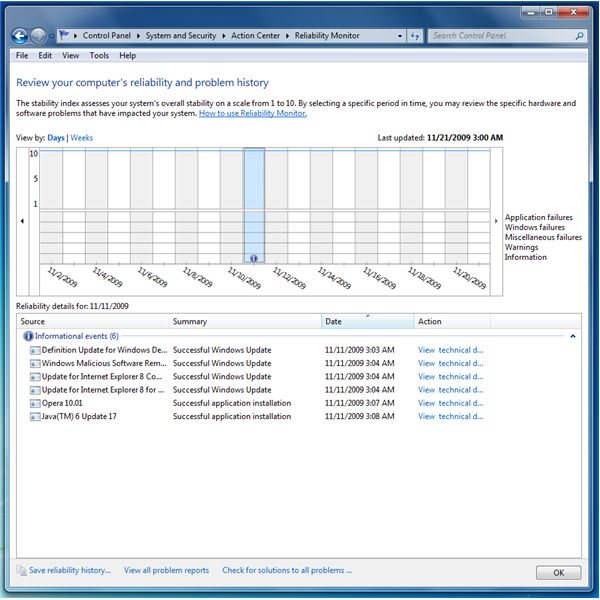
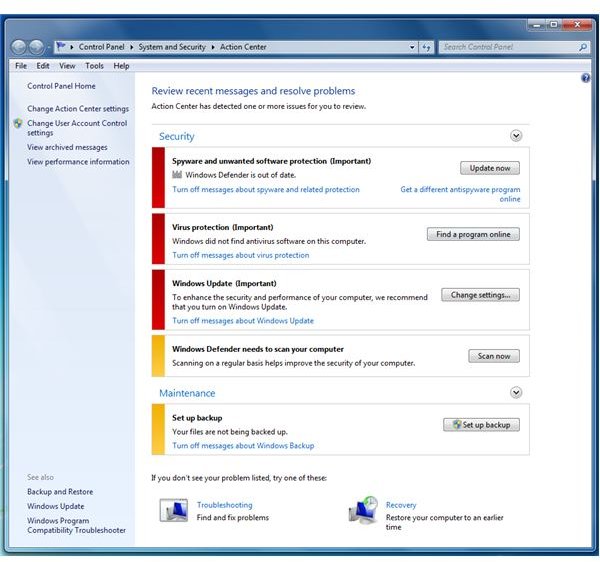
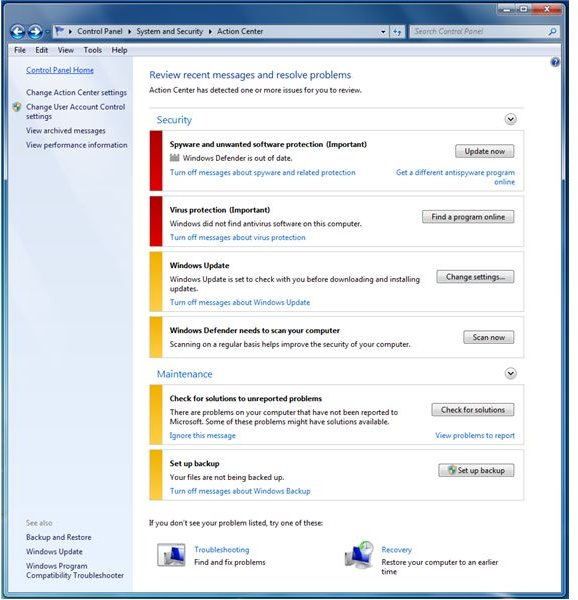
- A centralized location to manage important tasks in securing and maintaining Windows - consider WAC as “To Do Manager” to attain a smooth operation of Windows and to be confident in using Windows. WAC serves as hub for messages related to security and maintenance of Windows and your starting point to address issues found in Windows.
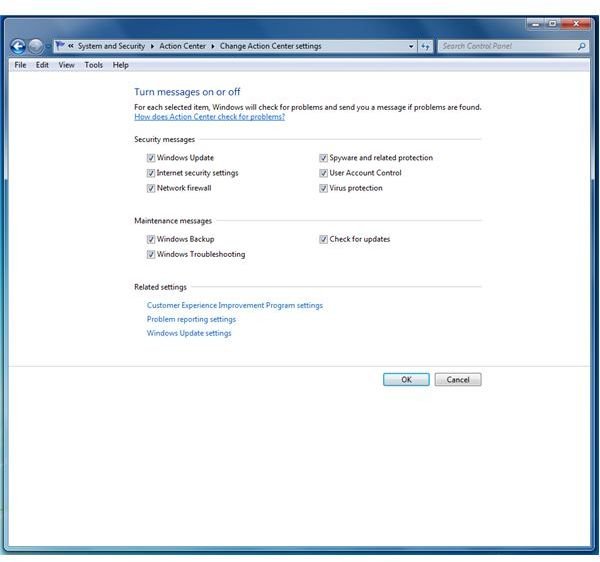
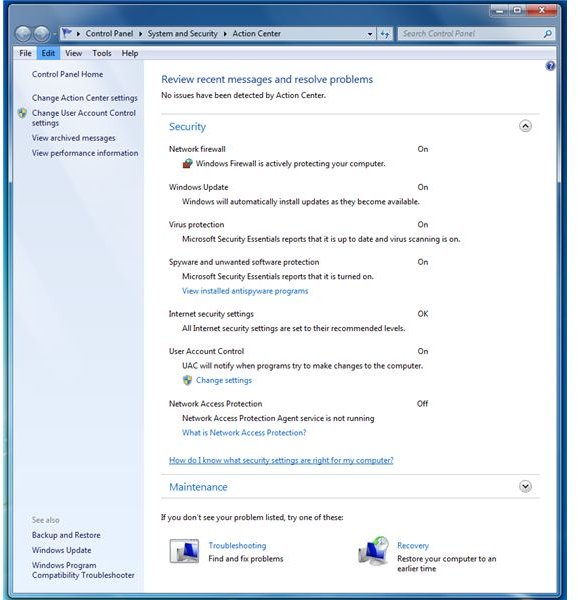
- Monitor the status of important security tools, task and settings - Windows Update, Network Firewall, User Account Control, Protection by Anti-Malware and Anti-Spyware and Internet Security Settings.
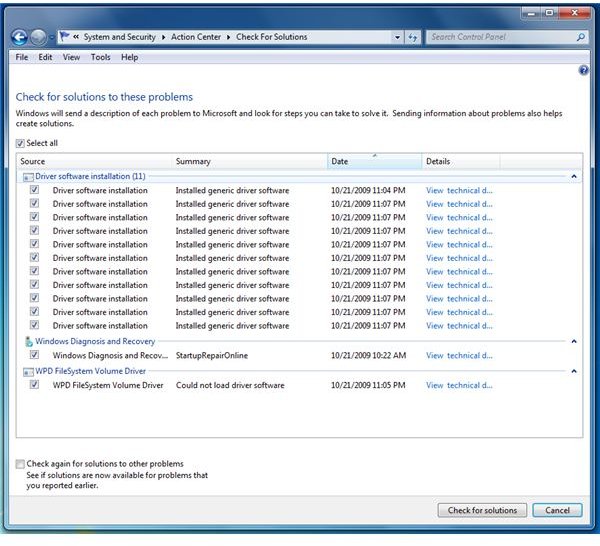
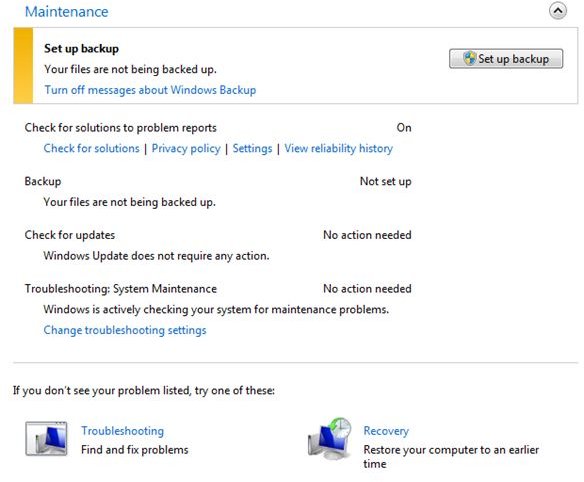
- Monitor the status of important maintenance tools, task and settings - Troubleshooting Windows, Windows Backup and Checking for Updates.
How to Use Windows Action Center?
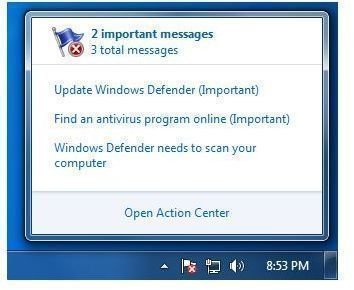
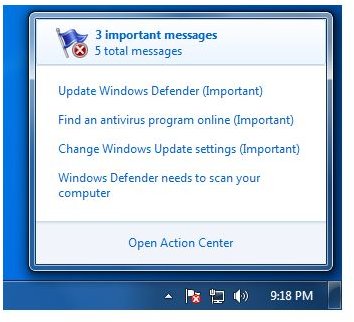
If you want to know the status of the security tools and health of Windows 7, open WAC by clicking its icon or hover your mouse in WAC icon. The sample image at the left shows many important messages to attend and you should use WAC by attending to it before using Windows.
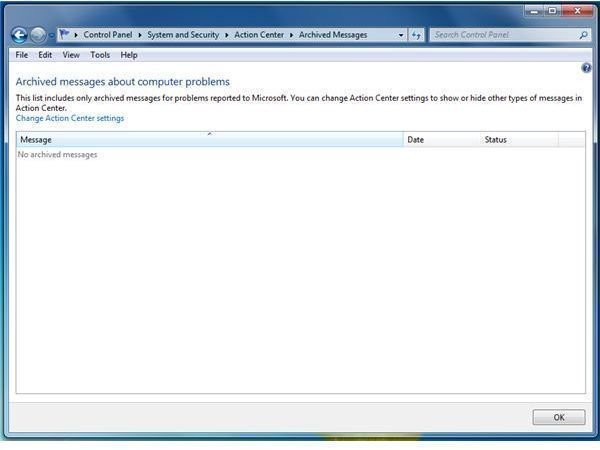
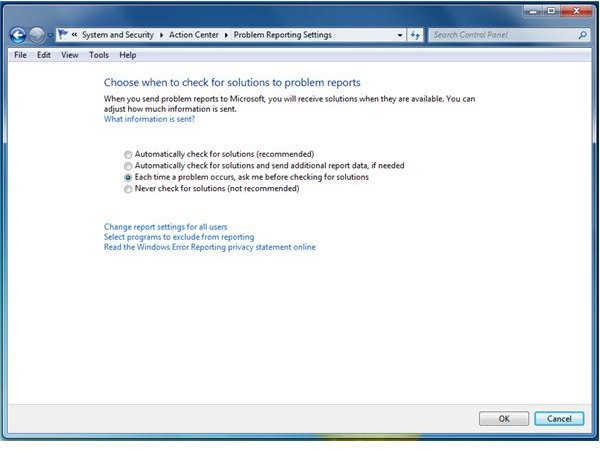
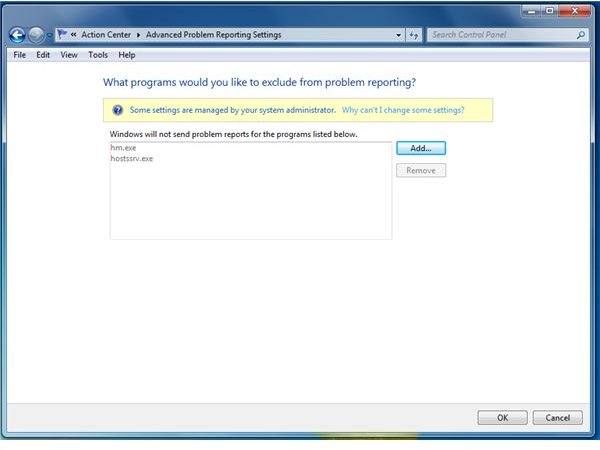
You can change the settings of Windows Action Center using these options:
You can disable which items that WAC should report but it’s not recommended to disable any of these unless you won’t forget or you are sure that the Task Scheduler in Windows is running fine and if a third party program is monitoring its status properly.
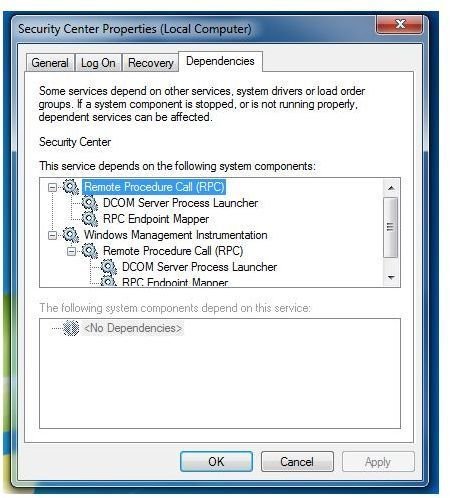
Windows Action Center runs as a service and it is depending on RPC and WMI services in Windows. If any of this service is not running, WAC will not work. Third-party programs can report its status to Windows Action Center.
Images
Benefits in Using Windows Action Center
If you will take advantage of this feature or component in Windows 7, you are likely one of the end-users that know what is important tasks before start using Windows. Windows Action Center helps by pointing us what are the things we should attend or address so Windows is protected and will run smooth.
Windows Action Center may not be anything you need but it’s a starting point on what you need to do or verify.


