
Looking for a way to scan your network and inventory your hardware? SoftPerfect Network Scanner offers a free and easy way to scan your network. This amazing network scanner doesn’t need to be installed yet it offers dozens of features.
SoftPerfect Network Scanner
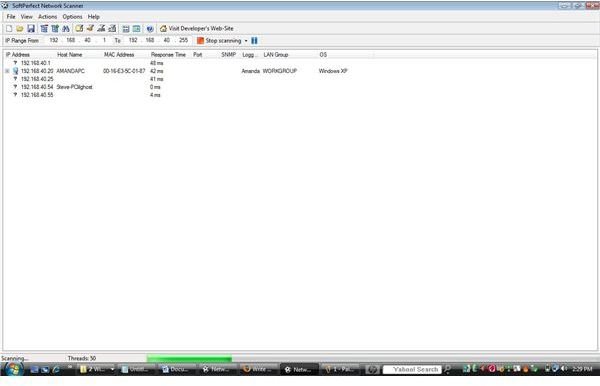
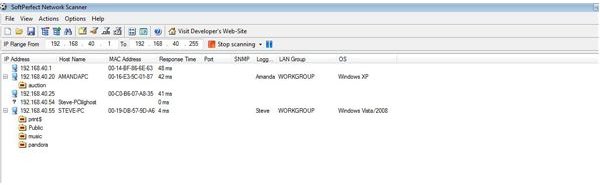
SoftPerfect Network Scanner uses a user friendly interface that uses multi-threaded IP (ICMP), NetBios and SNMP to scan your network. This software which requires no installation; not only scan your computers using ICMP (Ping) but listens to TCP ports. The software displays resources that are shared on the network whether the shares are system or hidden.
This software is intended for the system administrator and has dozens of features. The software allows you to use the shared folders or browse using Microsoft’s Windows Explorer.
With the capibility to check user - defined ports, SoftPerfect Network Scanner reports back to the software user and reports if the port is open. When using the program and examining your computers, SoftPerfect Network Scanner allows you to filter your search results.
Scanning Example
Features
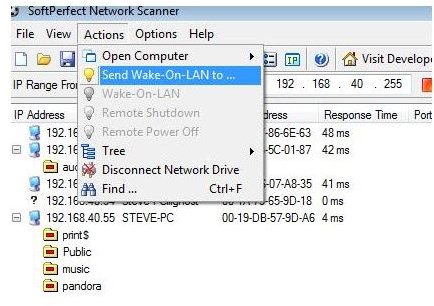
The many features include the ability to remotely shutdown computers across your network. With Wake-On-Lan features built in, SoftPerfect Network Scanner ‘wakes’ computers to perform an inventory if necessary.
SoftPerfect Network Scanner pings network computers sending an ICMP echo request, does not require administrative privileges, detects hidden shares as well as administrative shares, resolves the MAC address of network cards, retrieves logged on users, supports Wake On Lan, remote shutdown services and detects internal and external IP addresses.
With an extensive reporting system, your network report can be exported in XML, HTML, CSV or to a text file (TXT).
This software not only scans your internal network but can check external computers. Because there is no installation necessary, the utility can be saved to your jumpdrive for a quick and detailed look at networks you are performing maintenance on.
Options
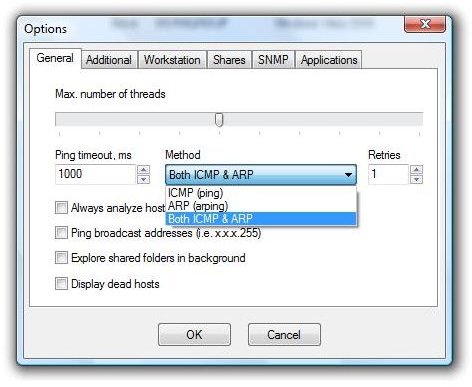
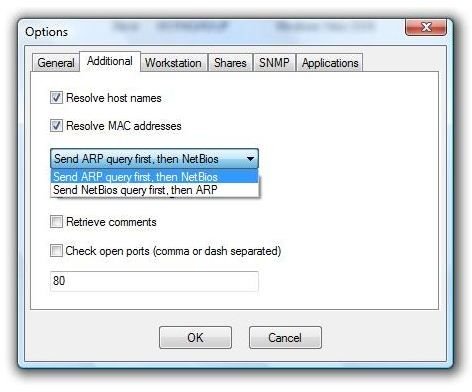
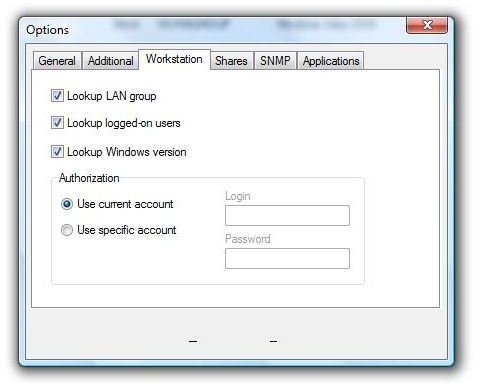
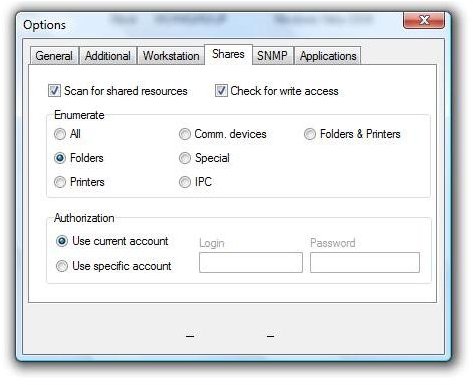
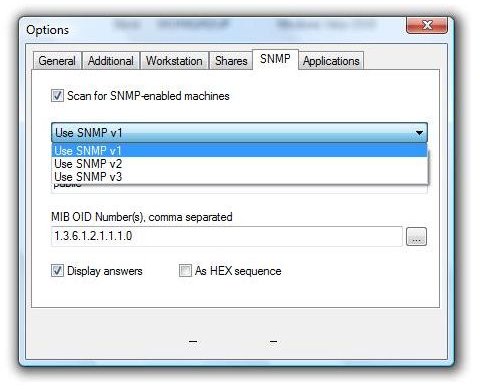
Features / Options
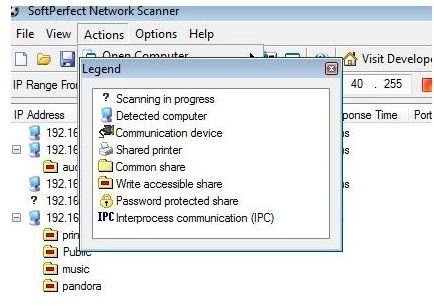
Loaded with options, you can define SNMP Version 1, 2, or 3 to scan SNMP devices on your network. Offering a rich array of options such as different forms of detection, Wake On LAN and full folder scan to include administrative shares and hidden shares; this scanner software is perfect for network security. Because auditing your network is of the utmost importance, SoftPerfect Network Scanner offers these options as seen in the above pictures to ensure every device on your network is detected.
Conclusion
This software is an excellent substitute for expensive software in today’s economic times. The software is easy on resources using very little memory, CPU and harddrive space. Softperfect’s Network Scanner is absolutely free with no nagging pop-ups and no malware or spyware.
For more information, visit Softperfect.
More Reviews!
Would you like to read more reviews? Look around Bright Hub and you’ll find reviews of numerous other leading security solutions including SpamTitan , GFI MailEssentials , Atek Secure Password Organizer , GFI LANguard , Norton Internet Security , Panda Internet Security , ESET Smart Security , McAfee Site Advisor , Norman Internet Security Suite and Undelete .


