Have you tried OpenOffice? It is a great program and a good free alternative to Microsoft Office. Here’s my problem with OpenOffice, it seems to work better on Windows than Mac. Since I only use a Mac, that creates a problem. NeoOffice only runs on the Mac, which makes it a better choice for me.
OpenOffice Featues
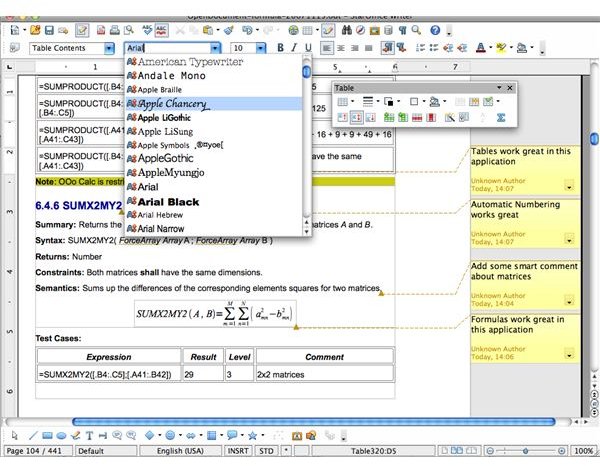
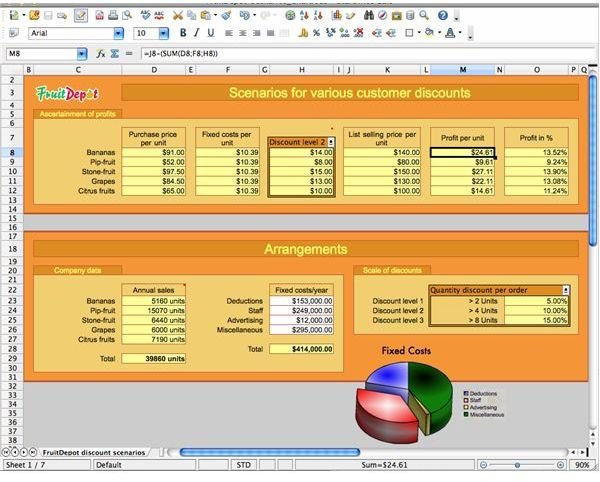
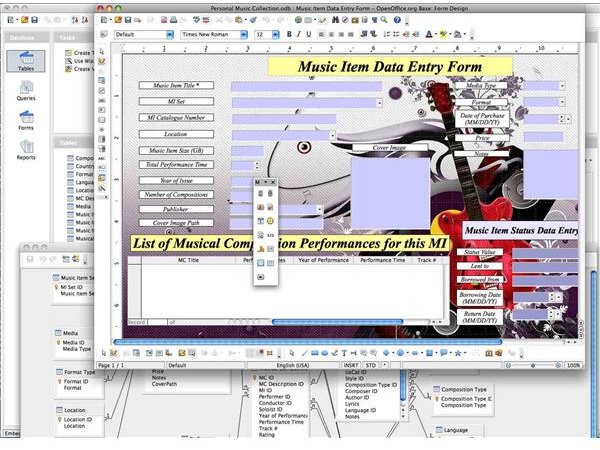
Let’s take a look at OpenOffice. It is a great choice for Windows users who want a free office suite or simply do not wish to use Microsoft Office. It runs very well on Windows and is much faster than MS Office. The Mac version however isn’t quite as fast, in fact, it is downright slow at times, which is frustrating. So here’s my pros and cons list.
Pros:
• Completely free - that’s always an appealing feature!
• Saves and opens Microsoft Office files - it is completely compatible
Cons:
• Slow to open - this was my biggest gripe with OpenOffice
• Feels clunky - it always felt like it struggled to open and do certain tasks
• Not originally created for the Mac environment - I think this is the real problem, the Windows version is much faster
I really wanted to like OpenOffice, but it simply didn’t fit my needs very well. A pet peeve of mine is to attempt to open a program and have to wait for it to open.
OpenOffice


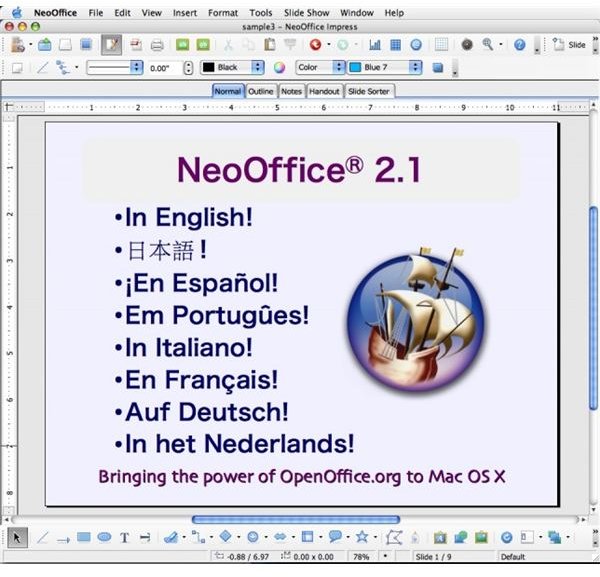
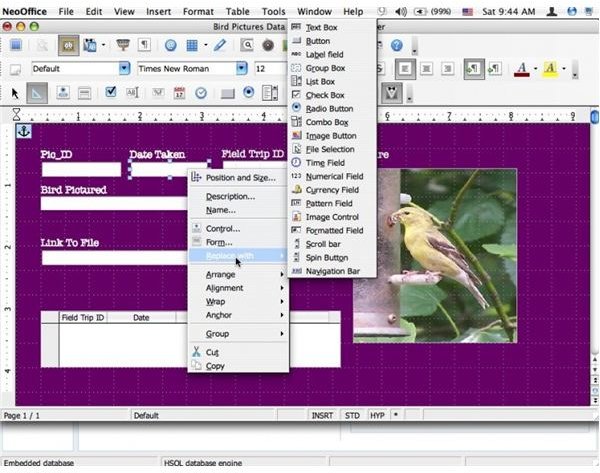
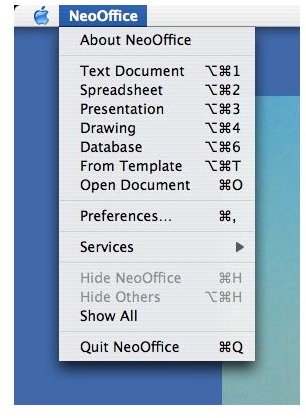
NeoOffice Features
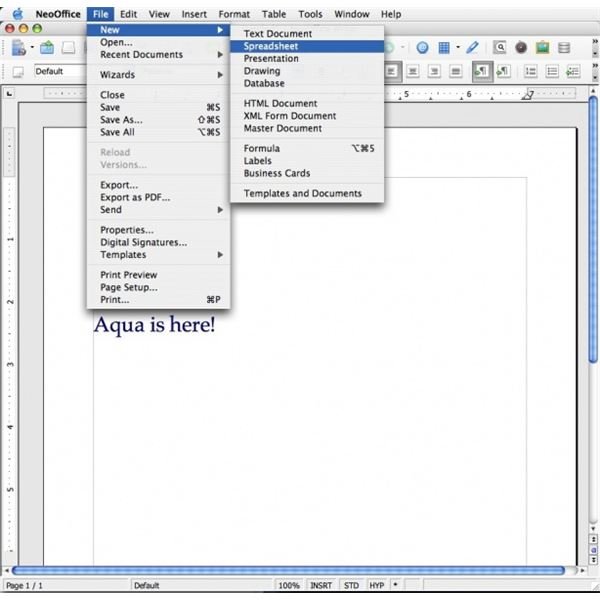
After being frustrated with OpenOffice, I found NeoOffice and honestly expected it to be just like OpenOffice since it has almost exactly the same features. I was pleasantly surprised as NeoOffice was much faster, which was the first thing I noticed. It seemed like it was a Mac application rather than one that was adapted for the Mac, like Microsoft Office. I used it for several days and found it to work very well and I never had any problems with crashes or delays in opening. All the things I loved about OpenOffice on Windows, I found in NeoOffice for Mac.
So let’s look at the pros and cons of NeoOffice.
Pros:
• Fast – when you need it to open a document, it does so very quickly with no “warming” time
• Free – who doesn’t like this feature?
• Developed and Maintained for Mac – I liked this because I know everything will work as it should
• Just like OpenOffice but a better option for the Mac - so it opens and saves MS Office files and is completely compatible
• Did I mention it was fast? – Can you tell this is my favorite feature?
Cons:
• If you’re used to iWork or MS Office, NeoOffice will take some getting use to, but the learning curve is a snap, especially if you are familiar with other office suites
There are not many things I dislike about NeOffice, I think it is a super program and one I intend to use regularly.
NeoOffice

Final Thoughts
If you are currently using OpenOffice, I encourage you to give NeoOffice a try. There is zero learning curve moving from OpenOffice to NeoOffice because everything is the same, with exception of NeoOffice running smoother on a Mac.
If you haven’t tried either and need an office suite, I recommend NeoOffice for the Mac environment.
You can download NeoOffice here: https://www.neooffice.org/neojava/en/download.php#download
OpenOffice for Mac can be found here: https://porting.openoffice.org/mac/screenshots/index.html


